

2
Modeling in STELLA
Matthias Ruth and James Lindholm
The sea never changes and its works, for all
The talk of men , are wrapped in mystery.
Joseph Conrad, from Typhoon
In this chapter you will:
• Learn the basic iconographic features of STELLA;
• Develop a dynamic single-species model and explore its results;
• Learn how STELLA solves model equations;
• Become sensitized to various sources of model errors; and
• Receive a set of guidelines for the development of dynamic models .
2.1. Basic Population Model
To begin our exploration of modeling with STELLA we first develop a basic
model of the dynamics of a population-let's say of humpback whales
(Megaptera nouaeangliae) . In building the model, we will utilize all four of
the graphical tools for programming in STELLA. The CD has a demo of the
software . The appendix also describes how to install the STELLA software
and models of the book. Follow these instructions before you proceed.
After installation, open the STELLA software . On the screen appears a window within which you can develop your model. If you instead wish to
open an already existing model , you need to close the new model that you
have created upon opening STELLA. Go to the "File" pull-down menu, select "Close Model," then select "Open Model" and navigate to the model of
your choice.
On opening STELLA you will be faced with the Diagram layer, the layer
in which development of the model itself is done. By clicking on the
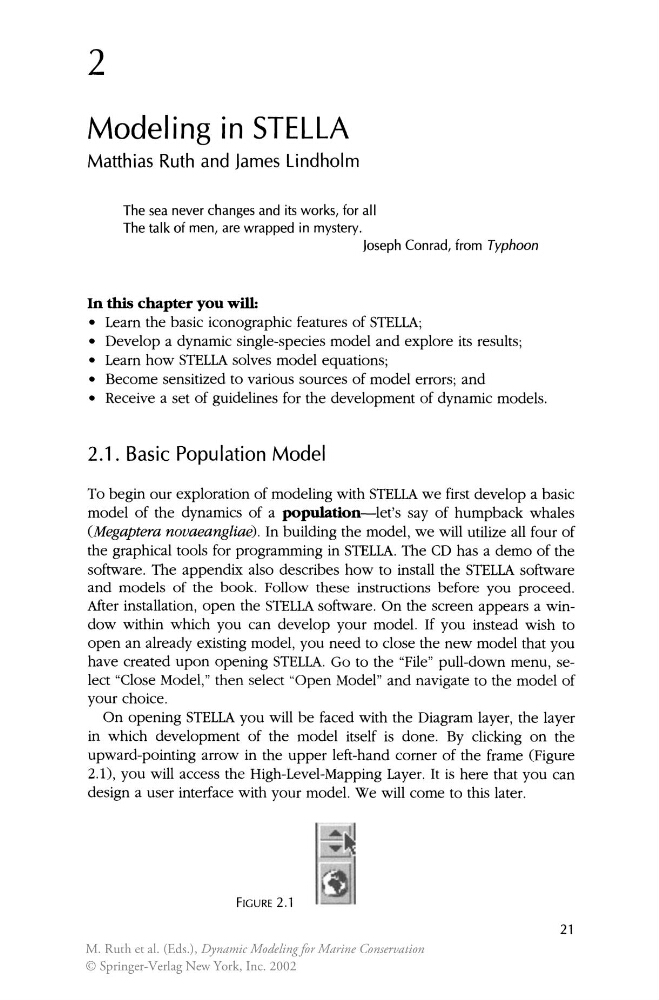
upward-pointing arrow in the upper left-hand comer of the frame (Figure
2.1), you will access the High-Level-Mapping Layer. It is here that you can
design a user interface with your model. We will come to this later.
FIGURE 2.1
21
M. Ruth et al. (Eds.), Dynamic Modeling for Marine Conservation
© Springer-Verlag New York, Inc. 2002
Modeling in STELLA
Matthias Ruth and James Lindholm
The sea never changes and its works, for all
The talk of men , are wrapped in mystery.
Joseph Conrad, from Typhoon
In this chapter you will:
• Learn the basic iconographic features of STELLA;
• Develop a dynamic single-species model and explore its results;
• Learn how STELLA solves model equations;
• Become sensitized to various sources of model errors; and
• Receive a set of guidelines for the development of dynamic models .
2.1. Basic Population Model
To begin our exploration of modeling with STELLA we first develop a basic
model of the dynamics of a population-let's say of humpback whales
(Megaptera nouaeangliae) . In building the model, we will utilize all four of
the graphical tools for programming in STELLA. The CD has a demo of the
software . The appendix also describes how to install the STELLA software
and models of the book. Follow these instructions before you proceed.
After installation, open the STELLA software . On the screen appears a window within which you can develop your model. If you instead wish to
open an already existing model , you need to close the new model that you
have created upon opening STELLA. Go to the "File" pull-down menu, select "Close Model," then select "Open Model" and navigate to the model of
your choice.
On opening STELLA you will be faced with the Diagram layer, the layer
in which development of the model itself is done. By clicking on the
upward-pointing arrow in the upper left-hand comer of the frame (Figure
2.1), you will access the High-Level-Mapping Layer. It is here that you can
design a user interface with your model. We will come to this later.
FIGURE 2.1
21
M. Ruth et al. (Eds.), Dynamic Modeling for Marine Conservation
© Springer-Verlag New York, Inc. 2002