

Enrichir les sprites : textures, défilement, transformation, animation
CHAPITRE 6
119
Échelle
Progressons encore dans l’intégration de nouvelles fonctions à notre classe Sprite en
nous occupant cette fois-ci de l’échelle. Cette fonctionnalité peut être utilisée, par exemple, pour redimensionner vos sprites en fonction de la résolution d’écran choisie par le
joueur.
Vector2 scale = Vector2.One;
public Vector2 Scale
{
get { return scale; }
set { scale = value; }
}
public Sprite(Vector2 position, Rectangle? sourceRectangle, Color color, float
➥rotation, Vector2 origin, Vector2 scale)
{
this.position = position;
this.sourceRectangle = sourceRectangle;
this.color = color;
this.rotation = rotation;
this.origin = origin;
this.scale = scale;
}
public void Draw(SpriteBatch spriteBatch)
{
spriteBatch.Draw(texture, position, sourceRectangle, color, rotation, origin,
➥scale, SpriteEffects.None, 0);
}
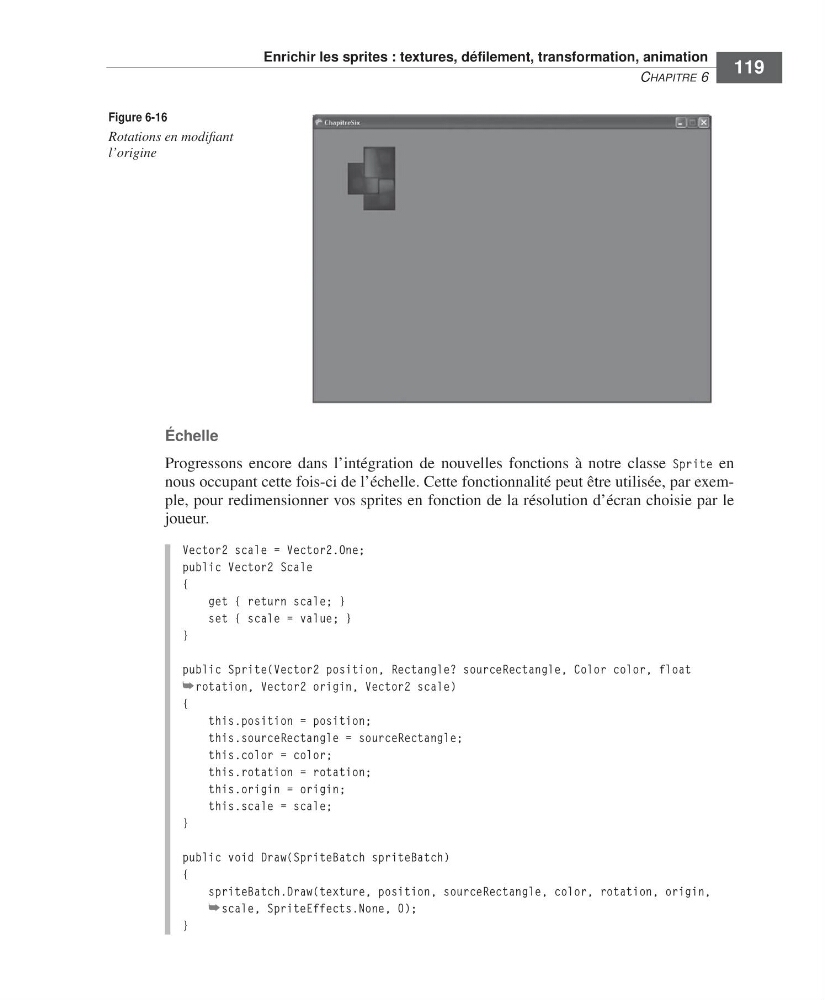
Figure 6-16
Rotations en modifiant
l’origine
=Labat FM.book Page 119 Vendredi, 19. juin 2009 4:01 16
CHAPITRE 6
119
Échelle
Progressons encore dans l’intégration de nouvelles fonctions à notre classe Sprite en
nous occupant cette fois-ci de l’échelle. Cette fonctionnalité peut être utilisée, par exemple, pour redimensionner vos sprites en fonction de la résolution d’écran choisie par le
joueur.
Vector2 scale = Vector2.One;
public Vector2 Scale
{
get { return scale; }
set { scale = value; }
}
public Sprite(Vector2 position, Rectangle? sourceRectangle, Color color, float
➥rotation, Vector2 origin, Vector2 scale)
{
this.position = position;
this.sourceRectangle = sourceRectangle;
this.color = color;
this.rotation = rotation;
this.origin = origin;
this.scale = scale;
}
public void Draw(SpriteBatch spriteBatch)
{
spriteBatch.Draw(texture, position, sourceRectangle, color, rotation, origin,
➥scale, SpriteEffects.None, 0);
}
Figure 6-16
Rotations en modifiant
l’origine
=Labat FM.book Page 119 Vendredi, 19. juin 2009 4:01 16