

Cas pratique : programmer un Pong
CHAPITRE 5
93
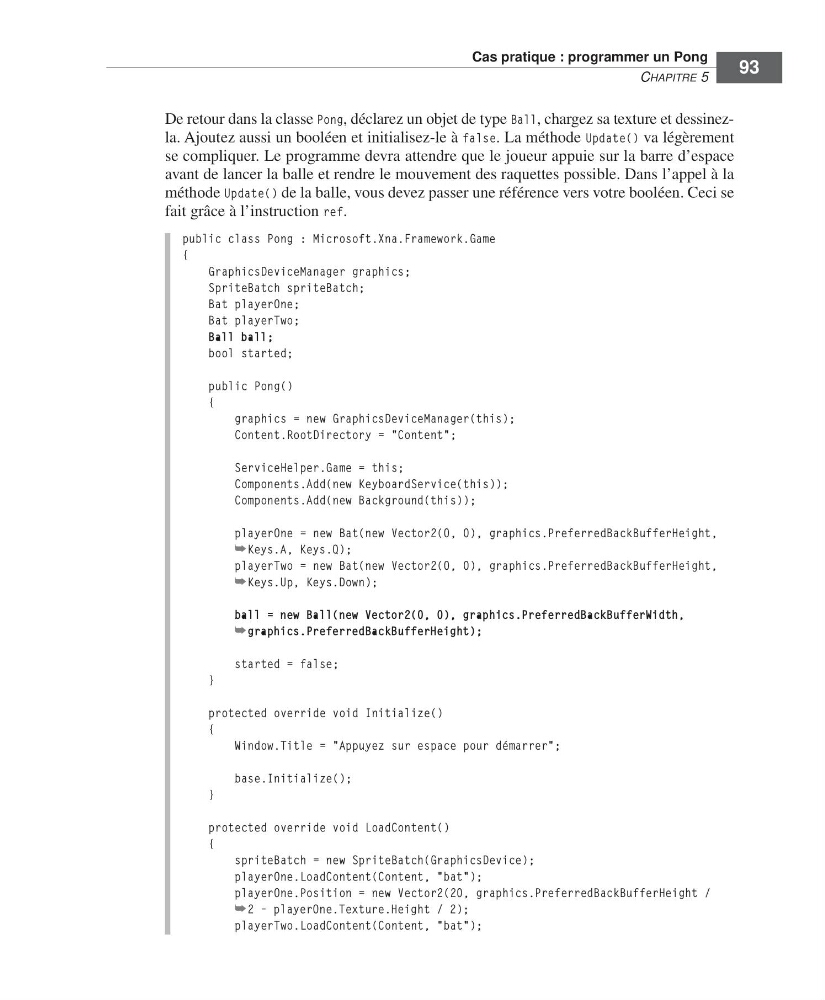
De retour dans la classe Pong, déclarez un objet de type Ball, chargez sa texture et dessinezla. Ajoutez aussi un booléen et initialisez-le à false. La méthode Update() va légèrement
se compliquer. Le programme devra attendre que le joueur appuie sur la barre d’espace
avant de lancer la balle et rendre le mouvement des raquettes possible. Dans l’appel à la
méthode Update() de la balle, vous devez passer une référence vers votre booléen. Ceci se
fait grâce à l’instruction ref.
public class Pong : Microsoft.Xna.Framework.Game
{
GraphicsDeviceManager graphics;
SpriteBatch spriteBatch;
Bat playerOne;
Bat playerTwo;
Ball ball;
bool started;
public Pong()
{
graphics = new GraphicsDeviceManager(this);
Content.RootDirectory = "Content";
ServiceHelper.Game = this;
Components.Add(new KeyboardService(this));
Components.Add(new Background(this));
playerOne = new Bat(new Vector2(0, 0), graphics.PreferredBackBufferHeight,
➥Keys.A, Keys.Q);
playerTwo = new Bat(new Vector2(0, 0), graphics.PreferredBackBufferHeight,
➥Keys.Up, Keys.Down);
ball = new Ball(new Vector2(0, 0), graphics.PreferredBackBufferWidth,
➥graphics.PreferredBackBufferHeight);
started = false;
}
protected override void Initialize()
{
Window.Title = "Appuyez sur espace pour démarrer";
base.Initialize();
}
protected override void LoadContent()
{
spriteBatch = new SpriteBatch(GraphicsDevice);
playerOne.LoadContent(Content, "bat");
playerOne.Position = new Vector2(20, graphics.PreferredBackBufferHeight /
➥2 - playerOne.Texture.Height / 2);
playerTwo.LoadContent(Content, "bat");
=Labat FM.book Page 93 Vendredi, 19. juin 2009 4:01 16
CHAPITRE 5
93
De retour dans la classe Pong, déclarez un objet de type Ball, chargez sa texture et dessinezla. Ajoutez aussi un booléen et initialisez-le à false. La méthode Update() va légèrement
se compliquer. Le programme devra attendre que le joueur appuie sur la barre d’espace
avant de lancer la balle et rendre le mouvement des raquettes possible. Dans l’appel à la
méthode Update() de la balle, vous devez passer une référence vers votre booléen. Ceci se
fait grâce à l’instruction ref.
public class Pong : Microsoft.Xna.Framework.Game
{
GraphicsDeviceManager graphics;
SpriteBatch spriteBatch;
Bat playerOne;
Bat playerTwo;
Ball ball;
bool started;
public Pong()
{
graphics = new GraphicsDeviceManager(this);
Content.RootDirectory = "Content";
ServiceHelper.Game = this;
Components.Add(new KeyboardService(this));
Components.Add(new Background(this));
playerOne = new Bat(new Vector2(0, 0), graphics.PreferredBackBufferHeight,
➥Keys.A, Keys.Q);
playerTwo = new Bat(new Vector2(0, 0), graphics.PreferredBackBufferHeight,
➥Keys.Up, Keys.Down);
ball = new Ball(new Vector2(0, 0), graphics.PreferredBackBufferWidth,
➥graphics.PreferredBackBufferHeight);
started = false;
}
protected override void Initialize()
{
Window.Title = "Appuyez sur espace pour démarrer";
base.Initialize();
}
protected override void LoadContent()
{
spriteBatch = new SpriteBatch(GraphicsDevice);
playerOne.LoadContent(Content, "bat");
playerOne.Position = new Vector2(20, graphics.PreferredBackBufferHeight /
➥2 - playerOne.Texture.Height / 2);
playerTwo.LoadContent(Content, "bat");
=Labat FM.book Page 93 Vendredi, 19. juin 2009 4:01 16