

Développement XNA pour la XBox et le PC
90
Components.Add(new Background(this));
playerOne = new Bat(new Vector2(0, 0), graphics.PreferredBackBufferHeight,
➥Keys.A, Keys.Q);
playerTwo = new Bat(new Vector2(0, 0), graphics.PreferredBackBufferHeight,
➥Keys.Up, Keys.Down);
}
protected override void Initialize()
{
base.Initialize();
}
protected override void LoadContent()
{
spriteBatch = new SpriteBatch(GraphicsDevice);
playerOne.LoadContent(Content, "bat");
playerOne.Position = new Vector2(20, graphics.PreferredBackBufferHeight /
➥2 - playerOne.Texture.Height / 2);
playerTwo.LoadContent(Content, "bat");
playerTwo.Position = new Vector2(770, graphics.PreferredBackBufferHeight /
➥2 - playerTwo.Texture.Height / 2);
}
protected override void UnloadContent()
{
}
protected override void Update(GameTime gameTime)
{
playerOne.Update(gameTime);
playerTwo.Update(gameTime);
base.Update(gameTime);
}
protected override void Draw(GameTime gameTime)
{
GraphicsDevice.Clear(Color.CornflowerBlue);
base.Draw(gameTime);
spriteBatch.Begin();
playerOne.Draw(spriteBatch);
playerTwo.Draw(spriteBatch);
spriteBatch.End();
}
}
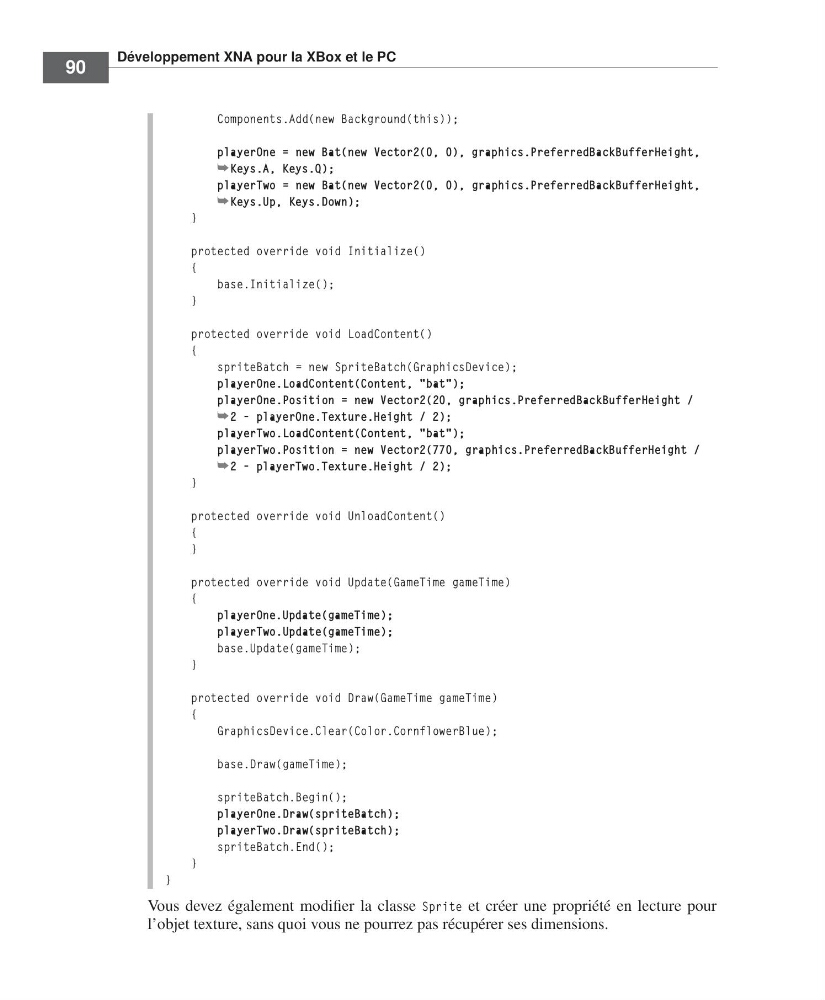
Vous devez également modifier la classe Sprite et créer une propriété en lecture pour
l’objet texture, sans quoi vous ne pourrez pas récupérer ses dimensions.
=Labat FM.book Page 90 Vendredi, 19. juin 2009 4:01 16
90
Components.Add(new Background(this));
playerOne = new Bat(new Vector2(0, 0), graphics.PreferredBackBufferHeight,
➥Keys.A, Keys.Q);
playerTwo = new Bat(new Vector2(0, 0), graphics.PreferredBackBufferHeight,
➥Keys.Up, Keys.Down);
}
protected override void Initialize()
{
base.Initialize();
}
protected override void LoadContent()
{
spriteBatch = new SpriteBatch(GraphicsDevice);
playerOne.LoadContent(Content, "bat");
playerOne.Position = new Vector2(20, graphics.PreferredBackBufferHeight /
➥2 - playerOne.Texture.Height / 2);
playerTwo.LoadContent(Content, "bat");
playerTwo.Position = new Vector2(770, graphics.PreferredBackBufferHeight /
➥2 - playerTwo.Texture.Height / 2);
}
protected override void UnloadContent()
{
}
protected override void Update(GameTime gameTime)
{
playerOne.Update(gameTime);
playerTwo.Update(gameTime);
base.Update(gameTime);
}
protected override void Draw(GameTime gameTime)
{
GraphicsDevice.Clear(Color.CornflowerBlue);
base.Draw(gameTime);
spriteBatch.Begin();
playerOne.Draw(spriteBatch);
playerTwo.Draw(spriteBatch);
spriteBatch.End();
}
}
Vous devez également modifier la classe Sprite et créer une propriété en lecture pour
l’objet texture, sans quoi vous ne pourrez pas récupérer ses dimensions.
=Labat FM.book Page 90 Vendredi, 19. juin 2009 4:01 16