

Cas pratique : programmer un Pong
CHAPITRE 5
87
SpriteBatch spriteBatch;
public override void Initialize()
{
spriteBatch = new SpriteBatch(Game.GraphicsDevice);
base.Initialize();
}
Il vous faudra finalement un sprite qui correspondra à l’image de l’arrière-plan. Déclarez
un champ de type Sprite, chargez l’image voulue pour l’arrière-plan et dessinez-le.
Notez que pour le chargement de l’image, vous pouvez récupérer le ContentManager de la
classe Pong via la propriété Game.
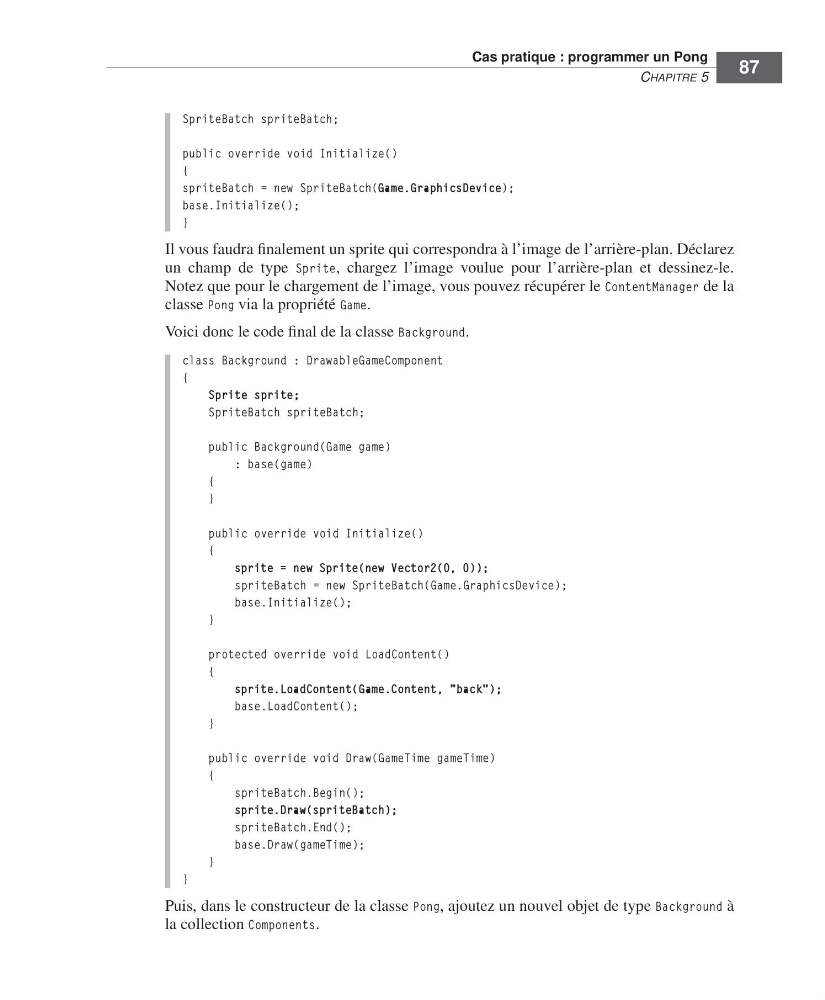
Voici donc le code final de la classe Background.
class Background : DrawableGameComponent
{
Sprite sprite;
SpriteBatch spriteBatch;
public Background(Game game)
: base(game)
{
}
public override void Initialize()
{
sprite = new Sprite(new Vector2(0, 0));
spriteBatch = new SpriteBatch(Game.GraphicsDevice);
base.Initialize();
}
protected override void LoadContent()
{
sprite.LoadContent(Game.Content, "back");
base.LoadContent();
}
public override void Draw(GameTime gameTime)
{
spriteBatch.Begin();
sprite.Draw(spriteBatch);
spriteBatch.End();
base.Draw(gameTime);
}
}
Puis, dans le constructeur de la classe Pong, ajoutez un nouvel objet de type Background à
la collection Components.
=Labat FM.book Page 87 Vendredi, 19. juin 2009 4:01 16
CHAPITRE 5
87
SpriteBatch spriteBatch;
public override void Initialize()
{
spriteBatch = new SpriteBatch(Game.GraphicsDevice);
base.Initialize();
}
Il vous faudra finalement un sprite qui correspondra à l’image de l’arrière-plan. Déclarez
un champ de type Sprite, chargez l’image voulue pour l’arrière-plan et dessinez-le.
Notez que pour le chargement de l’image, vous pouvez récupérer le ContentManager de la
classe Pong via la propriété Game.
Voici donc le code final de la classe Background.
class Background : DrawableGameComponent
{
Sprite sprite;
SpriteBatch spriteBatch;
public Background(Game game)
: base(game)
{
}
public override void Initialize()
{
sprite = new Sprite(new Vector2(0, 0));
spriteBatch = new SpriteBatch(Game.GraphicsDevice);
base.Initialize();
}
protected override void LoadContent()
{
sprite.LoadContent(Game.Content, "back");
base.LoadContent();
}
public override void Draw(GameTime gameTime)
{
spriteBatch.Begin();
sprite.Draw(spriteBatch);
spriteBatch.End();
base.Draw(gameTime);
}
}
Puis, dans le constructeur de la classe Pong, ajoutez un nouvel objet de type Background à
la collection Components.
=Labat FM.book Page 87 Vendredi, 19. juin 2009 4:01 16