

70
3 Loops and Branching
out with the simplest version of the code, complexity is added step by step, before
arriving at the final version. At each step, you make sure the code works as planned.
Such a procedure is generally a good idea, and we will address it explicitly again,
when we program a (slightly) more comprehensive case in Sect. 4.2.
3.3.2 The Characteristics of Branching
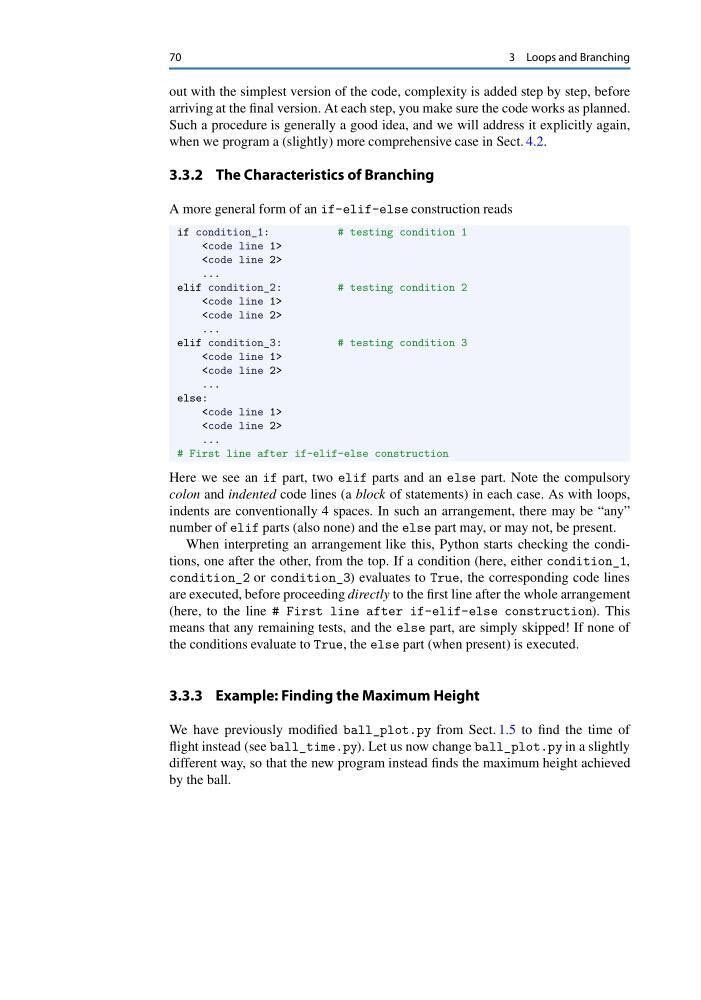
A more general form of an if-elif-else construction reads
if condition_1:
# testing condition 1
3 Loops and Branching
out with the simplest version of the code, complexity is added step by step, before
arriving at the final version. At each step, you make sure the code works as planned.
Such a procedure is generally a good idea, and we will address it explicitly again,
when we program a (slightly) more comprehensive case in Sect. 4.2.
3.3.2 The Characteristics of Branching
A more general form of an if-elif-else construction reads
if condition_1:
# testing condition 1
...

elif condition_2:

# testing condition 2


...

elif condition_3:

# testing condition 3


...

else:


...

# First line after if-elif-else construction

Here we see an if part, two elif parts and an else part. Note the compulsory

colon and indented code lines (a block of statements) in each case. As with loops,

indents are conventionally 4 spaces. In such an arrangement, there may be “any”

number of elif parts (also none) and the else part may, or may not, be present.

When interpreting an arrangement like this, Python starts checking the conditions, one after the other, from the top. If a condition (here, either condition_1,

condition_2 or condition_3) evaluates to True, the corresponding code lines

are executed, before proceeding directly to the first line after the whole arrangement

(here, to the line # First line after if-elif-else construction). This

means that any remaining tests, and the else part, are simply skipped! If none of

the conditions evaluate to True, the else part (when present) is executed.

3.3.3 Example: Finding the Maximum Height

We have previously modified ball_plot.py from Sect. 1.5 to find the time of

flight instead (see ball_time.py). Let us now change ball_plot.py in a slightly

different way, so that the new program instead finds the maximum height achieved

by the ball.