

3.2 The while Loop
67
67
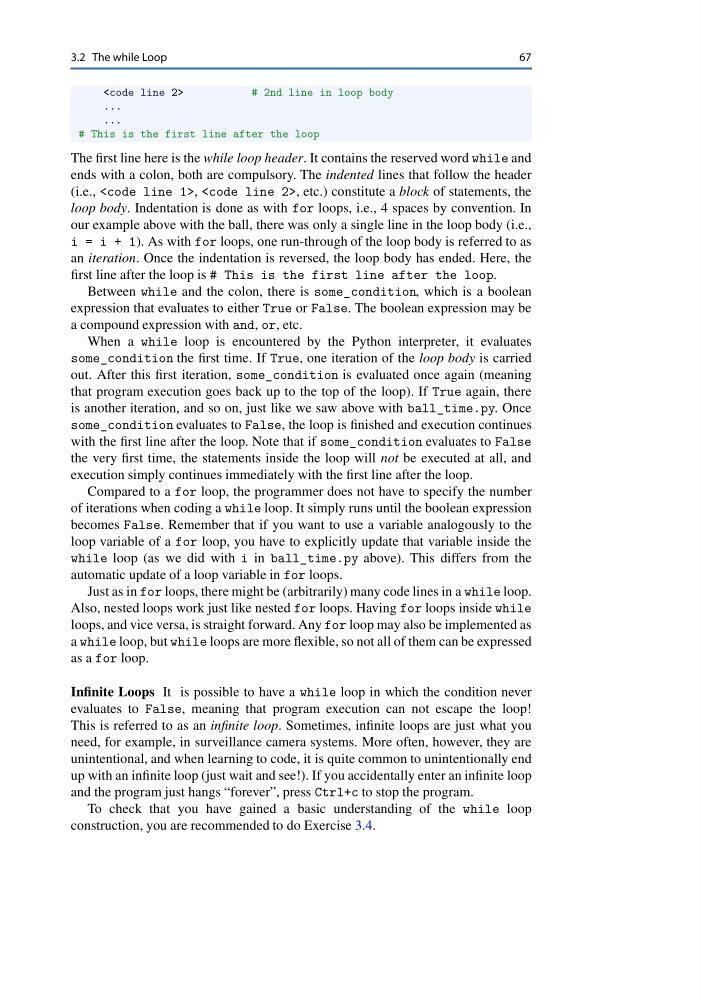
# 2nd line in loop body

...

...

# This is the first line after the loop

The first line here is the while loop header. It contains the reserved word while and

ends with a colon, both are compulsory. The indented lines that follow the header

(i.e., , , etc.) constitute a block of statements, the

loop body. Indentation is done as with for loops, i.e., 4 spaces by convention. In

our example above with the ball, there was only a single line in the loop body (i.e.,

i = i + 1). As with for loops, one run-through of the loop body is referred to as

an iteration. Once the indentation is reversed, the loop body has ended. Here, the

first line after the loop is # This is the first line after the loop.

Between while and the colon, there is some_condition, which is a boolean

expression that evaluates to either True or False. The boolean expression may be

a compound expression with and, or, etc.

When a while loop is encountered by the Python interpreter, it evaluates

some_condition the first time. If True, one iteration of the loop body is carried

out. After this first iteration, some_condition is evaluated once again (meaning

that program execution goes back up to the top of the loop). If True again, there

is another iteration, and so on, just like we saw above with ball_time.py. Once

some_condition evaluates to False, the loop is finished and execution continues

with the first line after the loop. Note that if some_condition evaluates to False

the very first time, the statements inside the loop will not be executed at all, and

execution simply continues immediately with the first line after the loop.

Compared to a for loop, the programmer does not have to specify the number

of iterations when coding a while loop. It simply runs until the boolean expression

becomes False. Remember that if you want to use a variable analogously to the

loop variable of a for loop, you have to explicitly update that variable inside the

while loop (as we did with i in ball_time.py above). This differs from the

automatic update of a loop variable in for loops.

Just as in for loops, there might be (arbitrarily) many code lines in a while loop.

Also, nested loops work just like nested for loops. Having for loops inside while

loops, and vice versa, is straight forward. Any for loop may also be implemented as

a while loop, but while loops are more flexible, so not all of them can be expressed

as a for loop.

Infinite Loops It is possible to have a while loop in which the condition never

evaluates to False, meaning that program execution can not escape the loop!

This is referred to as an infinite loop. Sometimes, infinite loops are just what you

need, for example, in surveillance camera systems. More often, however, they are

unintentional, and when learning to code, it is quite common to unintentionally end

up with an infinite loop (just wait and see!). If you accidentally enter an infinite loop

and the program just hangs “forever”, press Ctrl+c to stop the program.

To check that you have gained a basic understanding of the while loop

construction, you are recommended to do Exercise 3.4.