

3.1 The for Loop
63
Running Through Code “by Hand”
It is appropriate to stress that much understanding is often developed by first
going through code “by hand”, i.e. just read the code while doing calculations
by hand, before comparing these hand calculations to what the code produces
when run (often some print commands must be inserted in the code to enable
detailed comparison).
Thus, to make sure you understand the important details in average_height.
py, you are encouraged to go through that code by hand right now. Also, in a
copy, insert a print command in the loop, so that you can compare the output
from that program to your own calculations, iteration by iteration.
3.1.4 Using the range Function
At this point, the observant reader might argue: “Well, this for loop seems handy,
but what if the loop must do a really large number of iterations? If the loop variable
is to run through hundreds of numbers, we must spend all day typing those numbers
into the loop header”!
An Example This is where the built-in range function enters the picture. When
called, the range function will provide integers according to the arguments given in
the function call. For example, we could have used range in average_height.py
by just changing the header from
for i in [0, 1, 2, 3, 4]:
# original code line
to
for i in range(0, 5, 1):
# new code line
Here, range(0, 5, 1) is a function call, where the function range is told to
provide the integers from 0 (inclusive) to 5 (exclusive!) in steps of 1. In this case,
range(0, 5, 1) will provide exactly those numbers that we had in the original
code, i.e., the loop variable i will run through the same values (0, 1, 2, 3 and 4) as
before, and program computations stay the same.
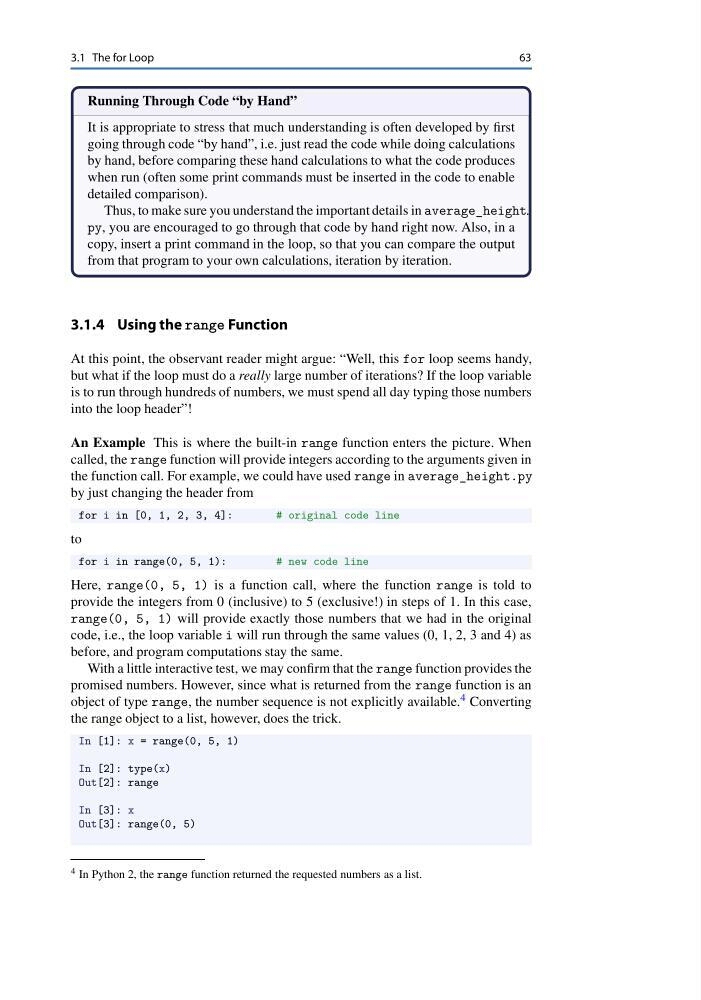
With a little interactive test, we may confirm that the range function provides the
promised numbers. However, since what is returned from the range function is an
object of type range, the number sequence is not explicitly available. 4 Converting
the range object to a list, however, does the trick.
In [1]: x = range(0, 5, 1)
In [2]: type(x)
Out[2]: range
In [3]: x
Out[3]: range(0, 5)
4 In Python 2, the range function returned the requested numbers as a list.
63
Running Through Code “by Hand”
It is appropriate to stress that much understanding is often developed by first
going through code “by hand”, i.e. just read the code while doing calculations
by hand, before comparing these hand calculations to what the code produces
when run (often some print commands must be inserted in the code to enable
detailed comparison).
Thus, to make sure you understand the important details in average_height.
py, you are encouraged to go through that code by hand right now. Also, in a
copy, insert a print command in the loop, so that you can compare the output
from that program to your own calculations, iteration by iteration.
3.1.4 Using the range Function
At this point, the observant reader might argue: “Well, this for loop seems handy,
but what if the loop must do a really large number of iterations? If the loop variable
is to run through hundreds of numbers, we must spend all day typing those numbers
into the loop header”!
An Example This is where the built-in range function enters the picture. When
called, the range function will provide integers according to the arguments given in
the function call. For example, we could have used range in average_height.py
by just changing the header from
for i in [0, 1, 2, 3, 4]:
# original code line
to
for i in range(0, 5, 1):
# new code line
Here, range(0, 5, 1) is a function call, where the function range is told to
provide the integers from 0 (inclusive) to 5 (exclusive!) in steps of 1. In this case,
range(0, 5, 1) will provide exactly those numbers that we had in the original
code, i.e., the loop variable i will run through the same values (0, 1, 2, 3 and 4) as
before, and program computations stay the same.
With a little interactive test, we may confirm that the range function provides the
promised numbers. However, since what is returned from the range function is an
object of type range, the number sequence is not explicitly available. 4 Converting
the range object to a list, however, does the trick.
In [1]: x = range(0, 5, 1)
In [2]: type(x)
Out[2]: range
In [3]: x
Out[3]: range(0, 5)
4 In Python 2, the range function returned the requested numbers as a list.