

2.4 Random Numbers
55
In [3]: random.randint(1, 6)
Out[3]: 5
The random module contains also other useful functions, two of which are
random (yes, same name as the module) and uniform. Both of these functions
return a floating point number from an interval where each number has equal
probability of being drawn. For random, the interval is always [0, 1) (i.e. 0 is
included, but 1 is not), while uniform requires the programmer to specify the
interval [a, b] (where both a and b are included 14 ). The functions are used similarly
to randint, so, interactively, we may for example do:
In [1]: import random
In [2]: x = random.random()
# draw float from [0, 1), assign to x
In [3]: y = random.uniform(10, 20) # ...float from [10, 20], assign to y
In [4]: print(’x = {:g}, y = {:g}’.format(x, y))
Out[5]: x = 0.714621 , y = 13.1233
Drawing Many Random Numbers at a Time You have now met three useful
functions from the random module in Python’s standard library and seen them in
simple use. However, each of those functions provides only a single number with
each function call. If you need many pseudo-random numbers, one option is to use
such function calls inside a loop (Chap. 3). Another (faster) alternative, is to rather
use functions that allow vectorized drawing of the numbers, so that a single function
call provides all the numbers you need in one go. Such functionality is offered by
another module, which also happens to be called random, but which resides in the
numpy library. All three functions demonstrated above have their counterparts in
numpy and we might show interactively how each of these can be used to generate,
e.g., four numbers with one function call.
In [1]: import numpy as np
In [2]: np.random.randint(1, 6, 4)
# ...4 integers from [1, 6)
Out[2]: array([1, 3, 5, 3])
In [3]: np.random.random(4)
# ...4 floats from [0, 1)
Out[3]: array([ 0.79183276, 0.01398365, 0.04982849, 0.11630963])
In [4]: np.random.uniform(10, 20, 4)
# ...4 floats from [10, 20)
Out[4]: array([ 10.95846078, 17.3971301 , 19.73964488, 18.14332234])
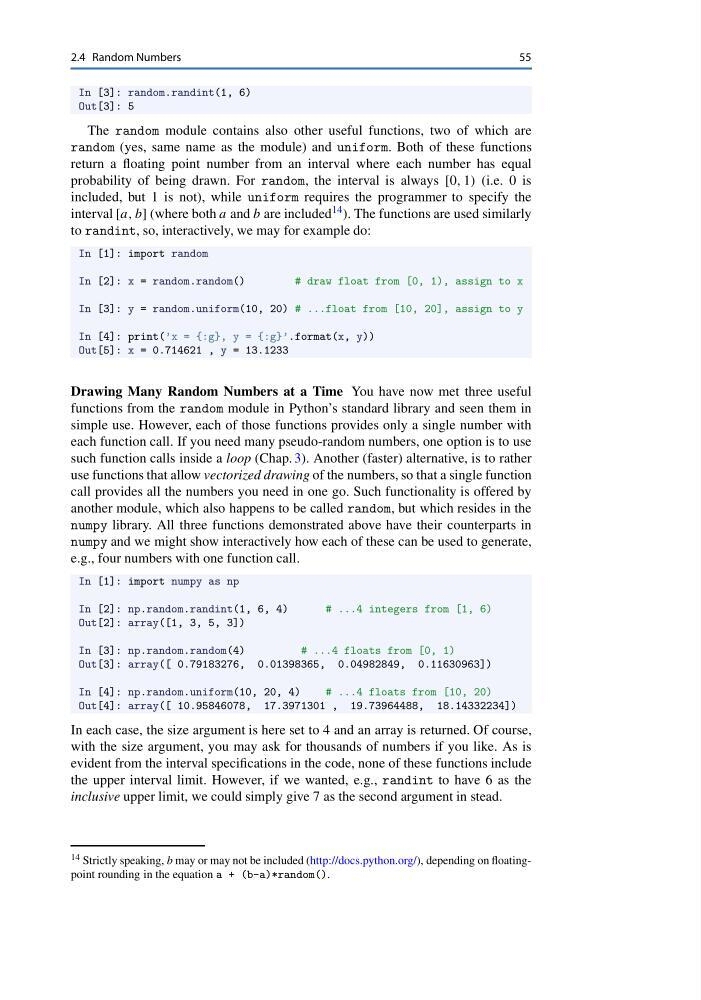
In each case, the size argument is here set to 4 and an array is returned. Of course,
with the size argument, you may ask for thousands of numbers if you like. As is
evident from the interval specifications in the code, none of these functions include
the upper interval limit. However, if we wanted, e.g., randint to have 6 as the
inclusive upper limit, we could simply give 7 as the second argument in stead.
14 Strictly speaking, b may or may not be included (http://docs.python.org/), depending on floatingpoint rounding in the equation a + (b-a)*random().
55
In [3]: random.randint(1, 6)
Out[3]: 5
The random module contains also other useful functions, two of which are
random (yes, same name as the module) and uniform. Both of these functions
return a floating point number from an interval where each number has equal
probability of being drawn. For random, the interval is always [0, 1) (i.e. 0 is
included, but 1 is not), while uniform requires the programmer to specify the
interval [a, b] (where both a and b are included 14 ). The functions are used similarly
to randint, so, interactively, we may for example do:
In [1]: import random
In [2]: x = random.random()
# draw float from [0, 1), assign to x
In [3]: y = random.uniform(10, 20) # ...float from [10, 20], assign to y
In [4]: print(’x = {:g}, y = {:g}’.format(x, y))
Out[5]: x = 0.714621 , y = 13.1233
Drawing Many Random Numbers at a Time You have now met three useful
functions from the random module in Python’s standard library and seen them in
simple use. However, each of those functions provides only a single number with
each function call. If you need many pseudo-random numbers, one option is to use
such function calls inside a loop (Chap. 3). Another (faster) alternative, is to rather
use functions that allow vectorized drawing of the numbers, so that a single function
call provides all the numbers you need in one go. Such functionality is offered by
another module, which also happens to be called random, but which resides in the
numpy library. All three functions demonstrated above have their counterparts in
numpy and we might show interactively how each of these can be used to generate,
e.g., four numbers with one function call.
In [1]: import numpy as np
In [2]: np.random.randint(1, 6, 4)
# ...4 integers from [1, 6)
Out[2]: array([1, 3, 5, 3])
In [3]: np.random.random(4)
# ...4 floats from [0, 1)
Out[3]: array([ 0.79183276, 0.01398365, 0.04982849, 0.11630963])
In [4]: np.random.uniform(10, 20, 4)
# ...4 floats from [10, 20)
Out[4]: array([ 10.95846078, 17.3971301 , 19.73964488, 18.14332234])
In each case, the size argument is here set to 4 and an array is returned. Of course,
with the size argument, you may ask for thousands of numbers if you like. As is
evident from the interval specifications in the code, none of these functions include
the upper interval limit. However, if we wanted, e.g., randint to have 6 as the
inclusive upper limit, we could simply give 7 as the second argument in stead.
14 Strictly speaking, b may or may not be included (http://docs.python.org/), depending on floatingpoint rounding in the equation a + (b-a)*random().