

46
2 A Few More Steps
at the previous calculation in more detail. Let us repeat the calculation, but this time
print more decimals,
In [1]: x = 4
In [2]: y = 1.0/(x+1)
In [3]: print(’The value of y is: {:.17f}’.format(y))
The value of y is: 0.20000000000000001
So, what should have been exactly 0.2, is really a slightly different value! The
inexact number representation gave us a small error. Usually, such errors are so
small compared to the other numbers of the calculation, that we do not need to
bother with them. Still, keep it in mind, since you will encounter this issue from time
to time. More details regarding number representations on a computer are given in
Sect. 6.6.3.
2.2.10 Boolean Expressions
In programming, we often need to check whether something is true or not true,
and then take action accordingly. This is handled by use of logical or boolean
expressions, which evaluate to the Boolean values true or false (i.e., not true). 7 In
Python, these values are written True and False, respectively (note capital letters
T and F!).
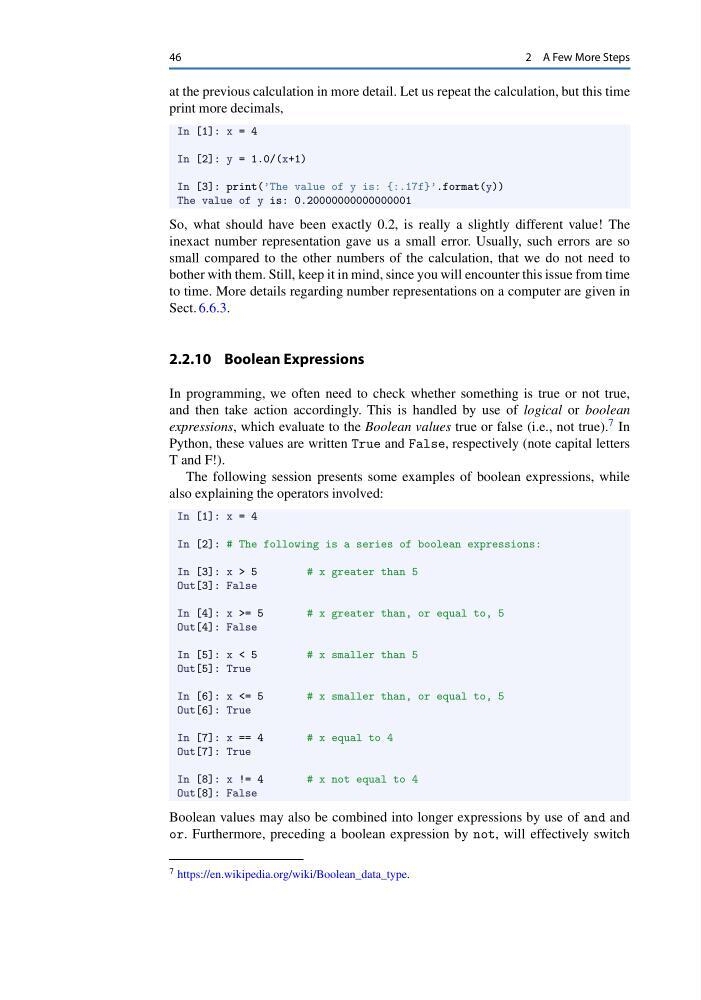
The following session presents some examples of boolean expressions, while
also explaining the operators involved:
In [1]: x = 4
In [2]: # The following is a series of boolean expressions:
In [3]: x > 5
# x greater than 5
Out[3]: False
In [4]: x >= 5
# x greater than, or equal to, 5
Out[4]: False
In [5]: x < 5
# x smaller than 5
Out[5]: True
In [6]: x <= 5
# x smaller than, or equal to, 5
Out[6]: True
In [7]: x == 4
# x equal to 4
Out[7]: True
In [8]: x != 4
# x not equal to 4
Out[8]: False
Boolean values may also be combined into longer expressions by use of and and
or. Furthermore, preceding a boolean expression by not, will effectively switch
7 https://en.wikipedia.org/wiki/Boolean_data_type.
2 A Few More Steps
at the previous calculation in more detail. Let us repeat the calculation, but this time
print more decimals,
In [1]: x = 4
In [2]: y = 1.0/(x+1)
In [3]: print(’The value of y is: {:.17f}’.format(y))
The value of y is: 0.20000000000000001
So, what should have been exactly 0.2, is really a slightly different value! The
inexact number representation gave us a small error. Usually, such errors are so
small compared to the other numbers of the calculation, that we do not need to
bother with them. Still, keep it in mind, since you will encounter this issue from time
to time. More details regarding number representations on a computer are given in
Sect. 6.6.3.
2.2.10 Boolean Expressions
In programming, we often need to check whether something is true or not true,
and then take action accordingly. This is handled by use of logical or boolean
expressions, which evaluate to the Boolean values true or false (i.e., not true). 7 In
Python, these values are written True and False, respectively (note capital letters
T and F!).
The following session presents some examples of boolean expressions, while
also explaining the operators involved:
In [1]: x = 4
In [2]: # The following is a series of boolean expressions:
In [3]: x > 5
# x greater than 5
Out[3]: False
In [4]: x >= 5
# x greater than, or equal to, 5
Out[4]: False
In [5]: x < 5
# x smaller than 5
Out[5]: True
In [6]: x <= 5
# x smaller than, or equal to, 5
Out[6]: True
In [7]: x == 4
# x equal to 4
Out[7]: True
In [8]: x != 4
# x not equal to 4
Out[8]: False
Boolean values may also be combined into longer expressions by use of and and
or. Furthermore, preceding a boolean expression by not, will effectively switch
7 https://en.wikipedia.org/wiki/Boolean_data_type.