

8
1 T h e F i r s t F e w S t e p s
This is a print function call, which makes Python print the value of y on the
screen. 4 Simply stated, the value of y is sent to a ready-made piece of code named
print (being a function—see Chap. 4, here called with a single argument named
y), which then takes care of the printing. Thus, when ball.py is run, the number
1.2342 appears on the screen.
Readability and Coding Style In the code above, you see several blank lines too.
These are simply skipped by Python and you may use as many as you want to make a
nice and readable layout of the code. Similarly, you notice that spaces are introduced
to each side of − in the “formula” and to each side of = in the assignments. These
spaces are not required, i.e., Python will understand perfectly well without them.
However, they contribute to readability and it is recommended to use them 5 as part
of good coding style. 6 Had there been a + sign in there, it too should have a space
to each side. To the contrary, no extra spaces are recommended for /, * and **.
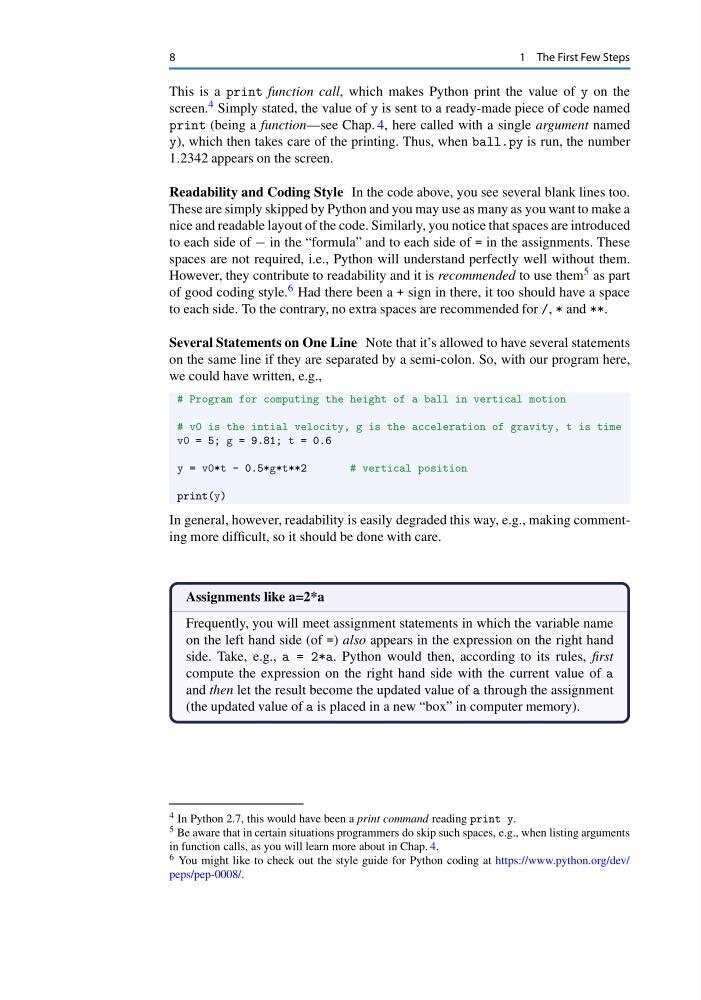
Several Statements on One Line Note that it’s allowed to have several statements
on the same line if they are separated by a semi-colon. So, with our program here,
we could have written, e.g.,
# Program for computing the height of a ball in vertical motion
# v0 is the intial velocity, g is the acceleration of gravity, t is time
v0 = 5; g = 9.81; t = 0.6
y = v0*t - 0.5*g*t**2
# vertical position
print(y)
In general, however, readability is easily degraded this way, e.g., making commenting more difficult, so it should be done with care.
Assignments like a=2*a
Frequently, you will meet assignment statements in which the variable name
on the left hand side (of =) also appears in the expression on the right hand
side. Take, e.g., a = 2*a. Python would then, according to its rules, first
compute the expression on the right hand side with the current value of a
and then let the result become the updated value of a through the assignment
(the updated value of a is placed in a new “box” in computer memory).
4 In Python 2.7, this would have been a print command reading print y.
5 Be aware that in certain situations programmers do skip such spaces, e.g., when listing arguments
in function calls, as you will learn more about in Chap. 4.
6 You might like to check out the style guide for Python coding at https://www.python.org/dev/
peps/pep-0008/.
1 T h e F i r s t F e w S t e p s
This is a print function call, which makes Python print the value of y on the
screen. 4 Simply stated, the value of y is sent to a ready-made piece of code named
print (being a function—see Chap. 4, here called with a single argument named
y), which then takes care of the printing. Thus, when ball.py is run, the number
1.2342 appears on the screen.
Readability and Coding Style In the code above, you see several blank lines too.
These are simply skipped by Python and you may use as many as you want to make a
nice and readable layout of the code. Similarly, you notice that spaces are introduced
to each side of − in the “formula” and to each side of = in the assignments. These
spaces are not required, i.e., Python will understand perfectly well without them.
However, they contribute to readability and it is recommended to use them 5 as part
of good coding style. 6 Had there been a + sign in there, it too should have a space
to each side. To the contrary, no extra spaces are recommended for /, * and **.
Several Statements on One Line Note that it’s allowed to have several statements
on the same line if they are separated by a semi-colon. So, with our program here,
we could have written, e.g.,
# Program for computing the height of a ball in vertical motion
# v0 is the intial velocity, g is the acceleration of gravity, t is time
v0 = 5; g = 9.81; t = 0.6
y = v0*t - 0.5*g*t**2
# vertical position
print(y)
In general, however, readability is easily degraded this way, e.g., making commenting more difficult, so it should be done with care.
Assignments like a=2*a
Frequently, you will meet assignment statements in which the variable name
on the left hand side (of =) also appears in the expression on the right hand
side. Take, e.g., a = 2*a. Python would then, according to its rules, first
compute the expression on the right hand side with the current value of a
and then let the result become the updated value of a through the assignment
(the updated value of a is placed in a new “box” in computer memory).
4 In Python 2.7, this would have been a print command reading print y.
5 Be aware that in certain situations programmers do skip such spaces, e.g., when listing arguments
in function calls, as you will learn more about in Chap. 4.
6 You might like to check out the style guide for Python coding at https://www.python.org/dev/
peps/pep-0008/.