

5.4 Making Our Own Module
119
5.4.3 Module or Program?
We know how a .py file can be executed as a program, and we have seen how
functions may be collected in a .py file, so that imports do not trigger any
undesirable printouts. However, we have already realized that Python does not force
a .py file to be either a program, or a module. No, it can be both, and thanks to a
clever construction, Python allows a very flexible switch between the two ways of
using a .py file.
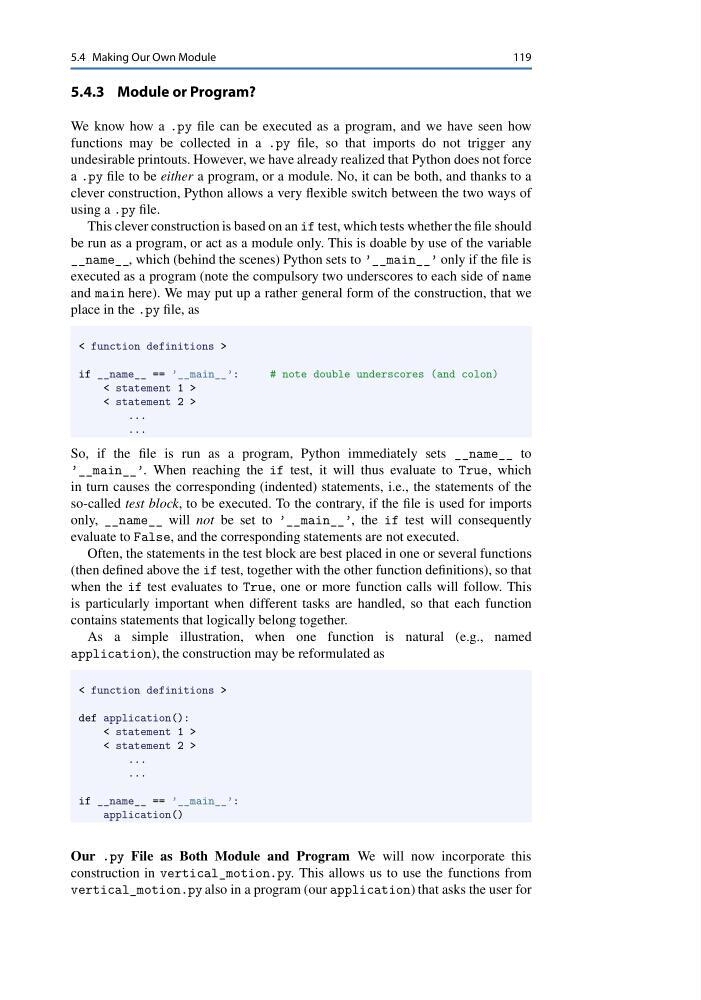
This clever construction is based on an if test, which tests whether the file should
be run as a program, or act as a module only. This is doable by use of the variable
__name__, which (behind the scenes) Python sets to ’__main__’ only if the file is
executed as a program (note the compulsory two underscores to each side of name
and main here). We may put up a rather general form of the construction, that we
place in the .py file, as
< function definitions >
if __name__ == ’__main__’:
# note double underscores (and colon)
< statement 1 >
< statement 2 >
...
...
So, if the file is run as a program, Python immediately sets __name__ to
’__main__’. When reaching the if test, it will thus evaluate to True, which
in turn causes the corresponding (indented) statements, i.e., the statements of the
so-called test block, to be executed. To the contrary, if the file is used for imports
only, __name__ will not be set to ’__main__’, the if test will consequently
evaluate to False, and the corresponding statements are not executed.
Often, the statements in the test block are best placed in one or several functions
(then defined above the if test, together with the other function definitions), so that
when the if test evaluates to True, one or more function calls will follow. This
is particularly important when different tasks are handled, so that each function
contains statements that logically belong together.
As a simple illustration, when one function is natural (e.g., named
application), the construction may be reformulated as
< function definitions >
def application():
< statement 1 >
< statement 2 >
...
...
if __name__ == ’__main__’:
application()
Our .py File as Both Module and Program We will now incorporate this
construction in vertical_motion.py. This allows us to use the functions from
vertical_motion.py also in a program (our application) that asks the user for
119
5.4.3 Module or Program?
We know how a .py file can be executed as a program, and we have seen how
functions may be collected in a .py file, so that imports do not trigger any
undesirable printouts. However, we have already realized that Python does not force
a .py file to be either a program, or a module. No, it can be both, and thanks to a
clever construction, Python allows a very flexible switch between the two ways of
using a .py file.
This clever construction is based on an if test, which tests whether the file should
be run as a program, or act as a module only. This is doable by use of the variable
__name__, which (behind the scenes) Python sets to ’__main__’ only if the file is
executed as a program (note the compulsory two underscores to each side of name
and main here). We may put up a rather general form of the construction, that we
place in the .py file, as
< function definitions >
if __name__ == ’__main__’:
# note double underscores (and colon)
< statement 1 >
< statement 2 >
...
...
So, if the file is run as a program, Python immediately sets __name__ to
’__main__’. When reaching the if test, it will thus evaluate to True, which
in turn causes the corresponding (indented) statements, i.e., the statements of the
so-called test block, to be executed. To the contrary, if the file is used for imports
only, __name__ will not be set to ’__main__’, the if test will consequently
evaluate to False, and the corresponding statements are not executed.
Often, the statements in the test block are best placed in one or several functions
(then defined above the if test, together with the other function definitions), so that
when the if test evaluates to True, one or more function calls will follow. This
is particularly important when different tasks are handled, so that each function
contains statements that logically belong together.
As a simple illustration, when one function is natural (e.g., named
application), the construction may be reformulated as
< function definitions >
def application():
< statement 1 >
< statement 2 >
...
...
if __name__ == ’__main__’:
application()
Our .py File as Both Module and Program We will now incorporate this
construction in vertical_motion.py. This allows us to use the functions from
vertical_motion.py also in a program (our application) that asks the user for