

106
5 Some More Python Essentials
5.2 Exception Handling
An exception, is an error that is detected during program execution. We experienced
such an error previously with our times tables program in Sect. 4.2.4. When we were
asked about 3*2, and replied with the word six in stead of the number 6, we caused
the program to stop and report about some ValueError. The program would have
responded in the same way, for example, if we had rather given 6.0 (i.e., a float) as
input, or just pressed enter (without typing anything else).
Our code could only handle “expected” input from the user, i.e., an integer as an
answer to a*b. It would have been much better, however, if it could account also
for “unexpected” input. If possible, we would prefer our program not to stop (or
“crash”) unexpectedly for some kind of input, it should just handle it, get back on
track, and keep on running. Can this be done in Python? Yes! Python has excellent
constructions for dealing with exceptions in general, and we will show, in particular,
how such exception handling will bring us to the fourth version of our times table
program.
To get the basic idea with exception handling, we will first explain the very
simplest try-except construction, and also see how it could be used in the times
tables program. It will only partly solve our problem, so we will immediately move
on to a more refined try-except construction that will be just what we need.
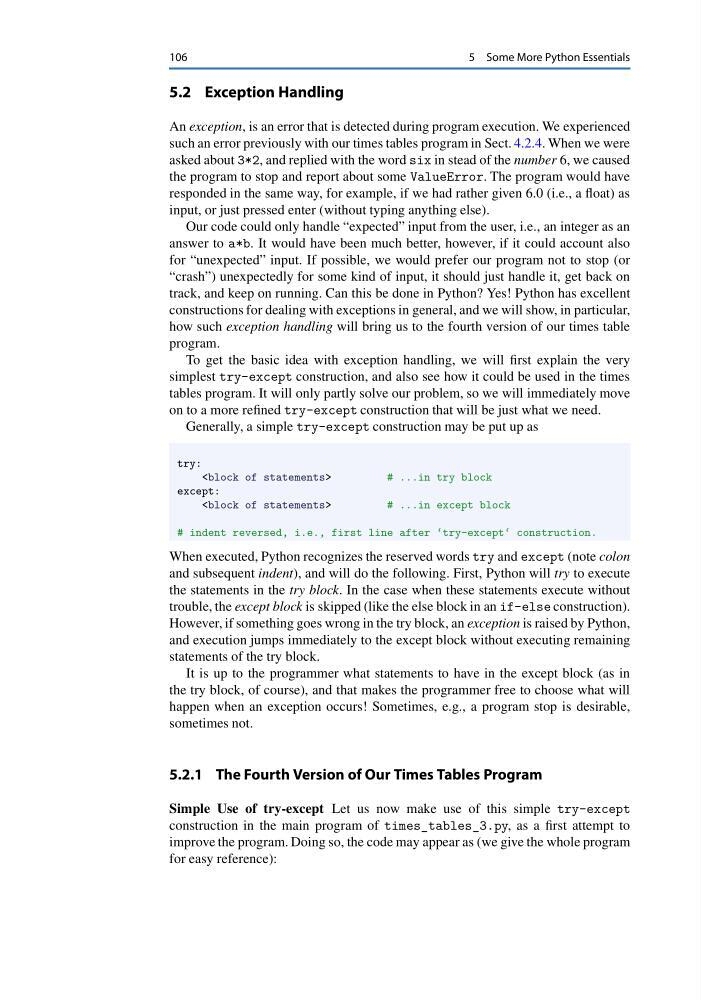
Generally, a simple try-except construction may be put up as
try:
# ...in try block
except:
# ...in except block
# indent reversed, i.e., first line after ‘try-except‘ construction.
When executed, Python recognizes the reserved words try and except (note colon
and subsequent indent), and will do the following. First, Python will try to execute
the statements in the try block. In the case when these statements execute without
trouble, the except block is skipped (like the else block in an if-else construction).
However, if something goes wrong in the try block, an exception is raised by Python,
and execution jumps immediately to the except block without executing remaining
statements of the try block.
It is up to the programmer what statements to have in the except block (as in
the try block, of course), and that makes the programmer free to choose what will
happen when an exception occurs! Sometimes, e.g., a program stop is desirable,
sometimes not.
5.2.1 The Fourth Version of Our Times Tables Program
Simple Use of try-except Let us now make use of this simple try-except
construction in the main program of times_tables_3.py, as a first attempt to
improve the program. Doing so, the code may appear as (we give the whole program
for easy reference):
5 Some More Python Essentials
5.2 Exception Handling
An exception, is an error that is detected during program execution. We experienced
such an error previously with our times tables program in Sect. 4.2.4. When we were
asked about 3*2, and replied with the word six in stead of the number 6, we caused
the program to stop and report about some ValueError. The program would have
responded in the same way, for example, if we had rather given 6.0 (i.e., a float) as
input, or just pressed enter (without typing anything else).
Our code could only handle “expected” input from the user, i.e., an integer as an
answer to a*b. It would have been much better, however, if it could account also
for “unexpected” input. If possible, we would prefer our program not to stop (or
“crash”) unexpectedly for some kind of input, it should just handle it, get back on
track, and keep on running. Can this be done in Python? Yes! Python has excellent
constructions for dealing with exceptions in general, and we will show, in particular,
how such exception handling will bring us to the fourth version of our times table
program.
To get the basic idea with exception handling, we will first explain the very
simplest try-except construction, and also see how it could be used in the times
tables program. It will only partly solve our problem, so we will immediately move
on to a more refined try-except construction that will be just what we need.
Generally, a simple try-except construction may be put up as
try:
# ...in try block
except:
# ...in except block
# indent reversed, i.e., first line after ‘try-except‘ construction.
When executed, Python recognizes the reserved words try and except (note colon
and subsequent indent), and will do the following. First, Python will try to execute
the statements in the try block. In the case when these statements execute without
trouble, the except block is skipped (like the else block in an if-else construction).
However, if something goes wrong in the try block, an exception is raised by Python,
and execution jumps immediately to the except block without executing remaining
statements of the try block.
It is up to the programmer what statements to have in the except block (as in
the try block, of course), and that makes the programmer free to choose what will
happen when an exception occurs! Sometimes, e.g., a program stop is desirable,
sometimes not.
5.2.1 The Fourth Version of Our Times Tables Program
Simple Use of try-except Let us now make use of this simple try-except
construction in the main program of times_tables_3.py, as a first attempt to
improve the program. Doing so, the code may appear as (we give the whole program
for easy reference):