

399
Note The version of the PMDK libraries available with your operating system may
not match the most current PMDK release. if you require a newer release than your
operating system delivers, consider compiling PMDK from the source code. we
do not describe compiling and installing PMDK from the source code in this book.
instructions can be found on https://docs.pmem.io/getting-startedguide/installing-pmdk/compiling-pmdk-from-source and https://
github.com/pmem/pmdk.
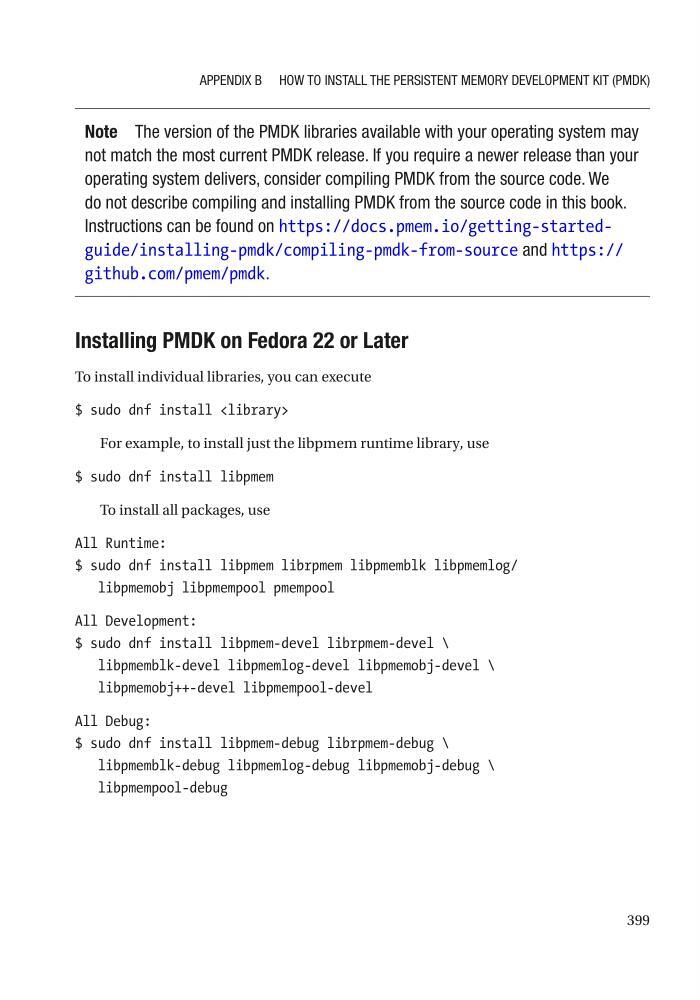
Installing PMDK on Fedora 22 or Later
To install individual libraries, you can execute
$ sudo dnf install
For example, to install just the libpmem runtime library, use
$ sudo dnf install libpmem
To install all packages, use
All Runtime:
$ sudo dnf install libpmem librpmem libpmemblk libpmemlog/
libpmemobj libpmempool pmempool
All Development:
$ sudo dnf install libpmem-devel librpmem-devel \
libpmemblk-devel libpmemlog-devel libpmemobj-devel \
libpmemobj++-devel libpmempool-devel
All Debug:
$ sudo dnf install libpmem-debug librpmem-debug \
libpmemblk-debug libpmemlog-debug libpmemobj-debug \
libpmempool-debug
APPenDix B HOw TO inSTALL THe PeRSiSTenT MeMORy DeveLOPMenT KiT (PMDK)
Note The version of the PMDK libraries available with your operating system may
not match the most current PMDK release. if you require a newer release than your
operating system delivers, consider compiling PMDK from the source code. we
do not describe compiling and installing PMDK from the source code in this book.
instructions can be found on https://docs.pmem.io/getting-startedguide/installing-pmdk/compiling-pmdk-from-source and https://
github.com/pmem/pmdk.
Installing PMDK on Fedora 22 or Later
To install individual libraries, you can execute
$ sudo dnf install
For example, to install just the libpmem runtime library, use
$ sudo dnf install libpmem
To install all packages, use
All Runtime:
$ sudo dnf install libpmem librpmem libpmemblk libpmemlog/
libpmemobj libpmempool pmempool
All Development:
$ sudo dnf install libpmem-devel librpmem-devel \
libpmemblk-devel libpmemlog-devel libpmemobj-devel \
libpmemobj++-devel libpmempool-devel
All Debug:
$ sudo dnf install libpmem-debug librpmem-debug \
libpmemblk-debug libpmemlog-debug libpmemobj-debug \
libpmempool-debug
APPenDix B HOw TO inSTALL THe PeRSiSTenT MeMORy DeveLOPMenT KiT (PMDK)