

375
The numactl --hardware command displays an inventory of the available NUMA
nodes within the system. The output shows only volatile memory, not persistent
memory. We will show how to use the ndctl command to show NUMA locality of
persistent memory in the next section. The number of NUMA nodes does not always
equal the number of sockets. For example, an AMD Threadripper 1950X has 1 socket
and 2 NUMA nodes. The following output from numactl was collected from a two-socket
Intel Xeon Platinum 8260L processor server with a total of 385GiB DDR4, 196GiB per
socket.
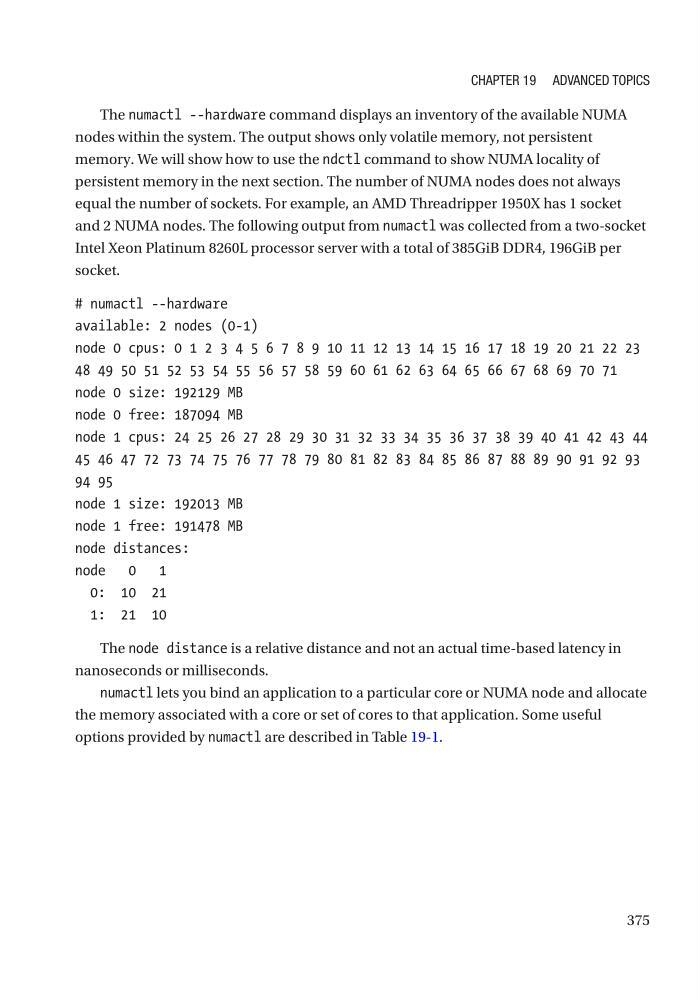
# numactl --hardware
available: 2 nodes (0-1)
node 0 cpus: 0 1 2 3 4 5 6 7 8 9 10 11 12 13 14 15 16 17 18 19 20 21 22 23
48 49 50 51 52 53 54 55 56 57 58 59 60 61 62 63 64 65 66 67 68 69 70 71
node 0 size: 192129 MB
node 0 free: 187094 MB
node 1 cpus: 24 25 26 27 28 29 30 31 32 33 34 35 36 37 38 39 40 41 42 43 44
45 46 47 72 73 74 75 76 77 78 79 80 81 82 83 84 85 86 87 88 89 90 91 92 93
94 95
node 1 size: 192013 MB
node 1 free: 191478 MB
node distances:
node 0 1
0: 10 21
1: 21 10
The node distance is a relative distance and not an actual time-based latency in
nanoseconds or milliseconds.
numactl lets you bind an application to a particular core or NUMA node and allocate
the memory associated with a core or set of cores to that application. Some useful
options provided by numactl are described in Table 19-1.
Chapter 19 advanCed topiCs
The numactl --hardware command displays an inventory of the available NUMA
nodes within the system. The output shows only volatile memory, not persistent
memory. We will show how to use the ndctl command to show NUMA locality of
persistent memory in the next section. The number of NUMA nodes does not always
equal the number of sockets. For example, an AMD Threadripper 1950X has 1 socket
and 2 NUMA nodes. The following output from numactl was collected from a two-socket
Intel Xeon Platinum 8260L processor server with a total of 385GiB DDR4, 196GiB per
socket.
# numactl --hardware
available: 2 nodes (0-1)
node 0 cpus: 0 1 2 3 4 5 6 7 8 9 10 11 12 13 14 15 16 17 18 19 20 21 22 23
48 49 50 51 52 53 54 55 56 57 58 59 60 61 62 63 64 65 66 67 68 69 70 71
node 0 size: 192129 MB
node 0 free: 187094 MB
node 1 cpus: 24 25 26 27 28 29 30 31 32 33 34 35 36 37 38 39 40 41 42 43 44
45 46 47 72 73 74 75 76 77 78 79 80 81 82 83 84 85 86 87 88 89 90 91 92 93
94 95
node 1 size: 192013 MB
node 1 free: 191478 MB
node distances:
node 0 1
0: 10 21
1: 21 10
The node distance is a relative distance and not an actual time-based latency in
nanoseconds or milliseconds.
numactl lets you bind an application to a particular core or NUMA node and allocate
the memory associated with a core or set of cores to that application. Some useful
options provided by numactl are described in Table 19-1.
Chapter 19 advanCed topiCs