

254
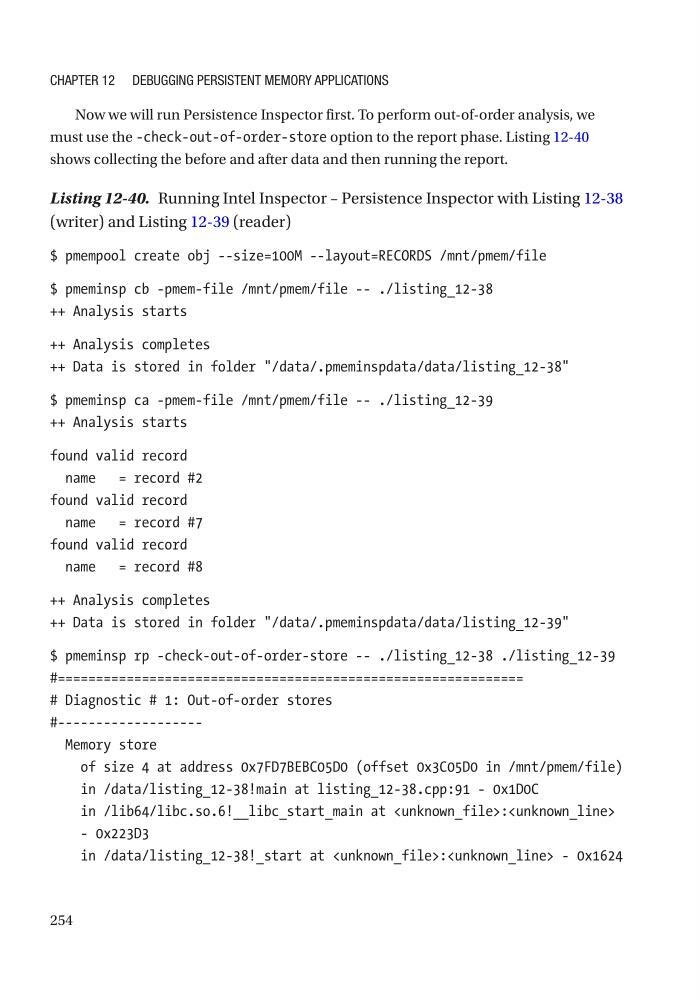
Now we will run Persistence Inspector first. To perform out-of-order analysis, we
must use the -check-out-of-order-store option to the report phase. Listing 12-40
shows collecting the before and after data and then running the report.
Listing 12-40. Running Intel Inspector – Persistence Inspector with Listing 12-38
(writer) and Listing 12-39 (reader)
$ pmempool create obj --size=100M --layout=RECORDS /mnt/pmem/file
$ pmeminsp cb -pmem-file /mnt/pmem/file -- ./listing_12-38
++ Analysis starts
++ Analysis completes
++ Data is stored in folder "/data/.pmeminspdata/data/listing_12-38"
$ pmeminsp ca -pmem-file /mnt/pmem/file -- ./listing_12-39
++ Analysis starts
found valid record
name = record #2
found valid record
name = record #7
found valid record
name = record #8
++ Analysis completes
++ Data is stored in folder "/data/.pmeminspdata/data/listing_12-39"
$ pmeminsp rp -check-out-of-order-store -- ./listing_12-38 ./listing_12-39
#=============================================================
# Diagnostic # 1: Out-of-order stores
#------------------Memory store
of size 4 at address 0x7FD7BEBC05D0 (offset 0x3C05D0 in /mnt/pmem/file)
in /data/listing_12-38!main at listing_12-38.cpp:91 - 0x1D0C
in /lib64/libc.so.6!__libc_start_main at:
- 0x223D3
in /data/listing_12-38!_start at: - 0x1624
Chapter 12 Debugging persistent MeMory appliCations
Now we will run Persistence Inspector first. To perform out-of-order analysis, we
must use the -check-out-of-order-store option to the report phase. Listing 12-40
shows collecting the before and after data and then running the report.
Listing 12-40. Running Intel Inspector – Persistence Inspector with Listing 12-38
(writer) and Listing 12-39 (reader)
$ pmempool create obj --size=100M --layout=RECORDS /mnt/pmem/file
$ pmeminsp cb -pmem-file /mnt/pmem/file -- ./listing_12-38
++ Analysis starts
++ Analysis completes
++ Data is stored in folder "/data/.pmeminspdata/data/listing_12-38"
$ pmeminsp ca -pmem-file /mnt/pmem/file -- ./listing_12-39
++ Analysis starts
found valid record
name = record #2
found valid record
name = record #7
found valid record
name = record #8
++ Analysis completes
++ Data is stored in folder "/data/.pmeminspdata/data/listing_12-39"
$ pmeminsp rp -check-out-of-order-store -- ./listing_12-38 ./listing_12-39
#=============================================================
# Diagnostic # 1: Out-of-order stores
#------------------Memory store
of size 4 at address 0x7FD7BEBC05D0 (offset 0x3C05D0 in /mnt/pmem/file)
in /data/listing_12-38!main at listing_12-38.cpp:91 - 0x1D0C
in /lib64/libc.so.6!__libc_start_main at
- 0x223D3
in /data/listing_12-38!_start at
Chapter 12 Debugging persistent MeMory appliCations