

230
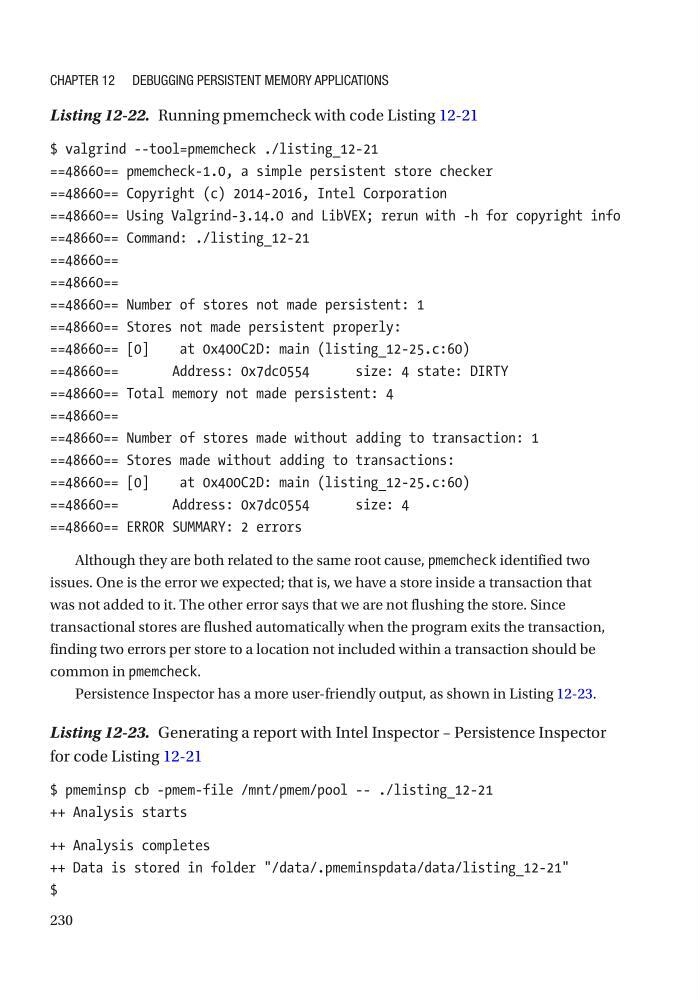
Listing 12-22. Running pmemcheck with code Listing 12-21
$ valgrind --tool=pmemcheck ./listing_12-21
==48660== pmemcheck-1.0, a simple persistent store checker
==48660== Copyright (c) 2014-2016, Intel Corporation
==48660== Using Valgrind-3.14.0 and LibVEX; rerun with -h for copyright info
==48660== Command: ./listing_12-21
==48660==
==48660==
==48660== Number of stores not made persistent: 1
==48660== Stores not made persistent properly:
==48660== [0]
at 0x400C2D: main (listing_12-25.c:60)
==48660==
Address: 0x7dc0554
size: 4 state: DIRTY
==48660== Total memory not made persistent: 4
==48660==
==48660== Number of stores made without adding to transaction: 1
==48660== Stores made without adding to transactions:
==48660== [0]
at 0x400C2D: main (listing_12-25.c:60)
==48660==
Address: 0x7dc0554
size: 4
==48660== ERROR SUMMARY: 2 errors
Although they are both related to the same root cause, pmemcheck identified two
issues. One is the error we expected; that is, we have a store inside a transaction that
was not added to it. The other error says that we are not flushing the store. Since
transactional stores are flushed automatically when the program exits the transaction,
finding two errors per store to a location not included within a transaction should be
common in pmemcheck.
Persistence Inspector has a more user-friendly output, as shown in Listing 12-23.
Listing 12-23. Generating a report with Intel Inspector – Persistence Inspector
for code Listing 12-21
$ pmeminsp cb -pmem-file /mnt/pmem/pool -- ./listing_12-21
++ Analysis starts
++ Analysis completes
++ Data is stored in folder "/data/.pmeminspdata/data/listing_12-21"
$
Chapter 12 Debugging persistent MeMory appliCations
Listing 12-22. Running pmemcheck with code Listing 12-21
$ valgrind --tool=pmemcheck ./listing_12-21
==48660== pmemcheck-1.0, a simple persistent store checker
==48660== Copyright (c) 2014-2016, Intel Corporation
==48660== Using Valgrind-3.14.0 and LibVEX; rerun with -h for copyright info
==48660== Command: ./listing_12-21
==48660==
==48660==
==48660== Number of stores not made persistent: 1
==48660== Stores not made persistent properly:
==48660== [0]
at 0x400C2D: main (listing_12-25.c:60)
==48660==
Address: 0x7dc0554
size: 4 state: DIRTY
==48660== Total memory not made persistent: 4
==48660==
==48660== Number of stores made without adding to transaction: 1
==48660== Stores made without adding to transactions:
==48660== [0]
at 0x400C2D: main (listing_12-25.c:60)
==48660==
Address: 0x7dc0554
size: 4
==48660== ERROR SUMMARY: 2 errors
Although they are both related to the same root cause, pmemcheck identified two
issues. One is the error we expected; that is, we have a store inside a transaction that
was not added to it. The other error says that we are not flushing the store. Since
transactional stores are flushed automatically when the program exits the transaction,
finding two errors per store to a location not included within a transaction should be
common in pmemcheck.
Persistence Inspector has a more user-friendly output, as shown in Listing 12-23.
Listing 12-23. Generating a report with Intel Inspector – Persistence Inspector
for code Listing 12-21
$ pmeminsp cb -pmem-file /mnt/pmem/pool -- ./listing_12-21
++ Analysis starts
++ Analysis completes
++ Data is stored in folder "/data/.pmeminspdata/data/listing_12-21"
$
Chapter 12 Debugging persistent MeMory appliCations