

175
node 1 cpus: 28 29 30 31 32 33 34 35 36 37 38 39 40 41 42 43 44 45 46
47 48 49 50 51 52 53 54 55 84 85 86 87 88 89 90 91 92 93
94 95 96 97 98 99 100 101 102 103 104 105 106 107 108 109
110 111
node 1 size: 193522 MB
node 1 free: 193107 MB
node 4 cpus:
node 4 size: 250880 MB
node 4 free: 250879 MB
node distances:
node 0 1 4
0: 10 21 17
1: 21 10 28
4: 17 28 10
To online the NUMA node and have the Kernel manage the new memory, use:
$ sudo daxctl online-memory dax0.1
dax0.1: 5 sections already online
dax0.1: 0 new sections onlined
onlined memory for 1 device
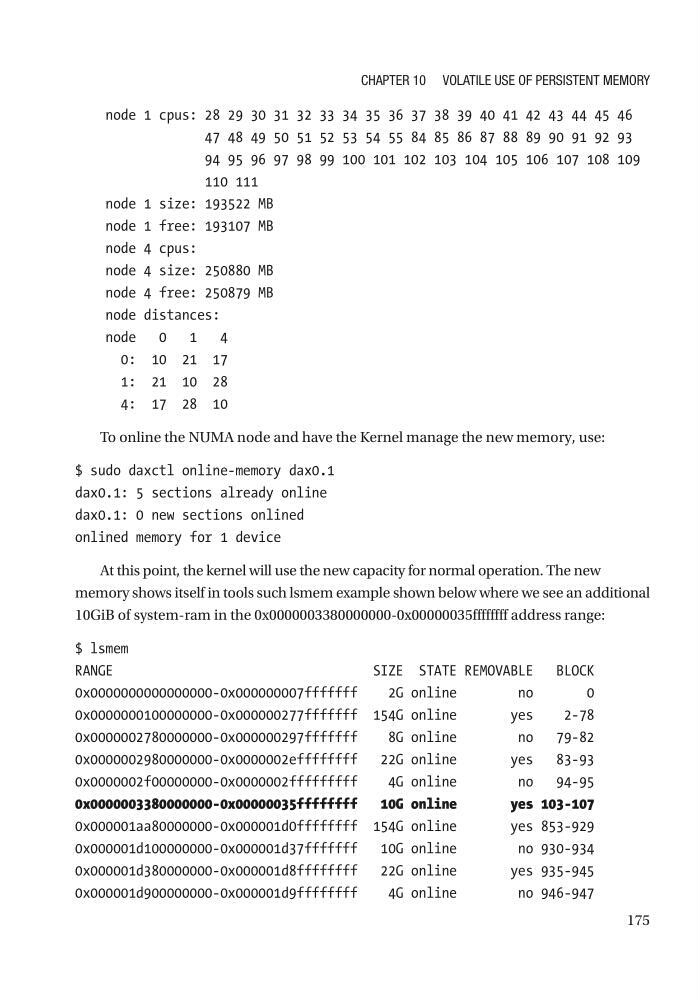
At this point, the kernel will use the new capacity for normal operation. The new
memory shows itself in tools such lsmem example shown below where we see an additional
10GiB of system-ram in the 0x0000003380000000-0x00000035ffffffff address range:
$ lsmem
RANGE
SIZE STATE REMOVABLE BLOCK
0x0000000000000000-0x000000007fffffff
2G online
no
0
0x0000000100000000-0x000000277fffffff 154G online
yes
2-78
0x0000002780000000-0x000000297fffffff
8G online
no 79-82
0x0000002980000000-0x0000002effffffff 22G online
yes 83-93
0x0000002f00000000-0x0000002fffffffff
4G online
no 94-95
0x0000003380000000-0x00000035ffffffff 10G online
yes 103-107
0x000001aa80000000-0x000001d0ffffffff 154G online
yes 853-929
0x000001d100000000-0x000001d37fffffff 10G online
no 930-934
0x000001d380000000-0x000001d8ffffffff 22G online
yes 935-945
0x000001d900000000-0x000001d9ffffffff
4G online
no 946-947
Chapter 10 Volatile Use of persistent MeMory
node 1 cpus: 28 29 30 31 32 33 34 35 36 37 38 39 40 41 42 43 44 45 46
47 48 49 50 51 52 53 54 55 84 85 86 87 88 89 90 91 92 93
94 95 96 97 98 99 100 101 102 103 104 105 106 107 108 109
110 111
node 1 size: 193522 MB
node 1 free: 193107 MB
node 4 cpus:
node 4 size: 250880 MB
node 4 free: 250879 MB
node distances:
node 0 1 4
0: 10 21 17
1: 21 10 28
4: 17 28 10
To online the NUMA node and have the Kernel manage the new memory, use:
$ sudo daxctl online-memory dax0.1
dax0.1: 5 sections already online
dax0.1: 0 new sections onlined
onlined memory for 1 device
At this point, the kernel will use the new capacity for normal operation. The new
memory shows itself in tools such lsmem example shown below where we see an additional
10GiB of system-ram in the 0x0000003380000000-0x00000035ffffffff address range:
$ lsmem
RANGE
SIZE STATE REMOVABLE BLOCK
0x0000000000000000-0x000000007fffffff
2G online
no
0
0x0000000100000000-0x000000277fffffff 154G online
yes
2-78
0x0000002780000000-0x000000297fffffff
8G online
no 79-82
0x0000002980000000-0x0000002effffffff 22G online
yes 83-93
0x0000002f00000000-0x0000002fffffffff
4G online
no 94-95
0x0000003380000000-0x00000035ffffffff 10G online
yes 103-107
0x000001aa80000000-0x000001d0ffffffff 154G online
yes 853-929
0x000001d100000000-0x000001d37fffffff 10G online
no 930-934
0x000001d380000000-0x000001d8ffffffff 22G online
yes 935-945
0x000001d900000000-0x000001d9ffffffff
4G online
no 946-947
Chapter 10 Volatile Use of persistent MeMory