

aircrack-ng NameofFile.cap –w dictionary.txt
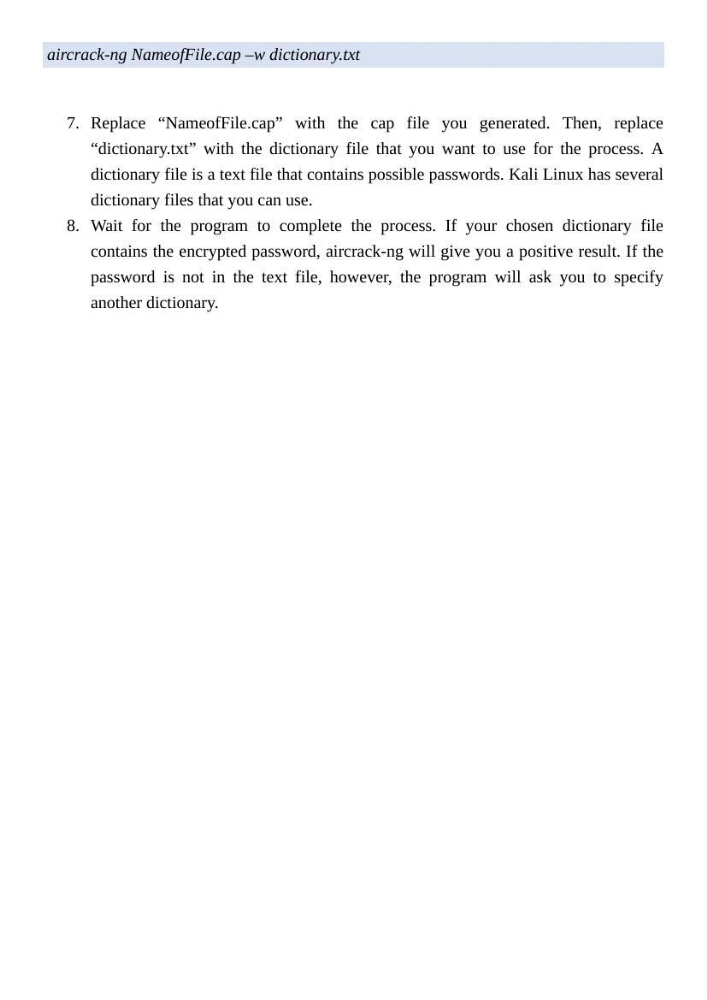
7. Replace “NameofFile.cap” with the cap file you generated. Then, replace
“dictionary.txt” with the dictionary file that you want to use for the process. A
dictionary file is a text file that contains possible passwords. Kali Linux has several
dictionary files that you can use.
8. Wait for the program to complete the process. If your chosen dictionary file
contains the encrypted password, aircrack-ng will give you a positive result. If the
password is not in the text file, however, the program will ask you to specify
another dictionary.
7. Replace “NameofFile.cap” with the cap file you generated. Then, replace
“dictionary.txt” with the dictionary file that you want to use for the process. A
dictionary file is a text file that contains possible passwords. Kali Linux has several
dictionary files that you can use.
8. Wait for the program to complete the process. If your chosen dictionary file
contains the encrypted password, aircrack-ng will give you a positive result. If the
password is not in the text file, however, the program will ask you to specify
another dictionary.