

6 Big Data
351
Kinesis, etc. and are available through extra utility classes. This requires linking
against extra dependencies via linking utilities [28]. If the application requires
multiple streams of data in parallel, multiple DStreams can be created. Multiple
receivers, simultaneously receiving multiple data streams, can be created, often
requiring allocation of multiple cores to process all receiver’s data [28].
DStream’s data output to external systems, including HDFS, databases or other
file systems, utilizes output operations. Output operations trigger the actual execution of the DStream transformations as defined by one of many operations including
print, saveAsTextFiles, saveAsObjectFiles, saveAsHadoopFiles, etc. DStreams similar to RDDs execute lazily by the output operations.
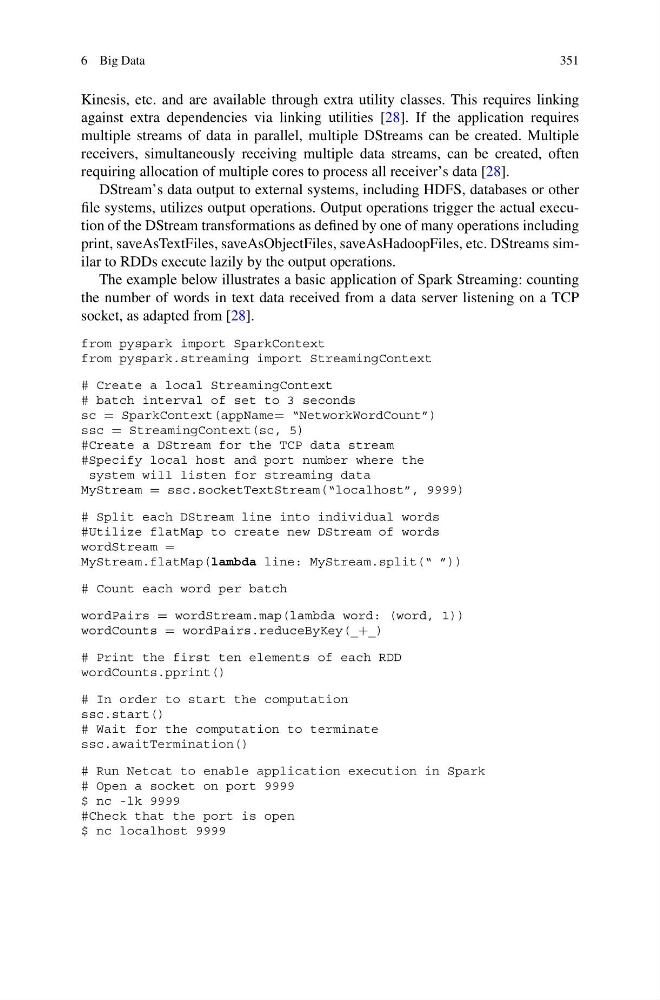
The example below illustrates a basic application of Spark Streaming: counting
the number of words in text data received from a data server listening on a TCP
socket, as adapted from [28].
from pyspark import SparkContext
from pyspark.streaming import StreamingContext
# Create a local StreamingContext
# batch interval of set to 3 seconds
sc = SparkContext(appName= “NetworkWordCount”)
ssc = StreamingContext(sc, 5)
#Create a DStream for the TCP data stream
#Specify local host and port number where the
system will listen for streaming data
MyStream = ssc.socketTextStream(“localhost”, 9999)
# Split each DStream line into individual words
#Utilize flatMap to create new DStream of words
wordStream =
MyStream.flatMap(lambda line: MyStream.split(“ ”))
# Count each word per batch
wordPairs = wordStream.map(lambda word: (word, 1))
wordCounts = wordPairs.reduceByKey(_+_)
# Print the first ten elements of each RDD
wordCounts.pprint()
# In order to start the computation
ssc.start()
# Wait for the computation to terminate
ssc.awaitTermination()
# Run Netcat to enable application execution in Spark
# Open a socket on port 9999
$ nc -lk 9999
#Check that the port is open
$ nc localhost 9999
351
Kinesis, etc. and are available through extra utility classes. This requires linking
against extra dependencies via linking utilities [28]. If the application requires
multiple streams of data in parallel, multiple DStreams can be created. Multiple
receivers, simultaneously receiving multiple data streams, can be created, often
requiring allocation of multiple cores to process all receiver’s data [28].
DStream’s data output to external systems, including HDFS, databases or other
file systems, utilizes output operations. Output operations trigger the actual execution of the DStream transformations as defined by one of many operations including
print, saveAsTextFiles, saveAsObjectFiles, saveAsHadoopFiles, etc. DStreams similar to RDDs execute lazily by the output operations.
The example below illustrates a basic application of Spark Streaming: counting
the number of words in text data received from a data server listening on a TCP
socket, as adapted from [28].
from pyspark import SparkContext
from pyspark.streaming import StreamingContext
# Create a local StreamingContext
# batch interval of set to 3 seconds
sc = SparkContext(appName= “NetworkWordCount”)
ssc = StreamingContext(sc, 5)
#Create a DStream for the TCP data stream
#Specify local host and port number where the
system will listen for streaming data
MyStream = ssc.socketTextStream(“localhost”, 9999)
# Split each DStream line into individual words
#Utilize flatMap to create new DStream of words
wordStream =
MyStream.flatMap(lambda line: MyStream.split(“ ”))
# Count each word per batch
wordPairs = wordStream.map(lambda word: (word, 1))
wordCounts = wordPairs.reduceByKey(_+_)
# Print the first ten elements of each RDD
wordCounts.pprint()
# In order to start the computation
ssc.start()
# Wait for the computation to terminate
ssc.awaitTermination()
# Run Netcat to enable application execution in Spark
# Open a socket on port 9999
$ nc -lk 9999
#Check that the port is open
$ nc localhost 9999