

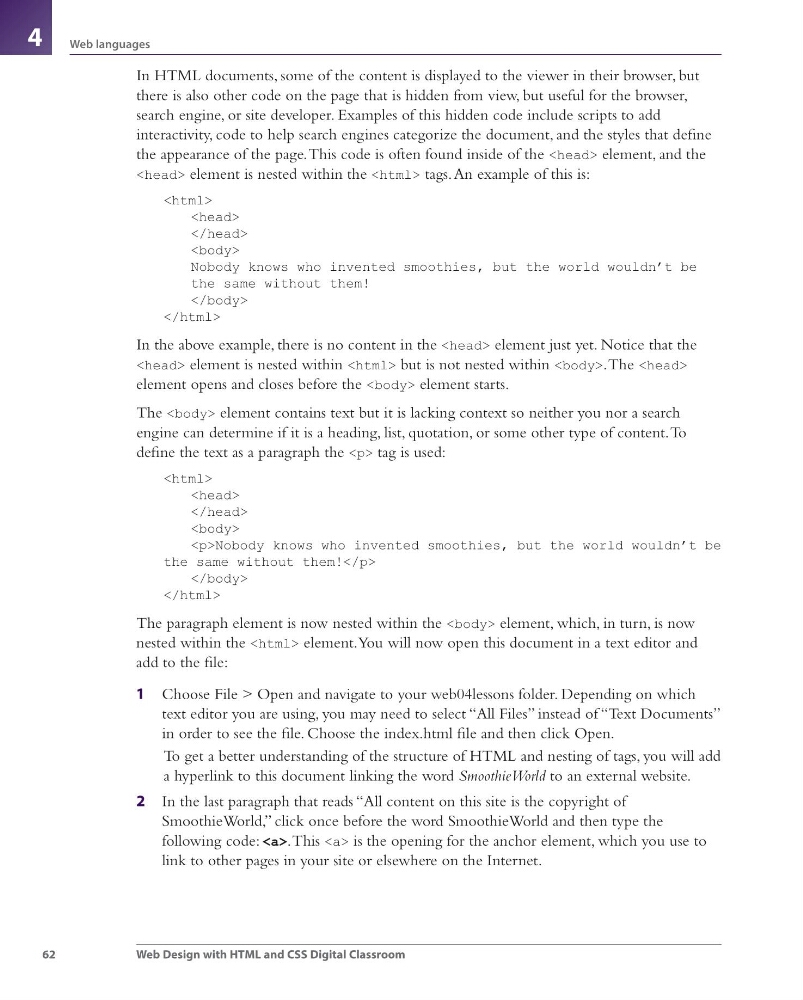
62
Web languages
Web Design with HTML and CSS Digital Classroom
4
In HTML documents, some of the content is displayed to the viewer in their browser, but
there is also other code on the page that is hidden from view, but useful for the browser,
search engine, or site developer. Examples of this hidden code include scripts to add
interactivity, code to help search engines categorize the document, and the styles that defi ne
the appearance of the page. This code is often found inside of the element, and the
element is nested within the tags. An example of this is:
Nobody knows who invented smoothies, but the world wouldn’t be
the same without them!
In the above example, there is no content in the element just yet. Notice that the
element is nested within but is not nested within . The
element opens and closes before the element starts.
The element contains text but it is lacking context so neither you nor a search
engine can determine if it is a heading, list, quotation, or some other type of content. To
defi ne the text as a paragraph the
The paragraph element is now nested within the element, which, in turn, is now
nested within the element. You will now open this document in a text editor and
add to the fi le:
1 Choose File > Open and navigate to your web04lessons folder. Depending on which
text editor you are using, you may need to select “All Files” instead of “Text Documents”
in order to see the fi le. Choose the index.html fi le and then click Open.
To get a better understanding of the structure of HTML and nesting of tags, you will add
a hyperlink to this document linking the word SmoothieWorld to an external website.
2 In the last paragraph that reads “All content on this site is the copyright of
SmoothieWorld,” click once before the word SmoothieWorld and then type the
following code: . This is the opening for the anchor element, which you use to
link to other pages in your site or elsewhere on the Internet.
webdesign.indb 62
webdesign.indb 62
3/17/11 1:50 PM
3/17/11 1:50 PM
Web languages
Web Design with HTML and CSS Digital Classroom
4
In HTML documents, some of the content is displayed to the viewer in their browser, but
there is also other code on the page that is hidden from view, but useful for the browser,
search engine, or site developer. Examples of this hidden code include scripts to add
interactivity, code to help search engines categorize the document, and the styles that defi ne
the appearance of the page. This code is often found inside of the element, and the
element is nested within the tags. An example of this is:
Nobody knows who invented smoothies, but the world wouldn’t be
the same without them!
In the above example, there is no content in the element just yet. Notice that the
element is nested within but is not nested within . The
element opens and closes before the element starts.
The element contains text but it is lacking context so neither you nor a search
engine can determine if it is a heading, list, quotation, or some other type of content. To
defi ne the text as a paragraph the
tag is used:
Nobody knows who invented smoothies, but the world wouldn’t be
the same without them!
The paragraph element is now nested within the element, which, in turn, is now
nested within the element. You will now open this document in a text editor and
add to the fi le:
1 Choose File > Open and navigate to your web04lessons folder. Depending on which
text editor you are using, you may need to select “All Files” instead of “Text Documents”
in order to see the fi le. Choose the index.html fi le and then click Open.
To get a better understanding of the structure of HTML and nesting of tags, you will add
a hyperlink to this document linking the word SmoothieWorld to an external website.
2 In the last paragraph that reads “All content on this site is the copyright of
SmoothieWorld,” click once before the word SmoothieWorld and then type the
following code: . This is the opening for the anchor element, which you use to
link to other pages in your site or elsewhere on the Internet.
webdesign.indb 62
webdesign.indb 62
3/17/11 1:50 PM
3/17/11 1:50 PM