

Interactivity on the web
231
Lesson 10, Introduction to Interactivity
10
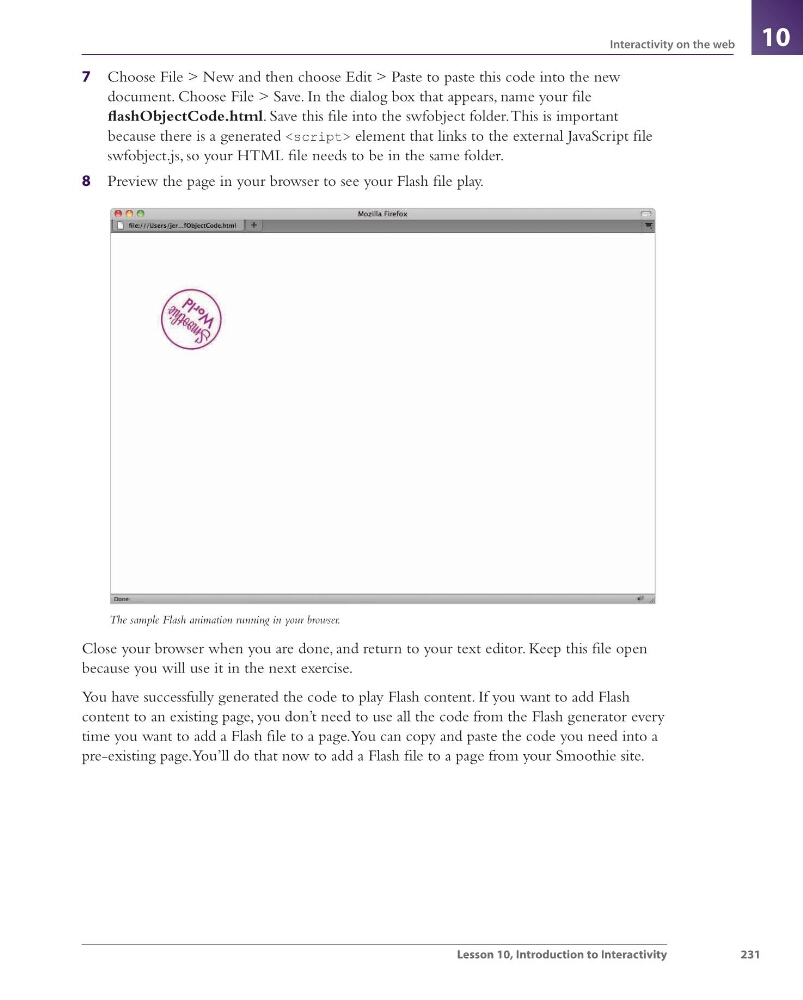
7 Choose File > New and then choose Edit > Paste to paste this code into the new
document. Choose File > Save. In the dialog box that appears, name your fi le
fl ashObjectCode.html. Save this fi le into the swfobject folder. This is important
because there is a generated
231
Lesson 10, Introduction to Interactivity
10
7 Choose File > New and then choose Edit > Paste to paste this code into the new
document. Choose File > Save. In the dialog box that appears, name your fi le
fl ashObjectCode.html. Save this fi le into the swfobject folder. This is important
because there is a generated