

39
Chapter 4 — Skinning Gmail
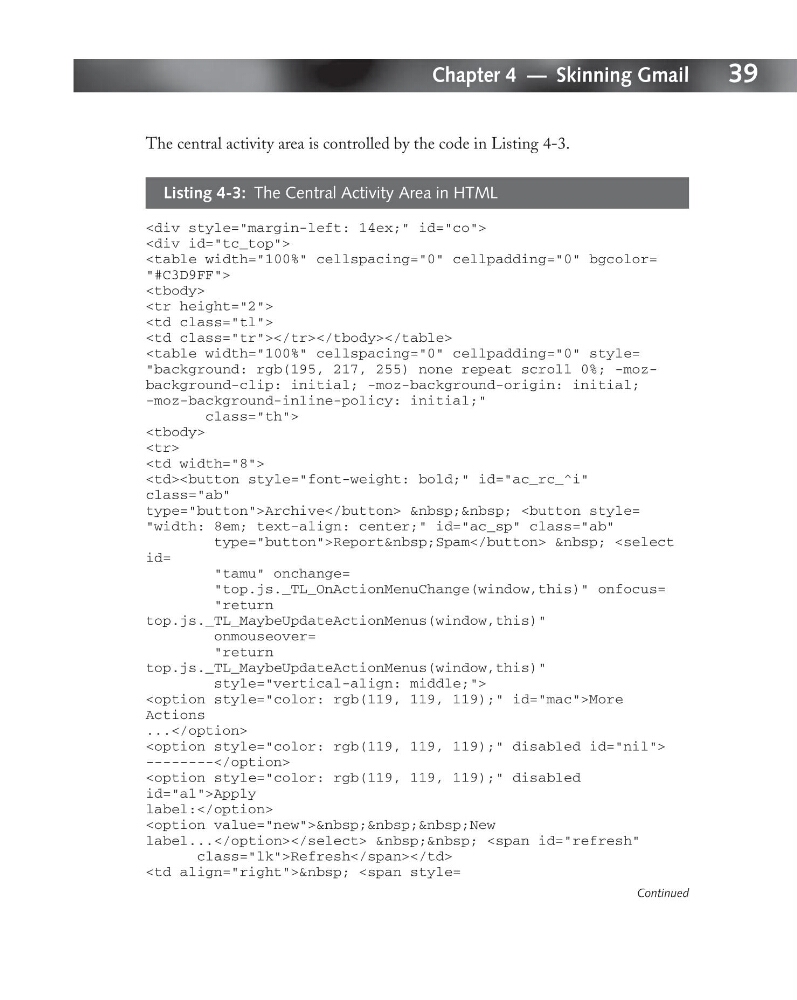
The central activity area is controlled by the code in Listing 4-3.
Listing 4-3: The Central Activity Area in HTML
“#C3D9FF”>
“background: rgb(195, 217, 255) none repeat scroll 0%; -mozbackground-clip: initial; -moz-background-origin: initial;
-moz-background-inline-policy: initial;”
class=”th”>
class=”ab”
type=”button”>Archive “width: 8em; text-align: center;” id=”ac_sp” class=”ab”
type=”button”>Report Spam
“tamu” onchange=
“top.js._TL_OnActionMenuChange(window,this)” onfocus=
“return
top.js._TL_MaybeUpdateActionMenus(window,this)”
onmouseover=
“return
top.js._TL_MaybeUpdateActionMenus(window,this)”
style=”vertical-align: middle;”>
id=”al”>Apply
label:
class=”lk”>Refresh
Continued
Chapter 4 — Skinning Gmail
The central activity area is controlled by the code in Listing 4-3.
Listing 4-3: The Central Activity Area in HTML
-moz-background-inline-policy: initial;”
class=”th”>
type=”button”>Archive “width: 8em; text-align: center;” id=”ac_sp” class=”ab”
type=”button”>Report Spam
“tamu” onchange=
“top.js._TL_OnActionMenuChange(window,this)” onfocus=
“return
top.js._TL_MaybeUpdateActionMenus(window,this)”
onmouseover=
“return
top.js._TL_MaybeUpdateActionMenus(window,this)”
style=”vertical-align: middle;”>
id=”al”>Apply
label:
class=”lk”>Refresh