

188 Part III — Conquering Gmail
Listing 13-2 (continued)
value=”101480d8ef5dc74a”>
 width=15 height=15 border=0 alt=Starred>
Ben Hammersley
Heads
Here’s a nice message.
Jan 6
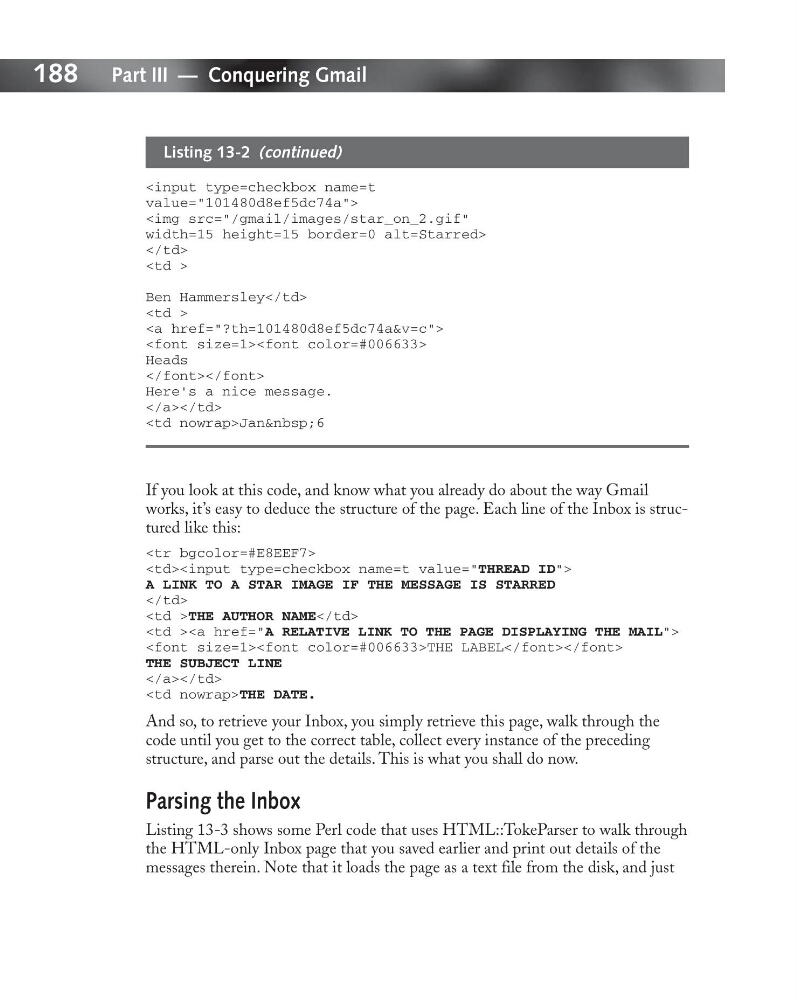
If you look at this code, and know what you already do about the way Gmail
works, it’s easy to deduce the structure of the page. Each line of the Inbox is structured like this:
A LINK TO A STAR IMAGE IF THE MESSAGE IS STARRED
THE AUTHOR NAME
THE LABEL
THE SUBJECT LINE
THE DATE.
And so, to retrieve your Inbox, you simply retrieve this page, walk through the
code until you get to the correct table, collect every instance of the preceding
structure, and parse out the details. This is what you shall do now.
Parsing the Inbox
Listing 13-3 shows some Perl code that uses HTML::TokeParser to walk through
the HTML-only Inbox page that you saved earlier and print out details of the
messages therein. Note that it loads the page as a text file from the disk, and just
Listing 13-2 (continued)
value=”101480d8ef5dc74a”>
width=15 height=15 border=0 alt=Starred>Ben Hammersley
Heads
Here’s a nice message.
If you look at this code, and know what you already do about the way Gmail
works, it’s easy to deduce the structure of the page. Each line of the Inbox is structured like this:
A LINK TO A STAR IMAGE IF THE MESSAGE IS STARRED
THE LABEL
THE SUBJECT LINE
And so, to retrieve your Inbox, you simply retrieve this page, walk through the
code until you get to the correct table, collect every instance of the preceding
structure, and parse out the details. This is what you shall do now.
Parsing the Inbox
Listing 13-3 shows some Perl code that uses HTML::TokeParser to walk through
the HTML-only Inbox page that you saved earlier and print out details of the
messages therein. Note that it loads the page as a text file from the disk, and just