

153
Chapter 9 — Reading Mail
Listing the Mail and Displaying a Chosen Message
So, with that all fully understood, you can put your knowledge, and that of
Chapter 7, to use. Listing 9-1 shows code that logs in, displays the mail you have
in your account in a list, and then lets you select the one you want to read. Select
that, and it displays it. Easy and useful.
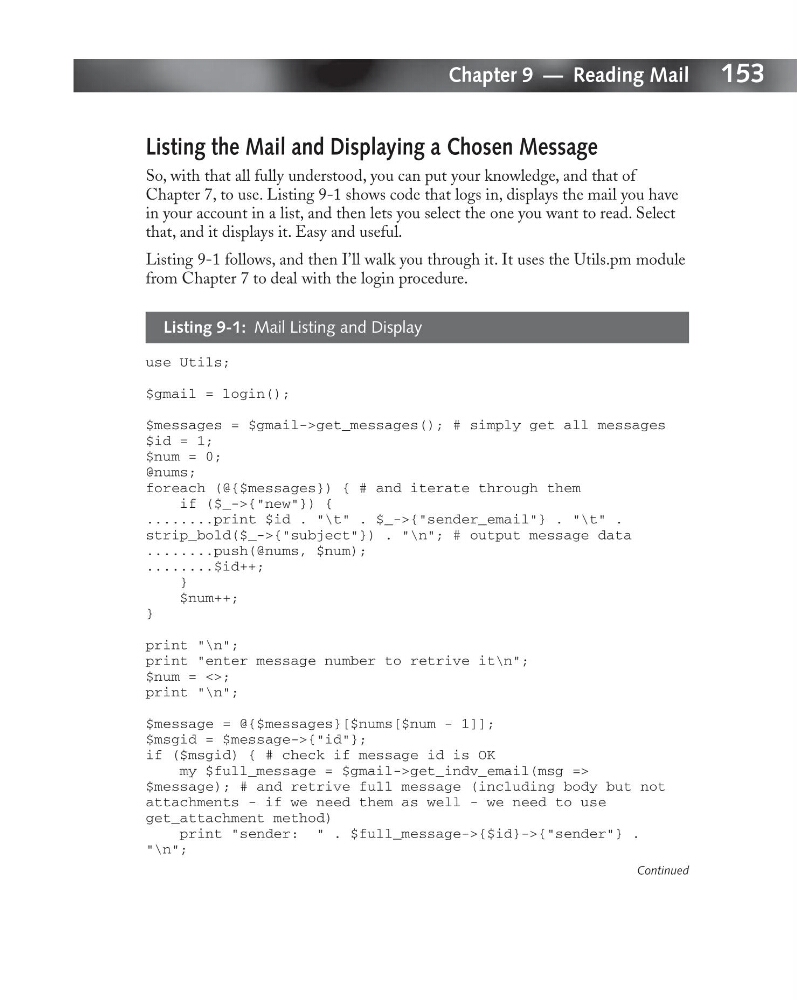
Listing 9-1 follows, and then I’ll walk you through it. It uses the Utils.pm module
from Chapter 7 to deal with the login procedure.
Listing 9-1: Mail Listing and Display
use Utils;
$gmail = login();
$messages = $gmail->get_messages(); # simply get all messages
$id = 1;
$num = 0;
@nums;
foreach (@{$messages}) { # and iterate through them
if ($_->{“new”}) {
........print $id . “\t” . $_->{“sender_email”} . “\t” .
strip_bold($_->{“subject”}) . “\n”; # output message data
........push(@nums, $num);
........$id++;
}
$num++;
}
print “\n”;
print “enter message number to retrive it\n”;
$num = <>;
print “\n”;
$message = @{$messages}[$nums[$num - 1]];
$msgid = $message->{“id”};
if ($msgid) { # check if message id is OK
my $full_message = $gmail->get_indv_email(msg =>
$message); # and retrive full message (including body but not
attachments - if we need them as well - we need to use
get_attachment method)
print “sender: “ . $full_message->{$id}->{“sender”} .
“\n”;
Continued
Chapter 9 — Reading Mail
Listing the Mail and Displaying a Chosen Message
So, with that all fully understood, you can put your knowledge, and that of
Chapter 7, to use. Listing 9-1 shows code that logs in, displays the mail you have
in your account in a list, and then lets you select the one you want to read. Select
that, and it displays it. Easy and useful.
Listing 9-1 follows, and then I’ll walk you through it. It uses the Utils.pm module
from Chapter 7 to deal with the login procedure.
Listing 9-1: Mail Listing and Display
use Utils;
$gmail = login();
$messages = $gmail->get_messages(); # simply get all messages
$id = 1;
$num = 0;
@nums;
foreach (@{$messages}) { # and iterate through them
if ($_->{“new”}) {
........print $id . “\t” . $_->{“sender_email”} . “\t” .
strip_bold($_->{“subject”}) . “\n”; # output message data
........push(@nums, $num);
........$id++;
}
$num++;
}
print “\n”;
print “enter message number to retrive it\n”;
$num = <>;
print “\n”;
$message = @{$messages}[$nums[$num - 1]];
$msgid = $message->{“id”};
if ($msgid) { # check if message id is OK
my $full_message = $gmail->get_indv_email(msg =>
$message); # and retrive full message (including body but not
attachments - if we need them as well - we need to use
get_attachment method)
print “sender: “ . $full_message->{$id}->{“sender”} .
“\n”;
Continued