

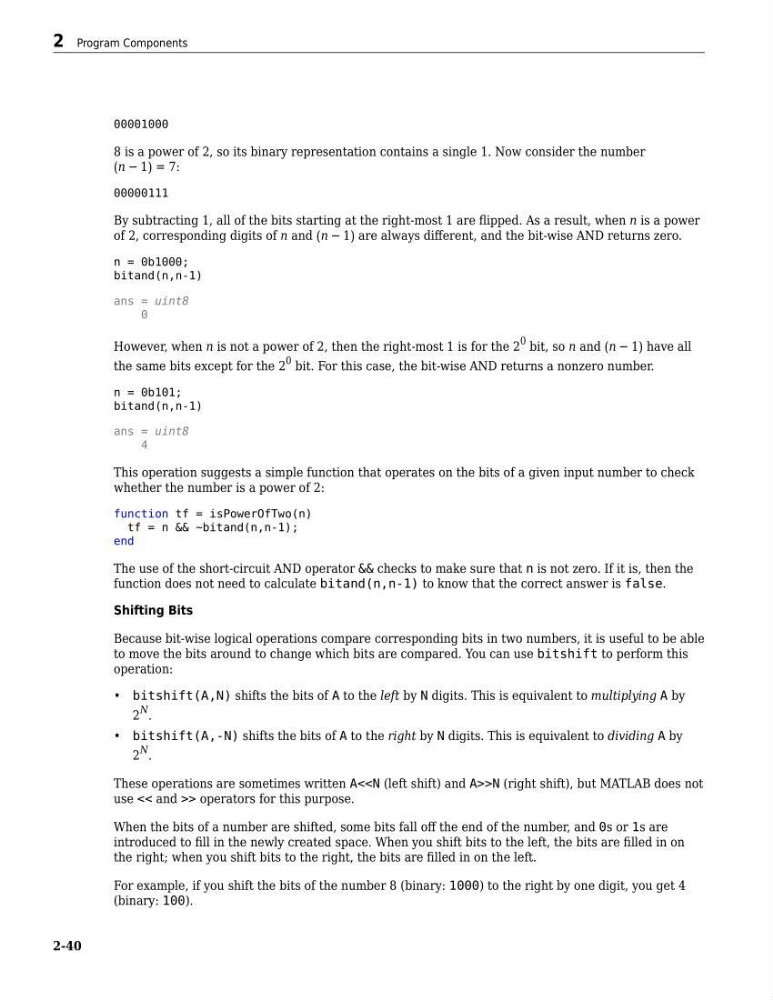
00001000
8 is a power of 2, so its binary representation contains a single 1. Now consider the number
n − 1 = 7:
00000111
By subtracting 1, all of the bits starting at the right-most 1 are flipped. As a result, when n is a power
of 2, corresponding digits of n and n − 1 are always different, and the bit-wise AND returns zero.
n = 0b1000;
bitand(n,n-1)
ans = uint8
0
However, when n is not a power of 2, then the right-most 1 is for the 2
0 bit, so n and n − 1 have all
the same bits except for the 2
0 bit. For this case, the bit-wise AND returns a nonzero number.
n = 0b101;
bitand(n,n-1)
ans = uint8
4
This operation suggests a simple function that operates on the bits of a given input number to check
whether the number is a power of 2:
function tf = isPowerOfTwo(n)
tf = n && ~bitand(n,n-1);
end
The use of the short-circuit AND operator && checks to make sure that n is not zero. If it is, then the
function does not need to calculate bitand(n,n-1) to know that the correct answer is false.
Shifting Bits
Because bit-wise logical operations compare corresponding bits in two numbers, it is useful to be able
to move the bits around to change which bits are compared. You can use bitshift to perform this
operation:
• bitshift(A,N) shifts the bits of A to the left by N digits. This is equivalent to multiplying A by
2
N .
• bitshift(A,-N) shifts the bits of A to the right by N digits. This is equivalent to dividing A by
2
N .
These operations are sometimes written A<>N (right shift), but MATLAB does not
use << and >> operators for this purpose.
When the bits of a number are shifted, some bits fall off the end of the number, and 0s or 1s are
introduced to fill in the newly created space. When you shift bits to the left, the bits are filled in on
the right; when you shift bits to the right, the bits are filled in on the left.
For example, if you shift the bits of the number 8 (binary: 1000) to the right by one digit, you get 4
(binary: 100).
2 Program Components
2-40
8 is a power of 2, so its binary representation contains a single 1. Now consider the number
n − 1 = 7:
00000111
By subtracting 1, all of the bits starting at the right-most 1 are flipped. As a result, when n is a power
of 2, corresponding digits of n and n − 1 are always different, and the bit-wise AND returns zero.
n = 0b1000;
bitand(n,n-1)
ans = uint8
0
However, when n is not a power of 2, then the right-most 1 is for the 2
0 bit, so n and n − 1 have all
the same bits except for the 2
0 bit. For this case, the bit-wise AND returns a nonzero number.
n = 0b101;
bitand(n,n-1)
ans = uint8
4
This operation suggests a simple function that operates on the bits of a given input number to check
whether the number is a power of 2:
function tf = isPowerOfTwo(n)
tf = n && ~bitand(n,n-1);
end
The use of the short-circuit AND operator && checks to make sure that n is not zero. If it is, then the
function does not need to calculate bitand(n,n-1) to know that the correct answer is false.
Shifting Bits
Because bit-wise logical operations compare corresponding bits in two numbers, it is useful to be able
to move the bits around to change which bits are compared. You can use bitshift to perform this
operation:
• bitshift(A,N) shifts the bits of A to the left by N digits. This is equivalent to multiplying A by
2
N .
• bitshift(A,-N) shifts the bits of A to the right by N digits. This is equivalent to dividing A by
2
N .
These operations are sometimes written A<
use << and >> operators for this purpose.
When the bits of a number are shifted, some bits fall off the end of the number, and 0s or 1s are
introduced to fill in the newly created space. When you shift bits to the left, the bits are filled in on
the right; when you shift bits to the right, the bits are filled in on the left.
For example, if you shift the bits of the number 8 (binary: 1000) to the right by one digit, you get 4
(binary: 100).
2 Program Components
2-40