

Check Function Inputs with validateattributes
Verify that the inputs to your function conform to a set of requirements using the
validateattributes function.
validateattributes requires that you pass the variable to check and the supported data types for
that variable. Optionally, pass a set of attributes that describe the valid dimensions or values.
Check Data Type and Other Attributes
Define a function in a file named checkme.m that accepts up to three inputs: a, b, and c. Check
whether:
• a is a two-dimensional array of positive double-precision values.
• b contains 100 numeric values in an array with 10 columns.
• c is a nonempty character vector or cell array.
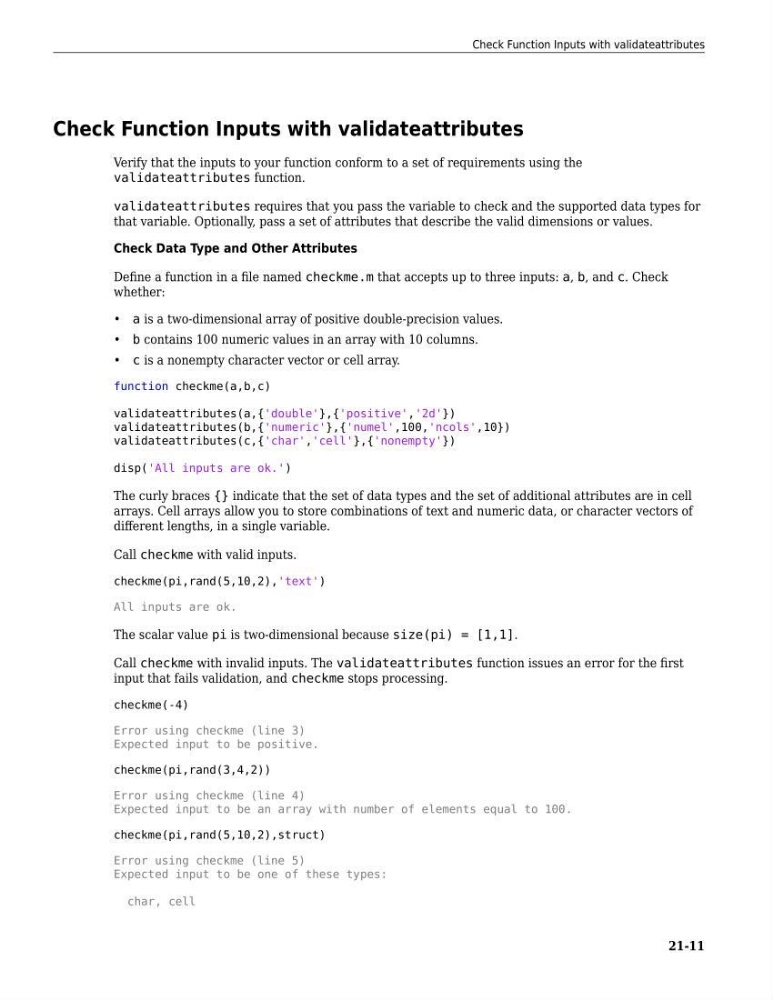
function checkme(a,b,c)
validateattributes(a,{'double'},{'positive','2d'})
validateattributes(b,{'numeric'},{'numel',100,'ncols',10})
validateattributes(c,{'char','cell'},{'nonempty'})
disp('All inputs are ok.')
The curly braces {} indicate that the set of data types and the set of additional attributes are in cell
arrays. Cell arrays allow you to store combinations of text and numeric data, or character vectors of
different lengths, in a single variable.
Call checkme with valid inputs.
checkme(pi,rand(5,10,2),'text')
All inputs are ok.
The scalar value pi is two-dimensional because size(pi) = [1,1].
Call checkme with invalid inputs. The validateattributes function issues an error for the first
input that fails validation, and checkme stops processing.
checkme(-4)
Error using checkme (line 3)
Expected input to be positive.
checkme(pi,rand(3,4,2))
Error using checkme (line 4)
Expected input to be an array with number of elements equal to 100.
checkme(pi,rand(5,10,2),struct)
Error using checkme (line 5)
Expected input to be one of these types:
char, cell
Check Function Inputs with validateattributes
21-11
Verify that the inputs to your function conform to a set of requirements using the
validateattributes function.
validateattributes requires that you pass the variable to check and the supported data types for
that variable. Optionally, pass a set of attributes that describe the valid dimensions or values.
Check Data Type and Other Attributes
Define a function in a file named checkme.m that accepts up to three inputs: a, b, and c. Check
whether:
• a is a two-dimensional array of positive double-precision values.
• b contains 100 numeric values in an array with 10 columns.
• c is a nonempty character vector or cell array.
function checkme(a,b,c)
validateattributes(a,{'double'},{'positive','2d'})
validateattributes(b,{'numeric'},{'numel',100,'ncols',10})
validateattributes(c,{'char','cell'},{'nonempty'})
disp('All inputs are ok.')
The curly braces {} indicate that the set of data types and the set of additional attributes are in cell
arrays. Cell arrays allow you to store combinations of text and numeric data, or character vectors of
different lengths, in a single variable.
Call checkme with valid inputs.
checkme(pi,rand(5,10,2),'text')
All inputs are ok.
The scalar value pi is two-dimensional because size(pi) = [1,1].
Call checkme with invalid inputs. The validateattributes function issues an error for the first
input that fails validation, and checkme stops processing.
checkme(-4)
Error using checkme (line 3)
Expected input to be positive.
checkme(pi,rand(3,4,2))
Error using checkme (line 4)
Expected input to be an array with number of elements equal to 100.
checkme(pi,rand(5,10,2),struct)
Error using checkme (line 5)
Expected input to be one of these types:
char, cell
Check Function Inputs with validateattributes
21-11