

Checking Number of Arguments in Nested Functions
This topic explains special considerations for using varargin, varargout, nargin, and nargout
with nested functions.
varargin and varargout allow you to create functions that accept variable numbers of input or
output arguments. Although varargin and varargout look like function names, they refer to
variables, not functions. This is significant because nested functions share the workspaces of the
functions that contain them.
If you do not use varargin or varargout in the declaration of a nested function, then varargin or
varargout within the nested function refers to the arguments of an outer function.
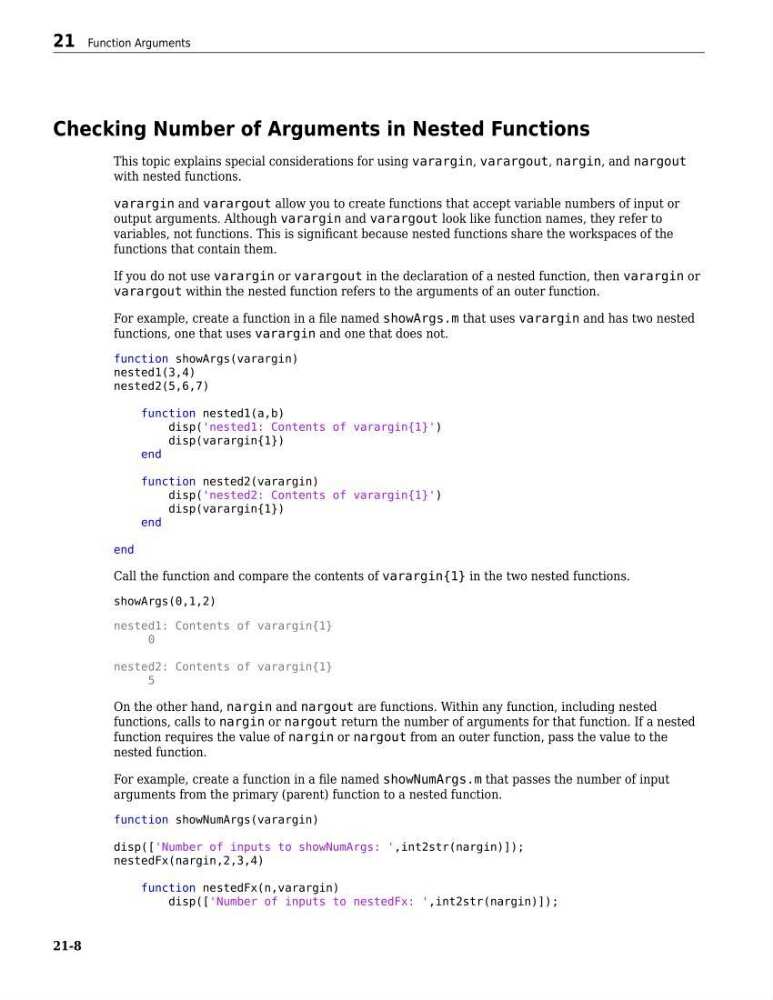
For example, create a function in a file named showArgs.m that uses varargin and has two nested
functions, one that uses varargin and one that does not.
function showArgs(varargin)
nested1(3,4)
nested2(5,6,7)
function nested1(a,b)
disp('nested1: Contents of varargin{1}')
disp(varargin{1})
end
function nested2(varargin)
disp('nested2: Contents of varargin{1}')
disp(varargin{1})
end
end
Call the function and compare the contents of varargin{1} in the two nested functions.
showArgs(0,1,2)
nested1: Contents of varargin{1}
0
nested2: Contents of varargin{1}
5
On the other hand, nargin and nargout are functions. Within any function, including nested
functions, calls to nargin or nargout return the number of arguments for that function. If a nested
function requires the value of nargin or nargout from an outer function, pass the value to the
nested function.
For example, create a function in a file named showNumArgs.m that passes the number of input
arguments from the primary (parent) function to a nested function.
function showNumArgs(varargin)
disp(['Number of inputs to showNumArgs: ',int2str(nargin)]);
nestedFx(nargin,2,3,4)
function nestedFx(n,varargin)
disp(['Number of inputs to nestedFx: ',int2str(nargin)]);
21 Function Arguments
21-8
This topic explains special considerations for using varargin, varargout, nargin, and nargout
with nested functions.
varargin and varargout allow you to create functions that accept variable numbers of input or
output arguments. Although varargin and varargout look like function names, they refer to
variables, not functions. This is significant because nested functions share the workspaces of the
functions that contain them.
If you do not use varargin or varargout in the declaration of a nested function, then varargin or
varargout within the nested function refers to the arguments of an outer function.
For example, create a function in a file named showArgs.m that uses varargin and has two nested
functions, one that uses varargin and one that does not.
function showArgs(varargin)
nested1(3,4)
nested2(5,6,7)
function nested1(a,b)
disp('nested1: Contents of varargin{1}')
disp(varargin{1})
end
function nested2(varargin)
disp('nested2: Contents of varargin{1}')
disp(varargin{1})
end
end
Call the function and compare the contents of varargin{1} in the two nested functions.
showArgs(0,1,2)
nested1: Contents of varargin{1}
0
nested2: Contents of varargin{1}
5
On the other hand, nargin and nargout are functions. Within any function, including nested
functions, calls to nargin or nargout return the number of arguments for that function. If a nested
function requires the value of nargin or nargout from an outer function, pass the value to the
nested function.
For example, create a function in a file named showNumArgs.m that passes the number of input
arguments from the primary (parent) function to a nested function.
function showNumArgs(varargin)
disp(['Number of inputs to showNumArgs: ',int2str(nargin)]);
nestedFx(nargin,2,3,4)
function nestedFx(n,varargin)
disp(['Number of inputs to nestedFx: ',int2str(nargin)]);
21 Function Arguments
21-8