

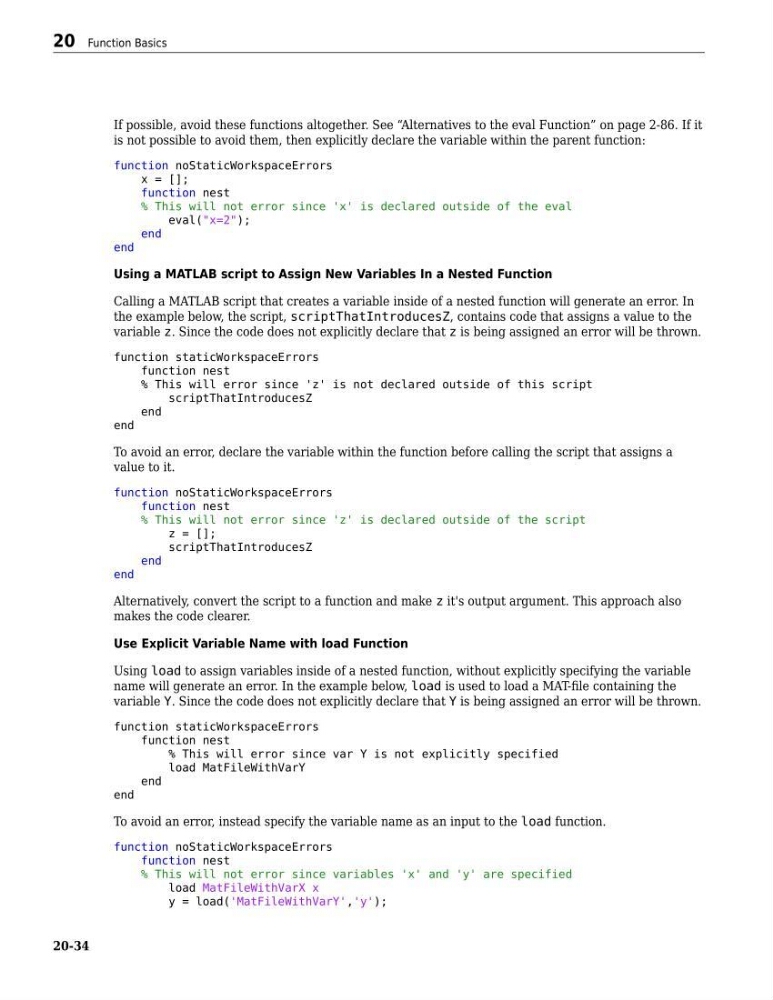
If possible, avoid these functions altogether. See “Alternatives to the eval Function” on page 2-86. If it
is not possible to avoid them, then explicitly declare the variable within the parent function:
function noStaticWorkspaceErrors
x = [];
function nest
% This will not error since 'x' is declared outside of the eval
eval("x=2");
end
end
Using a MATLAB script to Assign New Variables In a Nested Function
Calling a MATLAB script that creates a variable inside of a nested function will generate an error. In
the example below, the script, scriptThatIntroducesZ, contains code that assigns a value to the
variable z. Since the code does not explicitly declare that z is being assigned an error will be thrown.
function staticWorkspaceErrors
function nest
% This will error since 'z' is not declared outside of this script
scriptThatIntroducesZ
end
end
To avoid an error, declare the variable within the function before calling the script that assigns a
value to it.
function noStaticWorkspaceErrors
function nest
% This will not error since 'z' is declared outside of the script
z = [];
scriptThatIntroducesZ
end
end
Alternatively, convert the script to a function and make z it's output argument. This approach also
makes the code clearer.
Use Explicit Variable Name with load Function
Using load to assign variables inside of a nested function, without explicitly specifying the variable
name will generate an error. In the example below, load is used to load a MAT-file containing the
variable Y. Since the code does not explicitly declare that Y is being assigned an error will be thrown.
function staticWorkspaceErrors
function nest
% This will error since var Y is not explicitly specified
load MatFileWithVarY
end
end
To avoid an error, instead specify the variable name as an input to the load function.
function noStaticWorkspaceErrors
function nest
% This will not error since variables 'x' and 'y' are specified
load MatFileWithVarX x
y = load('MatFileWithVarY','y');
20 Function Basics
20-34
is not possible to avoid them, then explicitly declare the variable within the parent function:
function noStaticWorkspaceErrors
x = [];
function nest
% This will not error since 'x' is declared outside of the eval
eval("x=2");
end
end
Using a MATLAB script to Assign New Variables In a Nested Function
Calling a MATLAB script that creates a variable inside of a nested function will generate an error. In
the example below, the script, scriptThatIntroducesZ, contains code that assigns a value to the
variable z. Since the code does not explicitly declare that z is being assigned an error will be thrown.
function staticWorkspaceErrors
function nest
% This will error since 'z' is not declared outside of this script
scriptThatIntroducesZ
end
end
To avoid an error, declare the variable within the function before calling the script that assigns a
value to it.
function noStaticWorkspaceErrors
function nest
% This will not error since 'z' is declared outside of the script
z = [];
scriptThatIntroducesZ
end
end
Alternatively, convert the script to a function and make z it's output argument. This approach also
makes the code clearer.
Use Explicit Variable Name with load Function
Using load to assign variables inside of a nested function, without explicitly specifying the variable
name will generate an error. In the example below, load is used to load a MAT-file containing the
variable Y. Since the code does not explicitly declare that Y is being assigned an error will be thrown.
function staticWorkspaceErrors
function nest
% This will error since var Y is not explicitly specified
load MatFileWithVarY
end
end
To avoid an error, instead specify the variable name as an input to the load function.
function noStaticWorkspaceErrors
function nest
% This will not error since variables 'x' and 'y' are specified
load MatFileWithVarX x
y = load('MatFileWithVarY','y');
20 Function Basics
20-34