

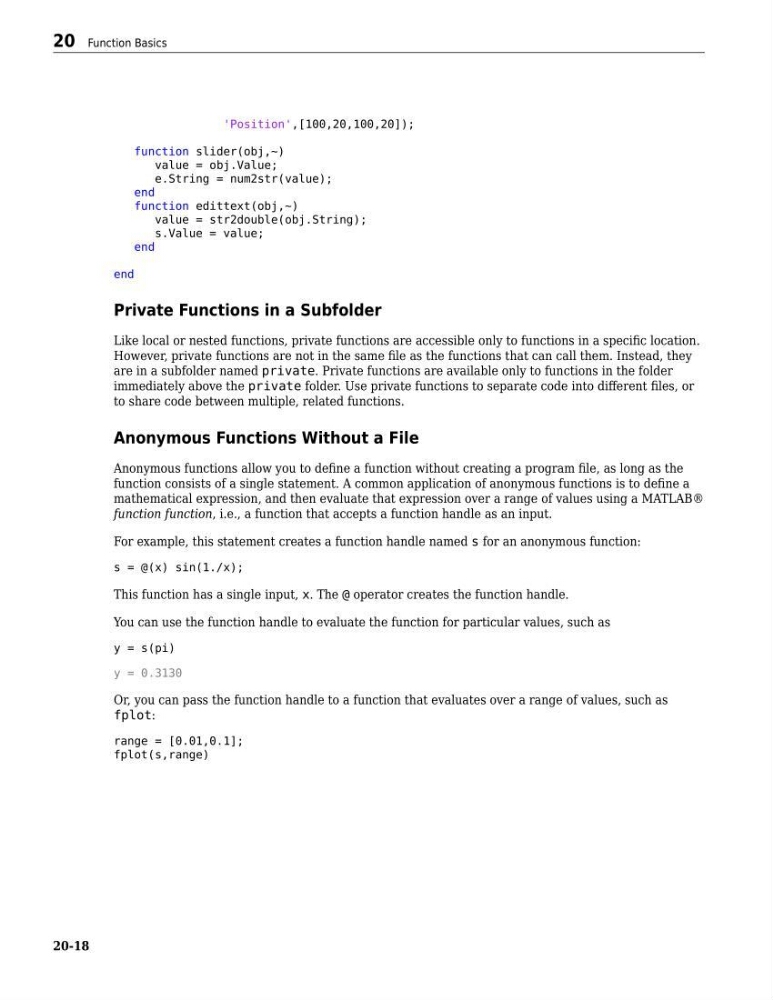
'Position',[100,20,100,20]);
function slider(obj,~)
value = obj.Value;
e.String = num2str(value);
end
function edittext(obj,~)
value = str2double(obj.String);
s.Value = value;
end
end
Private Functions in a Subfolder
Like local or nested functions, private functions are accessible only to functions in a specific location.
However, private functions are not in the same file as the functions that can call them. Instead, they
are in a subfolder named private. Private functions are available only to functions in the folder
immediately above the private folder. Use private functions to separate code into different files, or
to share code between multiple, related functions.
Anonymous Functions Without a File
Anonymous functions allow you to define a function without creating a program file, as long as the
function consists of a single statement. A common application of anonymous functions is to define a
mathematical expression, and then evaluate that expression over a range of values using a MATLAB®
function function, i.e., a function that accepts a function handle as an input.
For example, this statement creates a function handle named s for an anonymous function:
s = @(x) sin(1./x);
This function has a single input, x. The @ operator creates the function handle.
You can use the function handle to evaluate the function for particular values, such as
y = s(pi)
y = 0.3130
Or, you can pass the function handle to a function that evaluates over a range of values, such as
fplot:
range = [0.01,0.1];
fplot(s,range)
20 Function Basics
20-18
function slider(obj,~)
value = obj.Value;
e.String = num2str(value);
end
function edittext(obj,~)
value = str2double(obj.String);
s.Value = value;
end
end
Private Functions in a Subfolder
Like local or nested functions, private functions are accessible only to functions in a specific location.
However, private functions are not in the same file as the functions that can call them. Instead, they
are in a subfolder named private. Private functions are available only to functions in the folder
immediately above the private folder. Use private functions to separate code into different files, or
to share code between multiple, related functions.
Anonymous Functions Without a File
Anonymous functions allow you to define a function without creating a program file, as long as the
function consists of a single statement. A common application of anonymous functions is to define a
mathematical expression, and then evaluate that expression over a range of values using a MATLAB®
function function, i.e., a function that accepts a function handle as an input.
For example, this statement creates a function handle named s for an anonymous function:
s = @(x) sin(1./x);
This function has a single input, x. The @ operator creates the function handle.
You can use the function handle to evaluate the function for particular values, such as
y = s(pi)
y = 0.3130
Or, you can pass the function handle to a function that evaluates over a range of values, such as
fplot:
range = [0.01,0.1];
fplot(s,range)
20 Function Basics
20-18