

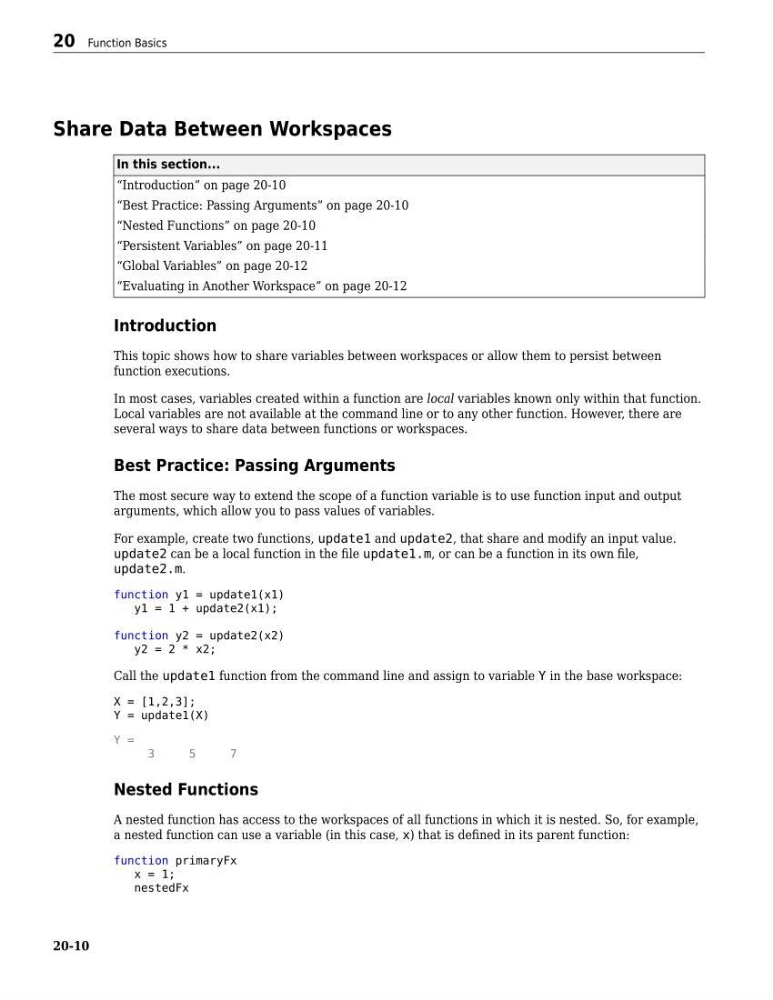
Share Data Between Workspaces
In this section...
“Introduction” on page 20-10
“Best Practice: Passing Arguments” on page 20-10
“Nested Functions” on page 20-10
“Persistent Variables” on page 20-11
“Global Variables” on page 20-12
“Evaluating in Another Workspace” on page 20-12
Introduction
This topic shows how to share variables between workspaces or allow them to persist between
function executions.
In most cases, variables created within a function are local variables known only within that function.
Local variables are not available at the command line or to any other function. However, there are
several ways to share data between functions or workspaces.
Best Practice: Passing Arguments
The most secure way to extend the scope of a function variable is to use function input and output
arguments, which allow you to pass values of variables.
For example, create two functions, update1 and update2, that share and modify an input value.
update2 can be a local function in the file update1.m, or can be a function in its own file,
update2.m.
function y1 = update1(x1)
y1 = 1 + update2(x1);
function y2 = update2(x2)
y2 = 2 * x2;
Call the update1 function from the command line and assign to variable Y in the base workspace:
X = [1,2,3];
Y = update1(X)
Y =
3
5
7
Nested Functions
A nested function has access to the workspaces of all functions in which it is nested. So, for example,
a nested function can use a variable (in this case, x) that is defined in its parent function:
function primaryFx
x = 1;
nestedFx
20 Function Basics
20-10
In this section...
“Introduction” on page 20-10
“Best Practice: Passing Arguments” on page 20-10
“Nested Functions” on page 20-10
“Persistent Variables” on page 20-11
“Global Variables” on page 20-12
“Evaluating in Another Workspace” on page 20-12
Introduction
This topic shows how to share variables between workspaces or allow them to persist between
function executions.
In most cases, variables created within a function are local variables known only within that function.
Local variables are not available at the command line or to any other function. However, there are
several ways to share data between functions or workspaces.
Best Practice: Passing Arguments
The most secure way to extend the scope of a function variable is to use function input and output
arguments, which allow you to pass values of variables.
For example, create two functions, update1 and update2, that share and modify an input value.
update2 can be a local function in the file update1.m, or can be a function in its own file,
update2.m.
function y1 = update1(x1)
y1 = 1 + update2(x1);
function y2 = update2(x2)
y2 = 2 * x2;
Call the update1 function from the command line and assign to variable Y in the base workspace:
X = [1,2,3];
Y = update1(X)
Y =
3
5
7
Nested Functions
A nested function has access to the workspaces of all functions in which it is nested. So, for example,
a nested function can use a variable (in this case, x) that is defined in its parent function:
function primaryFx
x = 1;
nestedFx
20 Function Basics
20-10