

Array vs. Matrix Operations
In this section...
“Introduction” on page 2-20
“Array Operations” on page 2-20
“Matrix Operations” on page 2-22
Introduction
MATLAB has two different types of arithmetic operations: array operations and matrix operations.
You can use these arithmetic operations to perform numeric computations, for example, adding two
numbers, raising the elements of an array to a given power, or multiplying two matrices.
Matrix operations follow the rules of linear algebra. By contrast, array operations execute element by
element operations and support multidimensional arrays. The period character (.) distinguishes the
array operations from the matrix operations. However, since the matrix and array operations are the
same for addition and subtraction, the character pairs .+ and .- are unnecessary.
Array Operations
Array operations execute element by element operations on corresponding elements of vectors,
matrices, and multidimensional arrays. If the operands have the same size, then each element in the
first operand gets matched up with the element in the same location in the second operand. If the
operands have compatible sizes, then each input is implicitly expanded as needed to match the size of
the other. For more information, see “Compatible Array Sizes for Basic Operations” on page 2-25.
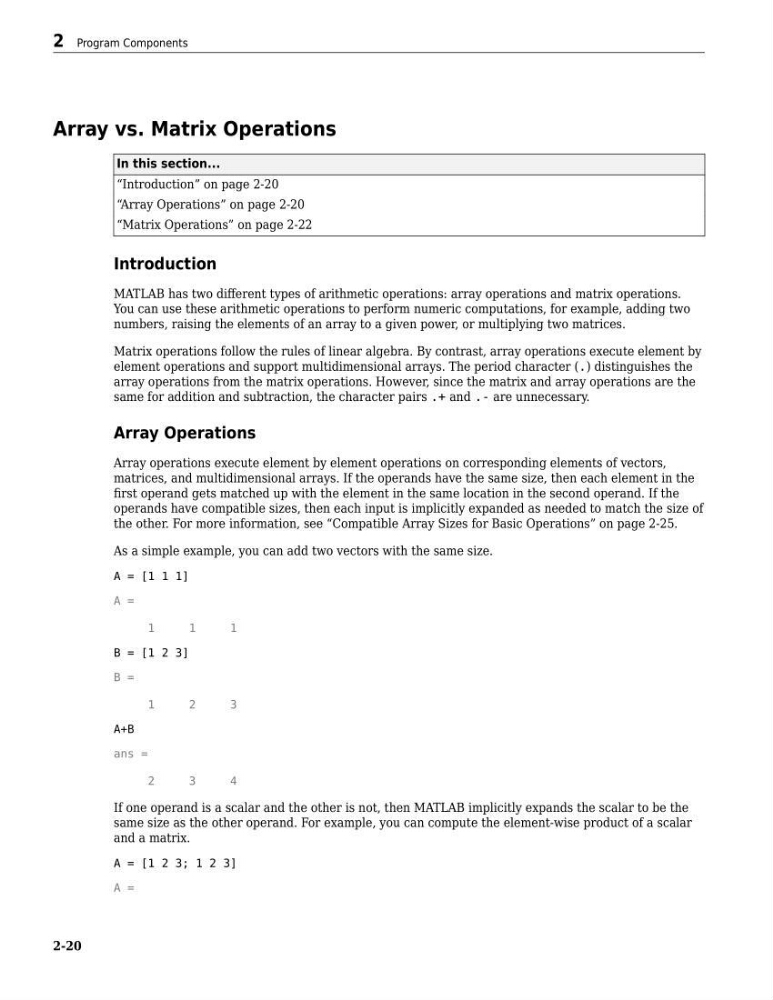
As a simple example, you can add two vectors with the same size.
A = [1 1 1]
A =
1
1
1
B = [1 2 3]
B =
1
2
3
A+B
ans =
2
3
4
If one operand is a scalar and the other is not, then MATLAB implicitly expands the scalar to be the
same size as the other operand. For example, you can compute the element-wise product of a scalar
and a matrix.
A = [1 2 3; 1 2 3]
A =
2 Program Components
2-20
In this section...
“Introduction” on page 2-20
“Array Operations” on page 2-20
“Matrix Operations” on page 2-22
Introduction
MATLAB has two different types of arithmetic operations: array operations and matrix operations.
You can use these arithmetic operations to perform numeric computations, for example, adding two
numbers, raising the elements of an array to a given power, or multiplying two matrices.
Matrix operations follow the rules of linear algebra. By contrast, array operations execute element by
element operations and support multidimensional arrays. The period character (.) distinguishes the
array operations from the matrix operations. However, since the matrix and array operations are the
same for addition and subtraction, the character pairs .+ and .- are unnecessary.
Array Operations
Array operations execute element by element operations on corresponding elements of vectors,
matrices, and multidimensional arrays. If the operands have the same size, then each element in the
first operand gets matched up with the element in the same location in the second operand. If the
operands have compatible sizes, then each input is implicitly expanded as needed to match the size of
the other. For more information, see “Compatible Array Sizes for Basic Operations” on page 2-25.
As a simple example, you can add two vectors with the same size.
A = [1 1 1]
A =
1
1
1
B = [1 2 3]
B =
1
2
3
A+B
ans =
2
3
4
If one operand is a scalar and the other is not, then MATLAB implicitly expands the scalar to be the
same size as the other operand. For example, you can compute the element-wise product of a scalar
and a matrix.
A = [1 2 3; 1 2 3]
A =
2 Program Components
2-20