

Create an Interactive Narrative with the Live Editor
The following is an example of how to create an interactive narrative in the Live Editor. An interactive
narrative ties together the computations that you use to solve a problem. This example shows how to:
• Describe your approach using formatted text.
• Show output together with your MATLAB code.
• Describe the underlying mathematics with equations.
• Illustrate important points with images.
• Links to background material.
• Modify parameters and re-run the analysis with controls.
• Plot data for visualization.
• Invite colleagues to extend your analysis.
Overall Approach
Include formatted text as part of the interactive narrative. Use bold, italic, and underlined text to
highlight important words. Use bullets or numbers to format lists.
Estimate the power output from a typical solar panel installation on a specific date, time, and location
by calculating the following:
• Solar time
• Solar declination and solar elevation
• Air mass and the solar radiation reaching the earth's surface
• Radiation on a solar panel given its position, tilt, and efficiency
• Power generated in a day and over the entire year
Use the results of these calculations to plot solar and panel radiation for the example day and
location. Then, plot the expected panel power generation over the course of a year. To streamline the
analysis, use two MATLAB functions created for this example: solarCorrection and
panelRadiation.
Solar Time
Show output together with the code that produced it. To run a section of code, go to the Live Editor
tab and click the Run Section button.
Power generation in a solar panel depends on how much solar radiation reaches the panel. This in
turn depends on the sun's position relative to the panel as the sun moves across the sky. For example,
suppose that you want to calculate power output for a solar panel on June 1st at 12 noon in Boston,
Massachusetts.
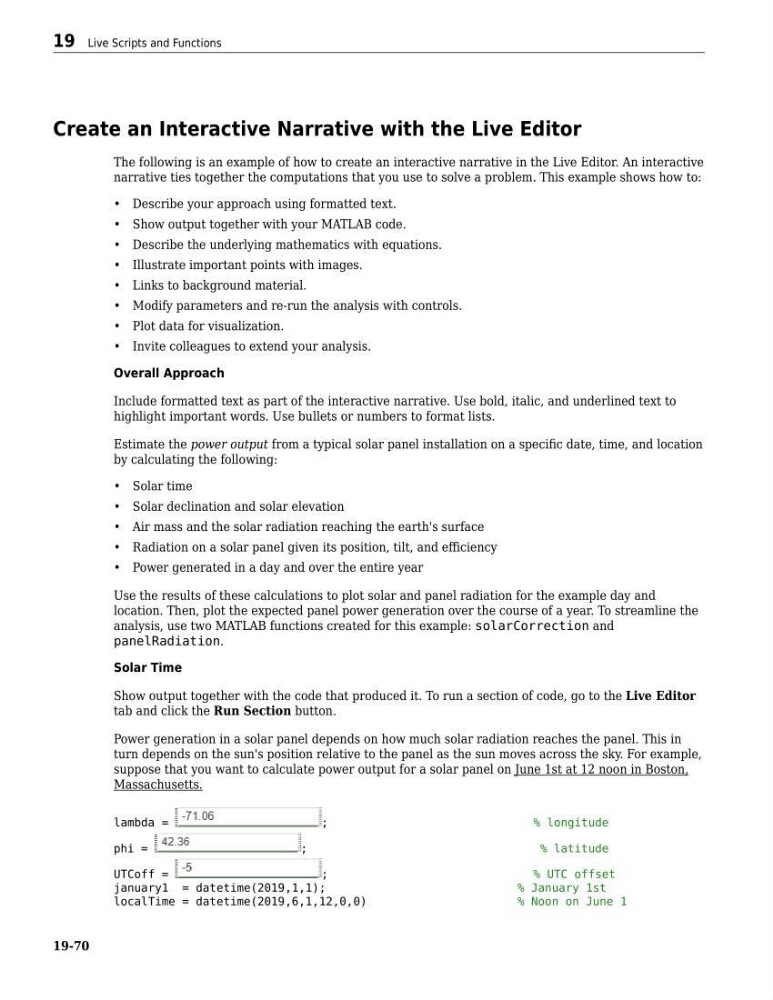
lambda =
;
% longitude
phi =
;
% latitude
UTCoff =
;
% UTC offset
january1 = datetime(2019,1,1);
% January 1st
localTime = datetime(2019,6,1,12,0,0)
% Noon on June 1
19 Live Scripts and Functions
19-70
The following is an example of how to create an interactive narrative in the Live Editor. An interactive
narrative ties together the computations that you use to solve a problem. This example shows how to:
• Describe your approach using formatted text.
• Show output together with your MATLAB code.
• Describe the underlying mathematics with equations.
• Illustrate important points with images.
• Links to background material.
• Modify parameters and re-run the analysis with controls.
• Plot data for visualization.
• Invite colleagues to extend your analysis.
Overall Approach
Include formatted text as part of the interactive narrative. Use bold, italic, and underlined text to
highlight important words. Use bullets or numbers to format lists.
Estimate the power output from a typical solar panel installation on a specific date, time, and location
by calculating the following:
• Solar time
• Solar declination and solar elevation
• Air mass and the solar radiation reaching the earth's surface
• Radiation on a solar panel given its position, tilt, and efficiency
• Power generated in a day and over the entire year
Use the results of these calculations to plot solar and panel radiation for the example day and
location. Then, plot the expected panel power generation over the course of a year. To streamline the
analysis, use two MATLAB functions created for this example: solarCorrection and
panelRadiation.
Solar Time
Show output together with the code that produced it. To run a section of code, go to the Live Editor
tab and click the Run Section button.
Power generation in a solar panel depends on how much solar radiation reaches the panel. This in
turn depends on the sun's position relative to the panel as the sun moves across the sky. For example,
suppose that you want to calculate power output for a solar panel on June 1st at 12 noon in Boston,
Massachusetts.
lambda =
;
% longitude
phi =
;
% latitude
UTCoff =
;
% UTC offset
january1 = datetime(2019,1,1);
% January 1st
localTime = datetime(2019,6,1,12,0,0)
% Noon on June 1
19 Live Scripts and Functions
19-70