

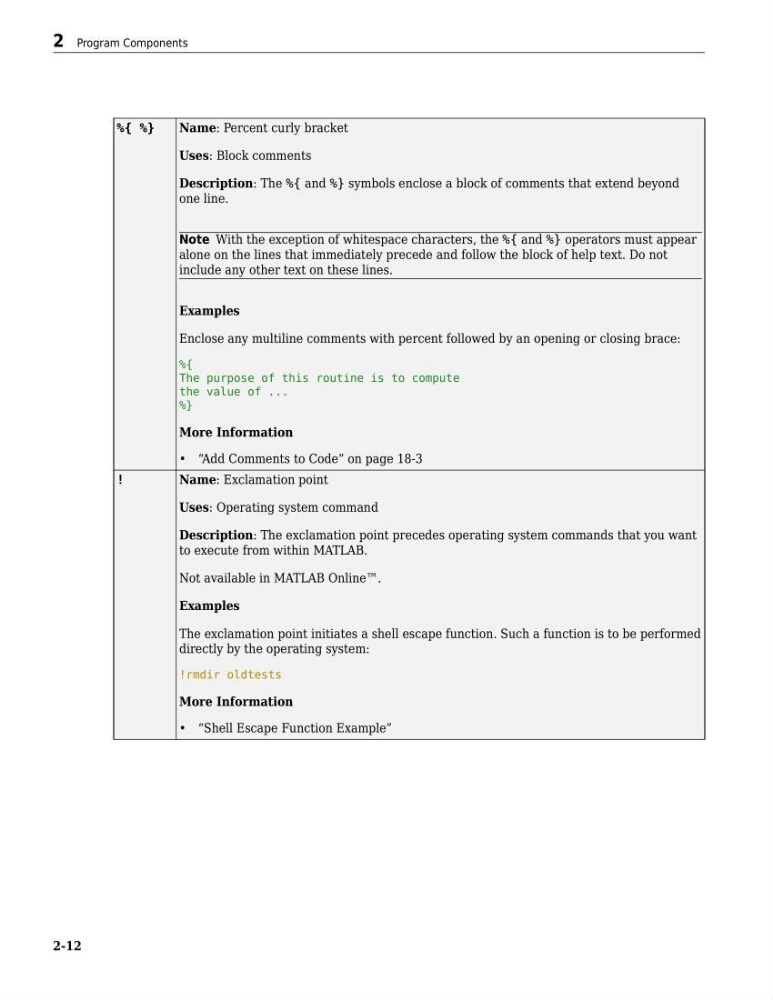
%{ %}
Name: Percent curly bracket
Uses: Block comments
Description: The %{ and %} symbols enclose a block of comments that extend beyond
one line.
Note With the exception of whitespace characters, the %{ and %} operators must appear
alone on the lines that immediately precede and follow the block of help text. Do not
include any other text on these lines.
Examples
Enclose any multiline comments with percent followed by an opening or closing brace:
%{
The purpose of this routine is to compute
the value of ...
%}
More Information
• “Add Comments to Code” on page 18-3
!
Name: Exclamation point
Uses: Operating system command
Description: The exclamation point precedes operating system commands that you want
to execute from within MATLAB.
Not available in MATLAB Online™.
Examples
The exclamation point initiates a shell escape function. Such a function is to be performed
directly by the operating system:
!rmdir oldtests
More Information
• “Shell Escape Function Example”
2 Program Components
2-12
Name: Percent curly bracket
Uses: Block comments
Description: The %{ and %} symbols enclose a block of comments that extend beyond
one line.
Note With the exception of whitespace characters, the %{ and %} operators must appear
alone on the lines that immediately precede and follow the block of help text. Do not
include any other text on these lines.
Examples
Enclose any multiline comments with percent followed by an opening or closing brace:
%{
The purpose of this routine is to compute
the value of ...
%}
More Information
• “Add Comments to Code” on page 18-3
!
Name: Exclamation point
Uses: Operating system command
Description: The exclamation point precedes operating system commands that you want
to execute from within MATLAB.
Not available in MATLAB Online™.
Examples
The exclamation point initiates a shell escape function. Such a function is to be performed
directly by the operating system:
!rmdir oldtests
More Information
• “Shell Escape Function Example”
2 Program Components
2-12