

tMap2 = containers.Map({'417R93', 'NZ1452', '947F4'}, ...
{'Patricia Hughes', 'Bradley Reid', 'Susan Spera'});
% Concatenate the two maps:
ticketMap = [tMap1; tMap2];
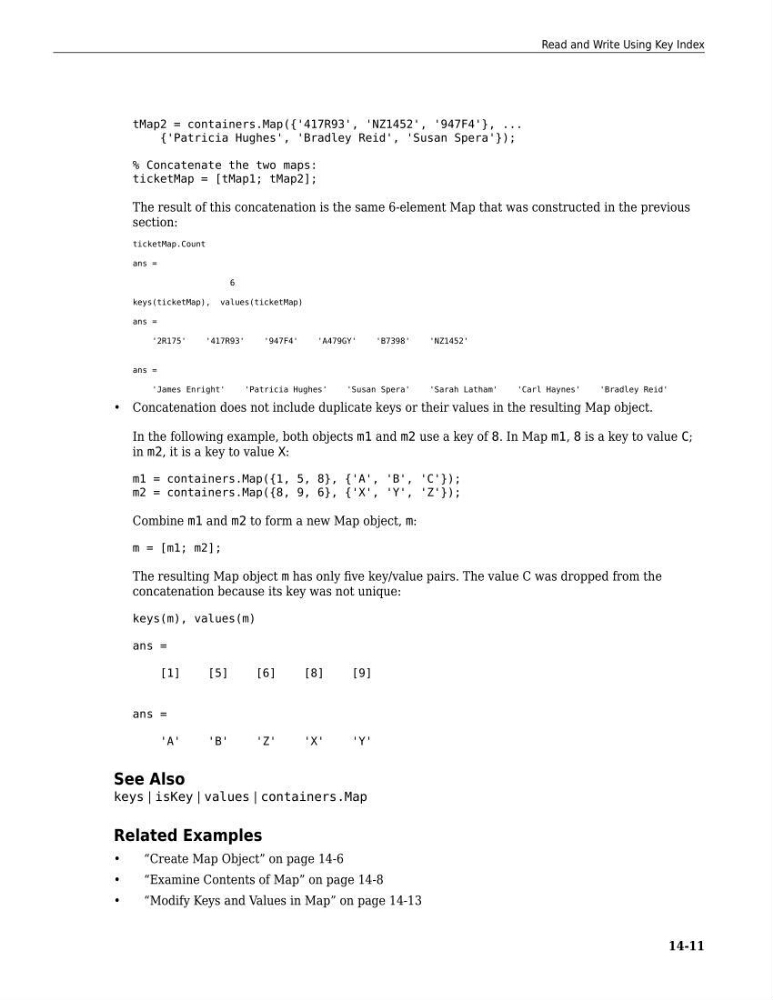
The result of this concatenation is the same 6-element Map that was constructed in the previous
section:
ticketMap.Count
ans =
6
keys(ticketMap), values(ticketMap)
ans =
'2R175'
'417R93'
'947F4'
'A479GY'
'B7398'
'NZ1452'
ans =
'James Enright'
'Patricia Hughes'
'Susan Spera'
'Sarah Latham'
'Carl Haynes'
'Bradley Reid'
• Concatenation does not include duplicate keys or their values in the resulting Map object.
In the following example, both objects m1 and m2 use a key of 8. In Map m1, 8 is a key to value C;
in m2, it is a key to value X:
m1 = containers.Map({1, 5, 8}, {'A', 'B', 'C'});
m2 = containers.Map({8, 9, 6}, {'X', 'Y', 'Z'});
Combine m1 and m2 to form a new Map object, m:
m = [m1; m2];
The resulting Map object m has only five key/value pairs. The value C was dropped from the
concatenation because its key was not unique:
keys(m), values(m)
ans =
[1]
[5]
[6]
[8]
[9]
ans =
'A'
'B'
'Z'
'X'
'Y'
See Also
keys | isKey | values | containers.Map
Related Examples
•
“Create Map Object” on page 14-6
•
“Examine Contents of Map” on page 14-8
•
“Modify Keys and Values in Map” on page 14-13
Read and Write Using Key Index
14-11
{'Patricia Hughes', 'Bradley Reid', 'Susan Spera'});
% Concatenate the two maps:
ticketMap = [tMap1; tMap2];
The result of this concatenation is the same 6-element Map that was constructed in the previous
section:
ticketMap.Count
ans =
6
keys(ticketMap), values(ticketMap)
ans =
'2R175'
'417R93'
'947F4'
'A479GY'
'B7398'
'NZ1452'
ans =
'James Enright'
'Patricia Hughes'
'Susan Spera'
'Sarah Latham'
'Carl Haynes'
'Bradley Reid'
• Concatenation does not include duplicate keys or their values in the resulting Map object.
In the following example, both objects m1 and m2 use a key of 8. In Map m1, 8 is a key to value C;
in m2, it is a key to value X:
m1 = containers.Map({1, 5, 8}, {'A', 'B', 'C'});
m2 = containers.Map({8, 9, 6}, {'X', 'Y', 'Z'});
Combine m1 and m2 to form a new Map object, m:
m = [m1; m2];
The resulting Map object m has only five key/value pairs. The value C was dropped from the
concatenation because its key was not unique:
keys(m), values(m)
ans =
[1]
[5]
[6]
[8]
[9]
ans =
'A'
'B'
'Z'
'X'
'Y'
See Also
keys | isKey | values | containers.Map
Related Examples
•
“Create Map Object” on page 14-6
•
“Examine Contents of Map” on page 14-8
•
“Modify Keys and Values in Map” on page 14-13
Read and Write Using Key Index
14-11