

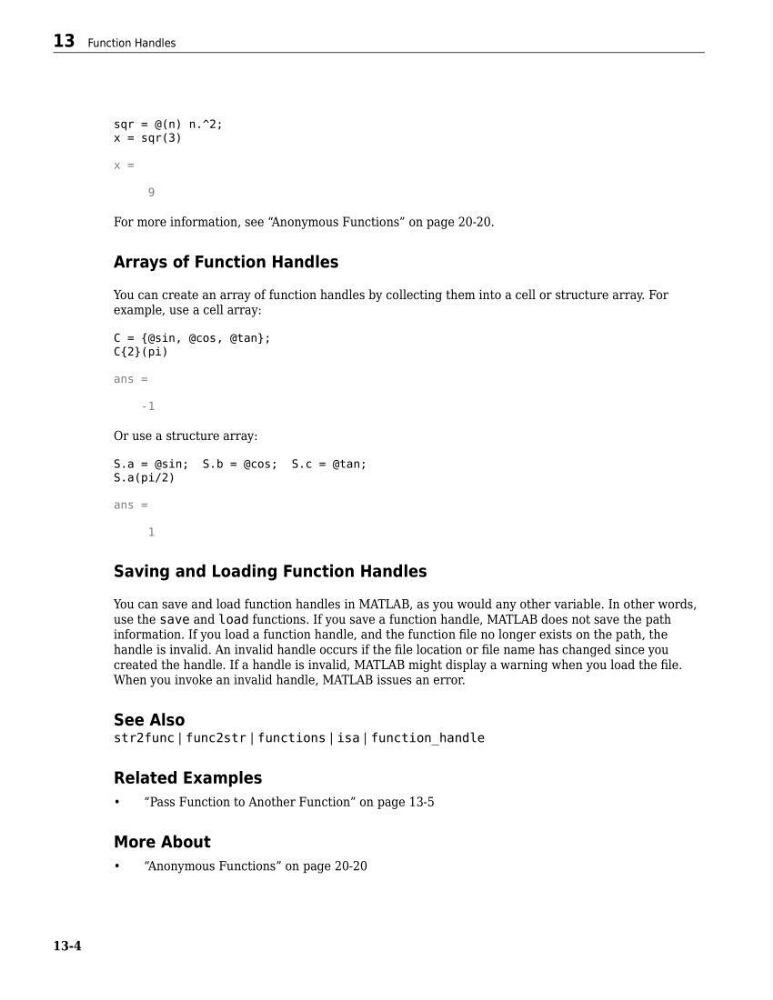
sqr = @(n) n.^2;
x = sqr(3)
x =
9
For more information, see “Anonymous Functions” on page 20-20.
Arrays of Function Handles
You can create an array of function handles by collecting them into a cell or structure array. For
example, use a cell array:
C = {@sin, @cos, @tan};
C{2}(pi)
ans =
-1
Or use a structure array:
S.a = @sin; S.b = @cos; S.c = @tan;
S.a(pi/2)
ans =
1
Saving and Loading Function Handles
You can save and load function handles in MATLAB, as you would any other variable. In other words,
use the save and load functions. If you save a function handle, MATLAB does not save the path
information. If you load a function handle, and the function file no longer exists on the path, the
handle is invalid. An invalid handle occurs if the file location or file name has changed since you
created the handle. If a handle is invalid, MATLAB might display a warning when you load the file.
When you invoke an invalid handle, MATLAB issues an error.
See Also
str2func | func2str | functions | isa | function_handle
Related Examples
•
“Pass Function to Another Function” on page 13-5
More About
•
“Anonymous Functions” on page 20-20
13 Function Handles
13-4
x = sqr(3)
x =
9
For more information, see “Anonymous Functions” on page 20-20.
Arrays of Function Handles
You can create an array of function handles by collecting them into a cell or structure array. For
example, use a cell array:
C = {@sin, @cos, @tan};
C{2}(pi)
ans =
-1
Or use a structure array:
S.a = @sin; S.b = @cos; S.c = @tan;
S.a(pi/2)
ans =
1
Saving and Loading Function Handles
You can save and load function handles in MATLAB, as you would any other variable. In other words,
use the save and load functions. If you save a function handle, MATLAB does not save the path
information. If you load a function handle, and the function file no longer exists on the path, the
handle is invalid. An invalid handle occurs if the file location or file name has changed since you
created the handle. If a handle is invalid, MATLAB might display a warning when you load the file.
When you invoke an invalid handle, MATLAB issues an error.
See Also
str2func | func2str | functions | isa | function_handle
Related Examples
•
“Pass Function to Another Function” on page 13-5
More About
•
“Anonymous Functions” on page 20-20
13 Function Handles
13-4