

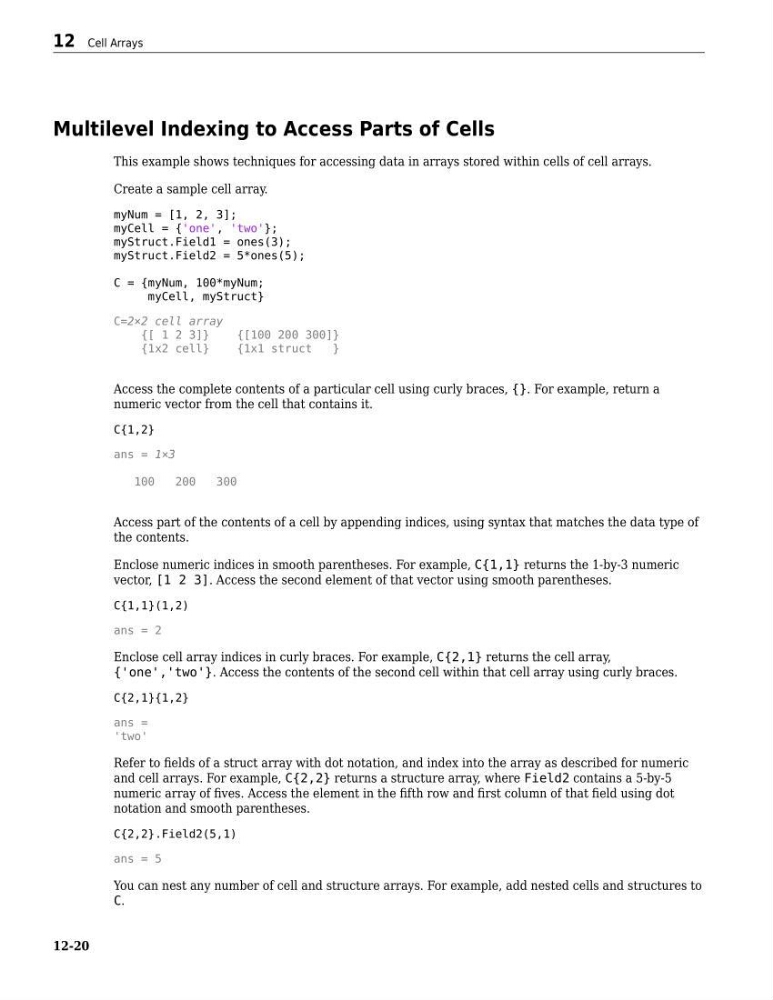
Multilevel Indexing to Access Parts of Cells
This example shows techniques for accessing data in arrays stored within cells of cell arrays.
Create a sample cell array.
myNum = [1, 2, 3];
myCell = {'one', 'two'};
myStruct.Field1 = ones(3);
myStruct.Field2 = 5*ones(5);
C = {myNum, 100*myNum;
myCell, myStruct}
C=2×2 cell array
{[ 1 2 3]}
{[100 200 300]}
{1x2 cell}
{1x1 struct
}
Access the complete contents of a particular cell using curly braces, {}. For example, return a
numeric vector from the cell that contains it.
C{1,2}
ans = 1×3
100
200
300
Access part of the contents of a cell by appending indices, using syntax that matches the data type of
the contents.
Enclose numeric indices in smooth parentheses. For example, C{1,1} returns the 1-by-3 numeric
vector, [1 2 3]. Access the second element of that vector using smooth parentheses.
C{1,1}(1,2)
ans = 2
Enclose cell array indices in curly braces. For example, C{2,1} returns the cell array,
{'one','two'}. Access the contents of the second cell within that cell array using curly braces.
C{2,1}{1,2}
ans =
'two'
Refer to fields of a struct array with dot notation, and index into the array as described for numeric
and cell arrays. For example, C{2,2} returns a structure array, where Field2 contains a 5-by-5
numeric array of fives. Access the element in the fifth row and first column of that field using dot
notation and smooth parentheses.
C{2,2}.Field2(5,1)
ans = 5
You can nest any number of cell and structure arrays. For example, add nested cells and structures to
C.
12 Cell Arrays
12-20
This example shows techniques for accessing data in arrays stored within cells of cell arrays.
Create a sample cell array.
myNum = [1, 2, 3];
myCell = {'one', 'two'};
myStruct.Field1 = ones(3);
myStruct.Field2 = 5*ones(5);
C = {myNum, 100*myNum;
myCell, myStruct}
C=2×2 cell array
{[ 1 2 3]}
{[100 200 300]}
{1x2 cell}
{1x1 struct
}
Access the complete contents of a particular cell using curly braces, {}. For example, return a
numeric vector from the cell that contains it.
C{1,2}
ans = 1×3
100
200
300
Access part of the contents of a cell by appending indices, using syntax that matches the data type of
the contents.
Enclose numeric indices in smooth parentheses. For example, C{1,1} returns the 1-by-3 numeric
vector, [1 2 3]. Access the second element of that vector using smooth parentheses.
C{1,1}(1,2)
ans = 2
Enclose cell array indices in curly braces. For example, C{2,1} returns the cell array,
{'one','two'}. Access the contents of the second cell within that cell array using curly braces.
C{2,1}{1,2}
ans =
'two'
Refer to fields of a struct array with dot notation, and index into the array as described for numeric
and cell arrays. For example, C{2,2} returns a structure array, where Field2 contains a 5-by-5
numeric array of fives. Access the element in the fifth row and first column of that field using dot
notation and smooth parentheses.
C{2,2}.Field2(5,1)
ans = 5
You can nest any number of cell and structure arrays. For example, add nested cells and structures to
C.
12 Cell Arrays
12-20