

...
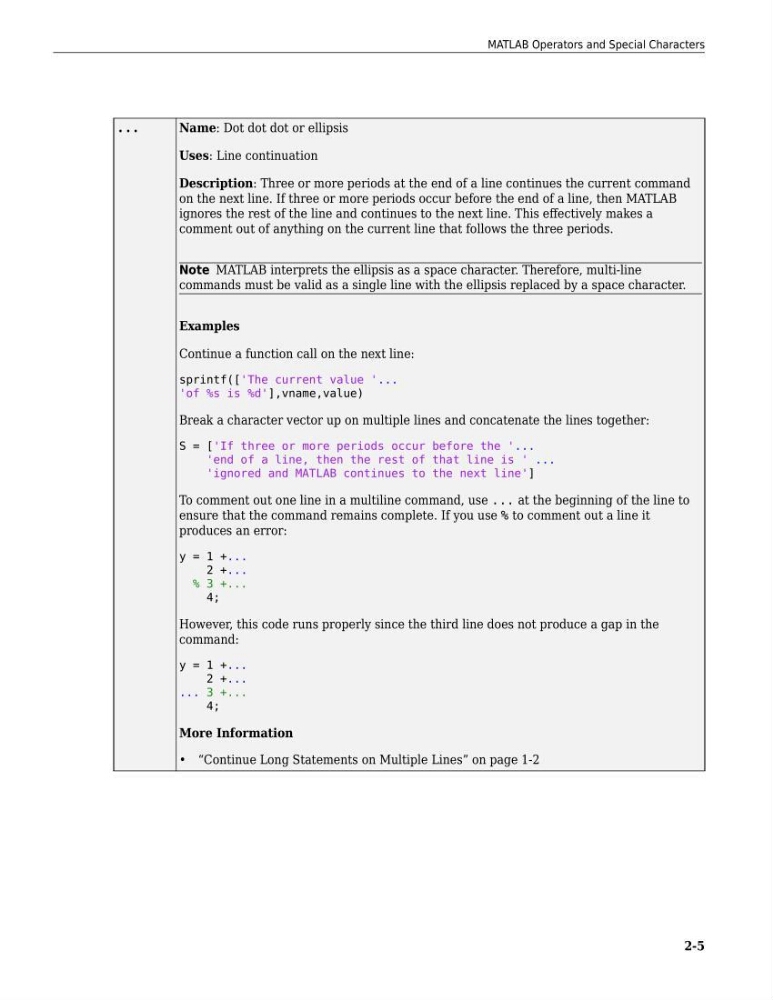
Name: Dot dot dot or ellipsis
Uses: Line continuation
Description: Three or more periods at the end of a line continues the current command
on the next line. If three or more periods occur before the end of a line, then MATLAB
ignores the rest of the line and continues to the next line. This effectively makes a
comment out of anything on the current line that follows the three periods.
Note MATLAB interprets the ellipsis as a space character. Therefore, multi-line
commands must be valid as a single line with the ellipsis replaced by a space character.
Examples
Continue a function call on the next line:
sprintf(['The current value '...
'of %s is %d'],vname,value)
Break a character vector up on multiple lines and concatenate the lines together:
S = ['If three or more periods occur before the '...
'end of a line, then the rest of that line is ' ...
'ignored and MATLAB continues to the next line']
To comment out one line in a multiline command, use ... at the beginning of the line to
ensure that the command remains complete. If you use % to comment out a line it
produces an error:
y = 1 +...
2 +...
% 3 +...
4;
However, this code runs properly since the third line does not produce a gap in the
command:
y = 1 +...
2 +...
... 3 +...
4;
More Information
• “Continue Long Statements on Multiple Lines” on page 1-2
MATLAB Operators and Special Characters
2-5
Name: Dot dot dot or ellipsis
Uses: Line continuation
Description: Three or more periods at the end of a line continues the current command
on the next line. If three or more periods occur before the end of a line, then MATLAB
ignores the rest of the line and continues to the next line. This effectively makes a
comment out of anything on the current line that follows the three periods.
Note MATLAB interprets the ellipsis as a space character. Therefore, multi-line
commands must be valid as a single line with the ellipsis replaced by a space character.
Examples
Continue a function call on the next line:
sprintf(['The current value '...
'of %s is %d'],vname,value)
Break a character vector up on multiple lines and concatenate the lines together:
S = ['If three or more periods occur before the '...
'end of a line, then the rest of that line is ' ...
'ignored and MATLAB continues to the next line']
To comment out one line in a multiline command, use ... at the beginning of the line to
ensure that the command remains complete. If you use % to comment out a line it
produces an error:
y = 1 +...
2 +...
% 3 +...
4;
However, this code runs properly since the third line does not produce a gap in the
command:
y = 1 +...
2 +...
... 3 +...
4;
More Information
• “Continue Long Statements on Multiple Lines” on page 1-2
MATLAB Operators and Special Characters
2-5