

Pass Contents of Cell Arrays to Functions
These examples show several ways to pass data from a cell array to a MATLAB® function that does
not recognize cell arrays as inputs.
Pass Contents of Single Cell by Indexing with Curly Braces, {}
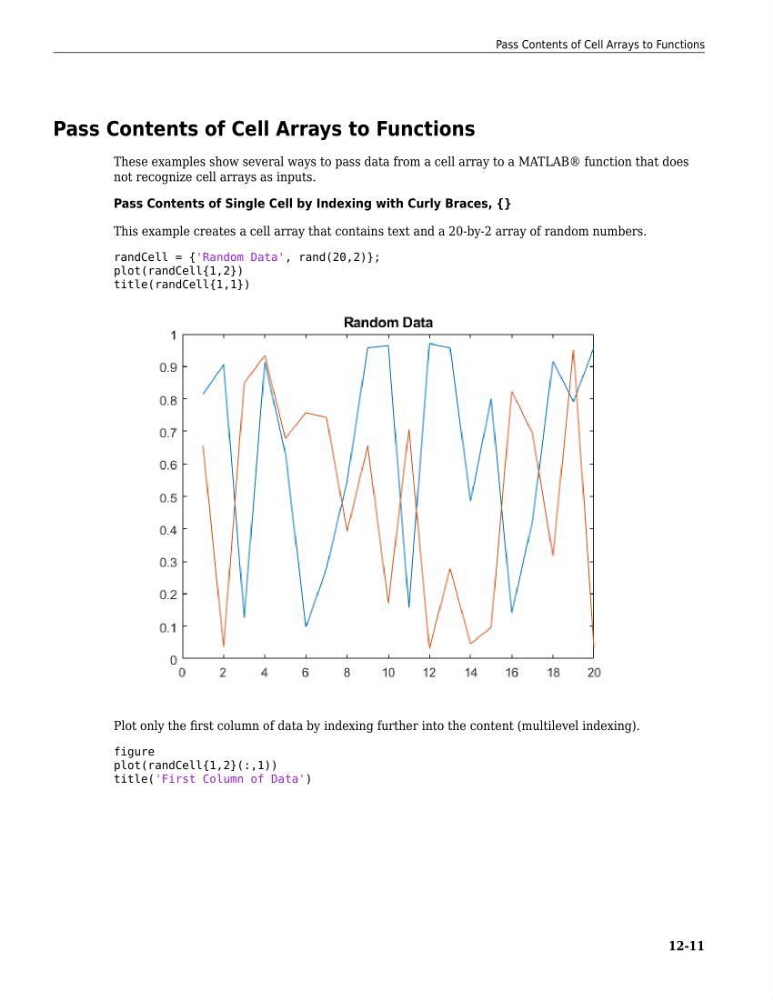
This example creates a cell array that contains text and a 20-by-2 array of random numbers.
randCell = {'Random Data', rand(20,2)};
plot(randCell{1,2})
title(randCell{1,1})
Plot only the first column of data by indexing further into the content (multilevel indexing).
figure
plot(randCell{1,2}(:,1))
title('First Column of Data')
Pass Contents of Cell Arrays to Functions
12-11
These examples show several ways to pass data from a cell array to a MATLAB® function that does
not recognize cell arrays as inputs.
Pass Contents of Single Cell by Indexing with Curly Braces, {}
This example creates a cell array that contains text and a 20-by-2 array of random numbers.
randCell = {'Random Data', rand(20,2)};
plot(randCell{1,2})
title(randCell{1,1})
Plot only the first column of data by indexing further into the content (multilevel indexing).
figure
plot(randCell{1,2}(:,1))
title('First Column of Data')
Pass Contents of Cell Arrays to Functions
12-11