

Combine Timetables and Synchronize Their Data
You can combine timetables and synchronize their data in a variety of ways. You can concatenate
timetables vertically or horizontally, but only when they contain the same row times or timetable
variables. Use the synchronize function to combine timetables with different row times and
timetable variables. synchronize creates a timetable that contains all variables from all input
timetables. It then synchronizes the data from the input timetables to the row times of the output
timetable. synchronize can fill in missing elements of the output timetable with missing data
indicators, with values copied from their nearest neighbors, or with interpolated values.
synchronize also can aggregate timetable data over time bins you specify.
Concatenate Timetables Vertically
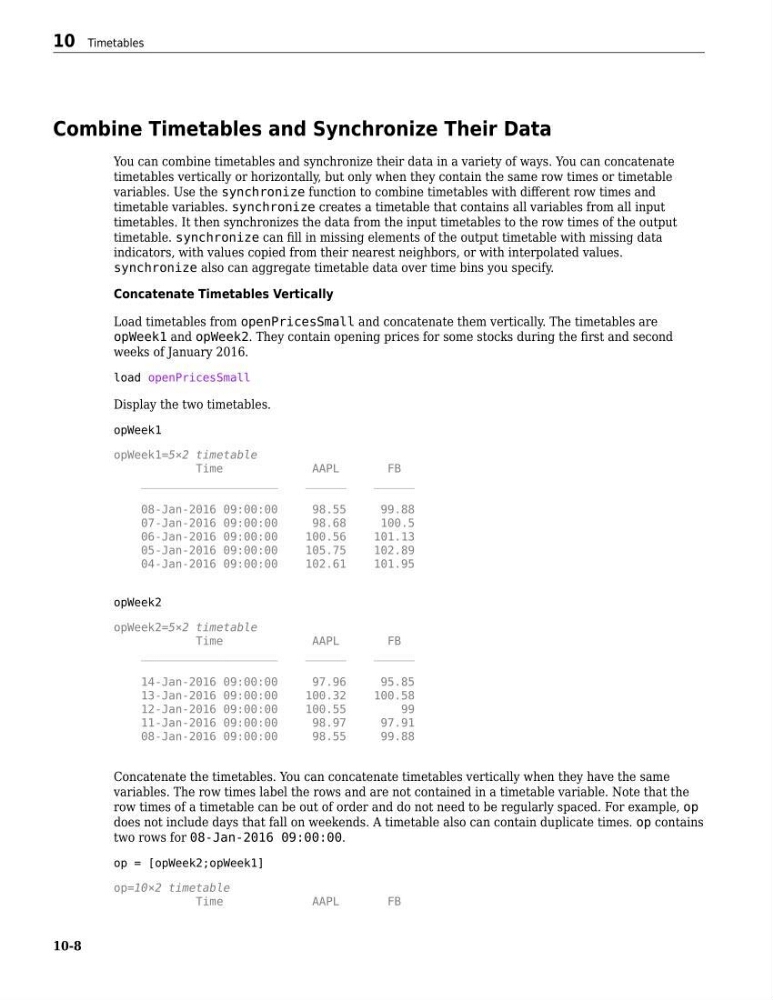
Load timetables from openPricesSmall and concatenate them vertically. The timetables are
opWeek1 and opWeek2. They contain opening prices for some stocks during the first and second
weeks of January 2016.
load openPricesSmall
Display the two timetables.
opWeek1
opWeek1=5×2 timetable
Time
AAPL
FB
____________________
______
______
08-Jan-2016 09:00:00
98.55
99.88
07-Jan-2016 09:00:00
98.68
100.5
06-Jan-2016 09:00:00
100.56
101.13
05-Jan-2016 09:00:00
105.75
102.89
04-Jan-2016 09:00:00
102.61
101.95
opWeek2
opWeek2=5×2 timetable
Time
AAPL
FB
____________________
______
______
14-Jan-2016 09:00:00
97.96
95.85
13-Jan-2016 09:00:00
100.32
100.58
12-Jan-2016 09:00:00
100.55
99
11-Jan-2016 09:00:00
98.97
97.91
08-Jan-2016 09:00:00
98.55
99.88
Concatenate the timetables. You can concatenate timetables vertically when they have the same
variables. The row times label the rows and are not contained in a timetable variable. Note that the
row times of a timetable can be out of order and do not need to be regularly spaced. For example, op
does not include days that fall on weekends. A timetable also can contain duplicate times. op contains
two rows for 08-Jan-2016 09:00:00.
op = [opWeek2;opWeek1]
op=10×2 timetable
Time
AAPL
FB
10 Timetables
10-8
You can combine timetables and synchronize their data in a variety of ways. You can concatenate
timetables vertically or horizontally, but only when they contain the same row times or timetable
variables. Use the synchronize function to combine timetables with different row times and
timetable variables. synchronize creates a timetable that contains all variables from all input
timetables. It then synchronizes the data from the input timetables to the row times of the output
timetable. synchronize can fill in missing elements of the output timetable with missing data
indicators, with values copied from their nearest neighbors, or with interpolated values.
synchronize also can aggregate timetable data over time bins you specify.
Concatenate Timetables Vertically
Load timetables from openPricesSmall and concatenate them vertically. The timetables are
opWeek1 and opWeek2. They contain opening prices for some stocks during the first and second
weeks of January 2016.
load openPricesSmall
Display the two timetables.
opWeek1
opWeek1=5×2 timetable
Time
AAPL
FB
____________________
______
______
08-Jan-2016 09:00:00
98.55
99.88
07-Jan-2016 09:00:00
98.68
100.5
06-Jan-2016 09:00:00
100.56
101.13
05-Jan-2016 09:00:00
105.75
102.89
04-Jan-2016 09:00:00
102.61
101.95
opWeek2
opWeek2=5×2 timetable
Time
AAPL
FB
____________________
______
______
14-Jan-2016 09:00:00
97.96
95.85
13-Jan-2016 09:00:00
100.32
100.58
12-Jan-2016 09:00:00
100.55
99
11-Jan-2016 09:00:00
98.97
97.91
08-Jan-2016 09:00:00
98.55
99.88
Concatenate the timetables. You can concatenate timetables vertically when they have the same
variables. The row times label the rows and are not contained in a timetable variable. Note that the
row times of a timetable can be out of order and do not need to be regularly spaced. For example, op
does not include days that fall on weekends. A timetable also can contain duplicate times. op contains
two rows for 08-Jan-2016 09:00:00.
op = [opWeek2;opWeek1]
op=10×2 timetable
Time
AAPL
FB
10 Timetables
10-8