

Change a Variable Name
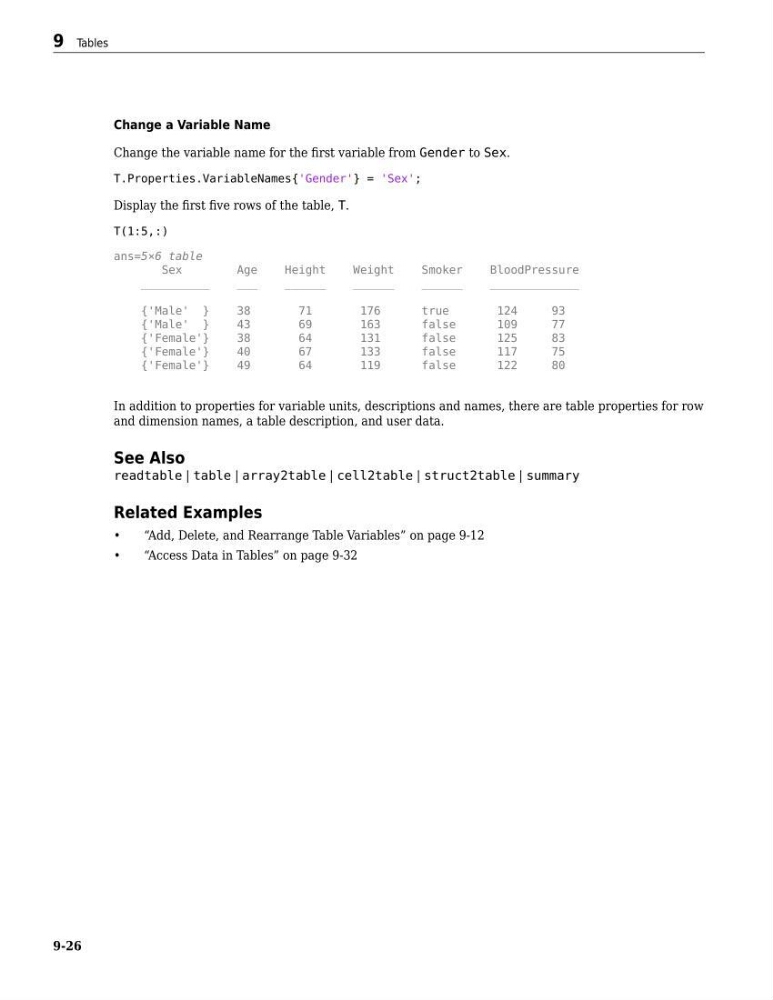
Change the variable name for the first variable from Gender to Sex.
T.Properties.VariableNames{'Gender'} = 'Sex';
Display the first five rows of the table, T.
T(1:5,:)
ans=5×6 table
Sex
Age
Height
Weight
Smoker
BloodPressure
__________
___
______
______
______
_____________
{'Male' }
38
71
176
true
124
93
{'Male' }
43
69
163
false
109
77
{'Female'}
38
64
131
false
125
83
{'Female'}
40
67
133
false
117
75
{'Female'}
49
64
119
false
122
80
In addition to properties for variable units, descriptions and names, there are table properties for row
and dimension names, a table description, and user data.
See Also
readtable | table | array2table | cell2table | struct2table | summary
Related Examples
•
“Add, Delete, and Rearrange Table Variables” on page 9-12
•
“Access Data in Tables” on page 9-32
9 Tables
9-26
Change the variable name for the first variable from Gender to Sex.
T.Properties.VariableNames{'Gender'} = 'Sex';
Display the first five rows of the table, T.
T(1:5,:)
ans=5×6 table
Sex
Age
Height
Weight
Smoker
BloodPressure
__________
___
______
______
______
_____________
{'Male' }
38
71
176
true
124
93
{'Male' }
43
69
163
false
109
77
{'Female'}
38
64
131
false
125
83
{'Female'}
40
67
133
false
117
75
{'Female'}
49
64
119
false
122
80
In addition to properties for variable units, descriptions and names, there are table properties for row
and dimension names, a table description, and user data.
See Also
readtable | table | array2table | cell2table | struct2table | summary
Related Examples
•
“Add, Delete, and Rearrange Table Variables” on page 9-12
•
“Access Data in Tables” on page 9-32
9 Tables
9-26