

63
03-Sep-2021 16:04:12
"S3"
72
04-Sep-2021 16:04:12
"S4"
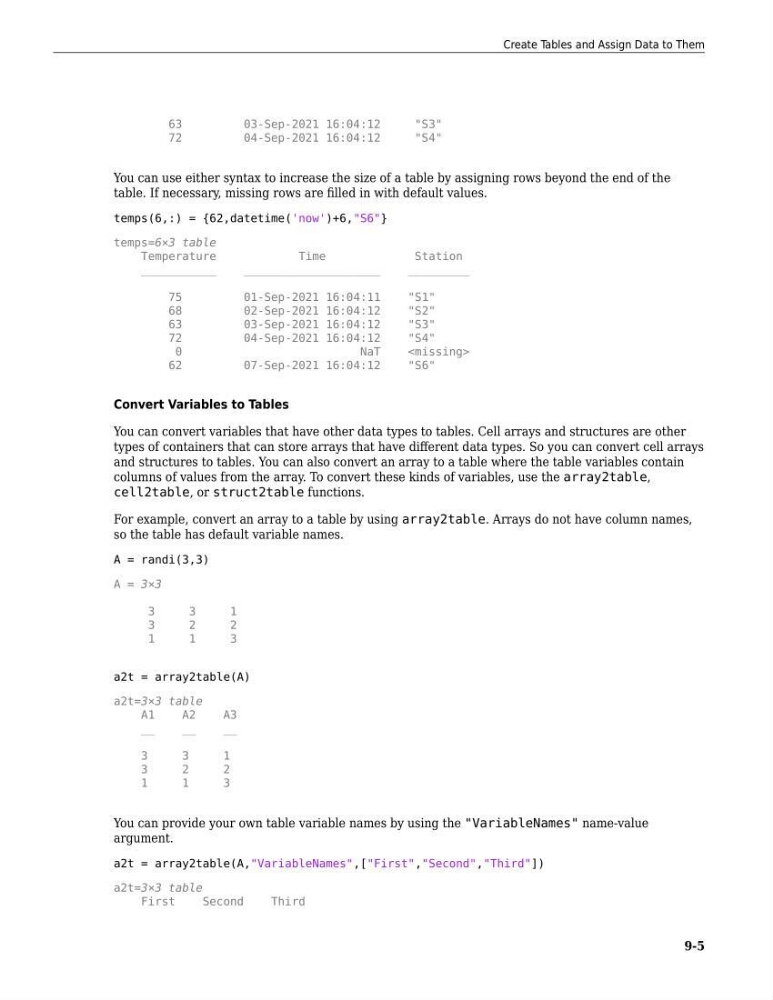
You can use either syntax to increase the size of a table by assigning rows beyond the end of the
table. If necessary, missing rows are filled in with default values.
temps(6,:) = {62,datetime('now')+6,"S6"}
temps=6×3 table
Temperature
Time
Station
___________
____________________
_________
75
01-Sep-2021 16:04:11
"S1"
68
02-Sep-2021 16:04:12
"S2"
63
03-Sep-2021 16:04:12
"S3"
72
04-Sep-2021 16:04:12
"S4"
0
NaT
62
07-Sep-2021 16:04:12
"S6"
Convert Variables to Tables
You can convert variables that have other data types to tables. Cell arrays and structures are other
types of containers that can store arrays that have different data types. So you can convert cell arrays
and structures to tables. You can also convert an array to a table where the table variables contain
columns of values from the array. To convert these kinds of variables, use the array2table,
cell2table, or struct2table functions.
For example, convert an array to a table by using array2table. Arrays do not have column names,
so the table has default variable names.
A = randi(3,3)
A = 3×3
3
3
1
3
2
2
1
1
3
a2t = array2table(A)
a2t=3×3 table
A1
A2
A3
__
__
__
3
3
1
3
2
2
1
1
3
You can provide your own table variable names by using the "VariableNames" name-value
argument.
a2t = array2table(A,"VariableNames",["First","Second","Third"])
a2t=3×3 table
First
Second
Third
Create Tables and Assign Data to Them
9-5
03-Sep-2021 16:04:12
"S3"
72
04-Sep-2021 16:04:12
"S4"
You can use either syntax to increase the size of a table by assigning rows beyond the end of the
table. If necessary, missing rows are filled in with default values.
temps(6,:) = {62,datetime('now')+6,"S6"}
temps=6×3 table
Temperature
Time
Station
___________
____________________
_________
75
01-Sep-2021 16:04:11
"S1"
68
02-Sep-2021 16:04:12
"S2"
63
03-Sep-2021 16:04:12
"S3"
72
04-Sep-2021 16:04:12
"S4"
0
NaT
62
07-Sep-2021 16:04:12
"S6"
Convert Variables to Tables
You can convert variables that have other data types to tables. Cell arrays and structures are other
types of containers that can store arrays that have different data types. So you can convert cell arrays
and structures to tables. You can also convert an array to a table where the table variables contain
columns of values from the array. To convert these kinds of variables, use the array2table,
cell2table, or struct2table functions.
For example, convert an array to a table by using array2table. Arrays do not have column names,
so the table has default variable names.
A = randi(3,3)
A = 3×3
3
3
1
3
2
2
1
1
3
a2t = array2table(A)
a2t=3×3 table
A1
A2
A3
__
__
__
3
3
1
3
2
2
1
1
3
You can provide your own table variable names by using the "VariableNames" name-value
argument.
a2t = array2table(A,"VariableNames",["First","Second","Third"])
a2t=3×3 table
First
Second
Third
Create Tables and Assign Data to Them
9-5