

Combine Categorical Arrays
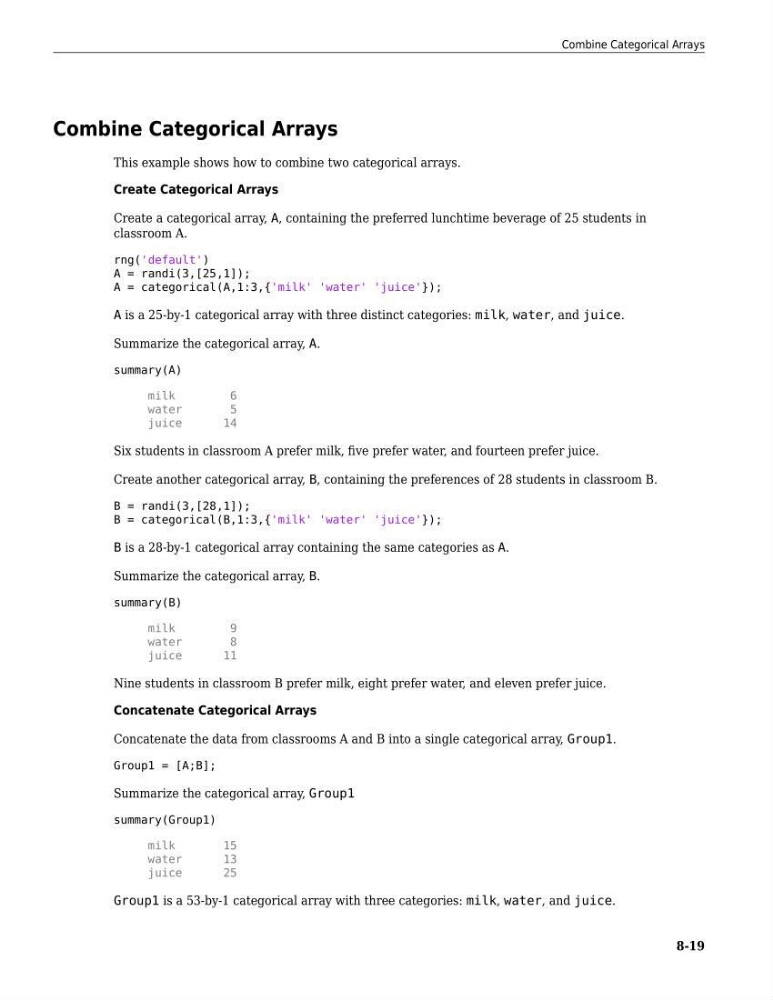
This example shows how to combine two categorical arrays.
Create Categorical Arrays
Create a categorical array, A, containing the preferred lunchtime beverage of 25 students in
classroom A.
rng('default')
A = randi(3,[25,1]);
A = categorical(A,1:3,{'milk' 'water' 'juice'});
A is a 25-by-1 categorical array with three distinct categories: milk, water, and juice.
Summarize the categorical array, A.
summary(A)
milk
6
water
5
juice
14
Six students in classroom A prefer milk, five prefer water, and fourteen prefer juice.
Create another categorical array, B, containing the preferences of 28 students in classroom B.
B = randi(3,[28,1]);
B = categorical(B,1:3,{'milk' 'water' 'juice'});
B is a 28-by-1 categorical array containing the same categories as A.
Summarize the categorical array, B.
summary(B)
milk
9
water
8
juice
11
Nine students in classroom B prefer milk, eight prefer water, and eleven prefer juice.
Concatenate Categorical Arrays
Concatenate the data from classrooms A and B into a single categorical array, Group1.
Group1 = [A;B];
Summarize the categorical array, Group1
summary(Group1)
milk
15
water
13
juice
25
Group1 is a 53-by-1 categorical array with three categories: milk, water, and juice.
Combine Categorical Arrays
8-19
This example shows how to combine two categorical arrays.
Create Categorical Arrays
Create a categorical array, A, containing the preferred lunchtime beverage of 25 students in
classroom A.
rng('default')
A = randi(3,[25,1]);
A = categorical(A,1:3,{'milk' 'water' 'juice'});
A is a 25-by-1 categorical array with three distinct categories: milk, water, and juice.
Summarize the categorical array, A.
summary(A)
milk
6
water
5
juice
14
Six students in classroom A prefer milk, five prefer water, and fourteen prefer juice.
Create another categorical array, B, containing the preferences of 28 students in classroom B.
B = randi(3,[28,1]);
B = categorical(B,1:3,{'milk' 'water' 'juice'});
B is a 28-by-1 categorical array containing the same categories as A.
Summarize the categorical array, B.
summary(B)
milk
9
water
8
juice
11
Nine students in classroom B prefer milk, eight prefer water, and eleven prefer juice.
Concatenate Categorical Arrays
Concatenate the data from classrooms A and B into a single categorical array, Group1.
Group1 = [A;B];
Summarize the categorical array, Group1
summary(Group1)
milk
15
water
13
juice
25
Group1 is a 53-by-1 categorical array with three categories: milk, water, and juice.
Combine Categorical Arrays
8-19