

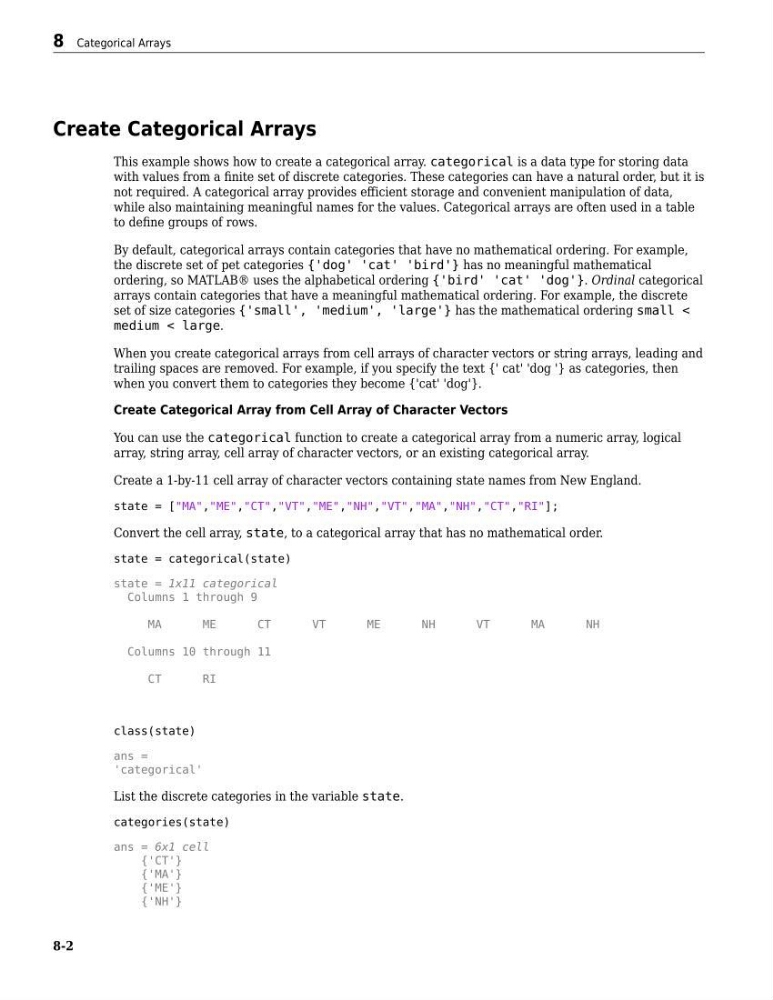
Create Categorical Arrays
This example shows how to create a categorical array. categorical is a data type for storing data
with values from a finite set of discrete categories. These categories can have a natural order, but it is
not required. A categorical array provides efficient storage and convenient manipulation of data,
while also maintaining meaningful names for the values. Categorical arrays are often used in a table
to define groups of rows.
By default, categorical arrays contain categories that have no mathematical ordering. For example,
the discrete set of pet categories {'dog' 'cat' 'bird'} has no meaningful mathematical
ordering, so MATLAB® uses the alphabetical ordering {'bird' 'cat' 'dog'}. Ordinal categorical
arrays contain categories that have a meaningful mathematical ordering. For example, the discrete
set of size categories {'small', 'medium', 'large'} has the mathematical ordering small <
medium < large.
When you create categorical arrays from cell arrays of character vectors or string arrays, leading and
trailing spaces are removed. For example, if you specify the text {' cat' 'dog '} as categories, then
when you convert them to categories they become {'cat' 'dog'}.
Create Categorical Array from Cell Array of Character Vectors
You can use the categorical function to create a categorical array from a numeric array, logical
array, string array, cell array of character vectors, or an existing categorical array.
Create a 1-by-11 cell array of character vectors containing state names from New England.
state = ["MA","ME","CT","VT","ME","NH","VT","MA","NH","CT","RI"];
Convert the cell array, state, to a categorical array that has no mathematical order.
state = categorical(state)
state = 1x11 categorical
Columns 1 through 9
MA
ME
CT
VT
ME
NH
VT
MA
NH
Columns 10 through 11
CT
RI
class(state)
ans =
'categorical'
List the discrete categories in the variable state.
categories(state)
ans = 6x1 cell
{'CT'}
{'MA'}
{'ME'}
{'NH'}
8 Categorical Arrays
8-2
This example shows how to create a categorical array. categorical is a data type for storing data
with values from a finite set of discrete categories. These categories can have a natural order, but it is
not required. A categorical array provides efficient storage and convenient manipulation of data,
while also maintaining meaningful names for the values. Categorical arrays are often used in a table
to define groups of rows.
By default, categorical arrays contain categories that have no mathematical ordering. For example,
the discrete set of pet categories {'dog' 'cat' 'bird'} has no meaningful mathematical
ordering, so MATLAB® uses the alphabetical ordering {'bird' 'cat' 'dog'}. Ordinal categorical
arrays contain categories that have a meaningful mathematical ordering. For example, the discrete
set of size categories {'small', 'medium', 'large'} has the mathematical ordering small <
medium < large.
When you create categorical arrays from cell arrays of character vectors or string arrays, leading and
trailing spaces are removed. For example, if you specify the text {' cat' 'dog '} as categories, then
when you convert them to categories they become {'cat' 'dog'}.
Create Categorical Array from Cell Array of Character Vectors
You can use the categorical function to create a categorical array from a numeric array, logical
array, string array, cell array of character vectors, or an existing categorical array.
Create a 1-by-11 cell array of character vectors containing state names from New England.
state = ["MA","ME","CT","VT","ME","NH","VT","MA","NH","CT","RI"];
Convert the cell array, state, to a categorical array that has no mathematical order.
state = categorical(state)
state = 1x11 categorical
Columns 1 through 9
MA
ME
CT
VT
ME
NH
VT
MA
NH
Columns 10 through 11
CT
RI
class(state)
ans =
'categorical'
List the discrete categories in the variable state.
categories(state)
ans = 6x1 cell
{'CT'}
{'MA'}
{'ME'}
{'NH'}
8 Categorical Arrays
8-2