

t2 = 1x4 datetime
28-Feb-2014
31-Mar-2014
30-Apr-2014
31-May-2014
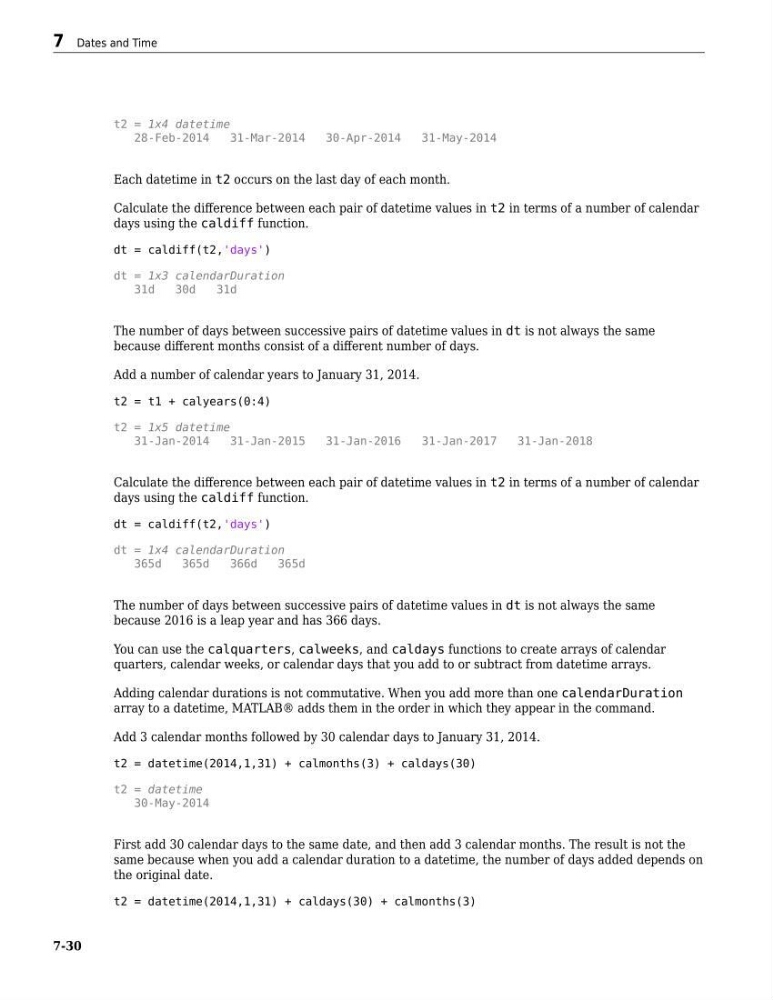
Each datetime in t2 occurs on the last day of each month.
Calculate the difference between each pair of datetime values in t2 in terms of a number of calendar
days using the caldiff function.
dt = caldiff(t2,'days')
dt = 1x3 calendarDuration
31d
30d
31d
The number of days between successive pairs of datetime values in dt is not always the same
because different months consist of a different number of days.
Add a number of calendar years to January 31, 2014.
t2 = t1 + calyears(0:4)
t2 = 1x5 datetime
31-Jan-2014
31-Jan-2015
31-Jan-2016
31-Jan-2017
31-Jan-2018
Calculate the difference between each pair of datetime values in t2 in terms of a number of calendar
days using the caldiff function.
dt = caldiff(t2,'days')
dt = 1x4 calendarDuration
365d
365d
366d
365d
The number of days between successive pairs of datetime values in dt is not always the same
because 2016 is a leap year and has 366 days.
You can use the calquarters, calweeks, and caldays functions to create arrays of calendar
quarters, calendar weeks, or calendar days that you add to or subtract from datetime arrays.
Adding calendar durations is not commutative. When you add more than one calendarDuration
array to a datetime, MATLAB® adds them in the order in which they appear in the command.
Add 3 calendar months followed by 30 calendar days to January 31, 2014.
t2 = datetime(2014,1,31) + calmonths(3) + caldays(30)
t2 = datetime
30-May-2014
First add 30 calendar days to the same date, and then add 3 calendar months. The result is not the
same because when you add a calendar duration to a datetime, the number of days added depends on
the original date.
t2 = datetime(2014,1,31) + caldays(30) + calmonths(3)
7 Dates and Time
7-30
28-Feb-2014
31-Mar-2014
30-Apr-2014
31-May-2014
Each datetime in t2 occurs on the last day of each month.
Calculate the difference between each pair of datetime values in t2 in terms of a number of calendar
days using the caldiff function.
dt = caldiff(t2,'days')
dt = 1x3 calendarDuration
31d
30d
31d
The number of days between successive pairs of datetime values in dt is not always the same
because different months consist of a different number of days.
Add a number of calendar years to January 31, 2014.
t2 = t1 + calyears(0:4)
t2 = 1x5 datetime
31-Jan-2014
31-Jan-2015
31-Jan-2016
31-Jan-2017
31-Jan-2018
Calculate the difference between each pair of datetime values in t2 in terms of a number of calendar
days using the caldiff function.
dt = caldiff(t2,'days')
dt = 1x4 calendarDuration
365d
365d
366d
365d
The number of days between successive pairs of datetime values in dt is not always the same
because 2016 is a leap year and has 366 days.
You can use the calquarters, calweeks, and caldays functions to create arrays of calendar
quarters, calendar weeks, or calendar days that you add to or subtract from datetime arrays.
Adding calendar durations is not commutative. When you add more than one calendarDuration
array to a datetime, MATLAB® adds them in the order in which they appear in the command.
Add 3 calendar months followed by 30 calendar days to January 31, 2014.
t2 = datetime(2014,1,31) + calmonths(3) + caldays(30)
t2 = datetime
30-May-2014
First add 30 calendar days to the same date, and then add 3 calendar months. The result is not the
same because when you add a calendar duration to a datetime, the number of days added depends on
the original date.
t2 = datetime(2014,1,31) + caldays(30) + calmonths(3)
7 Dates and Time
7-30