

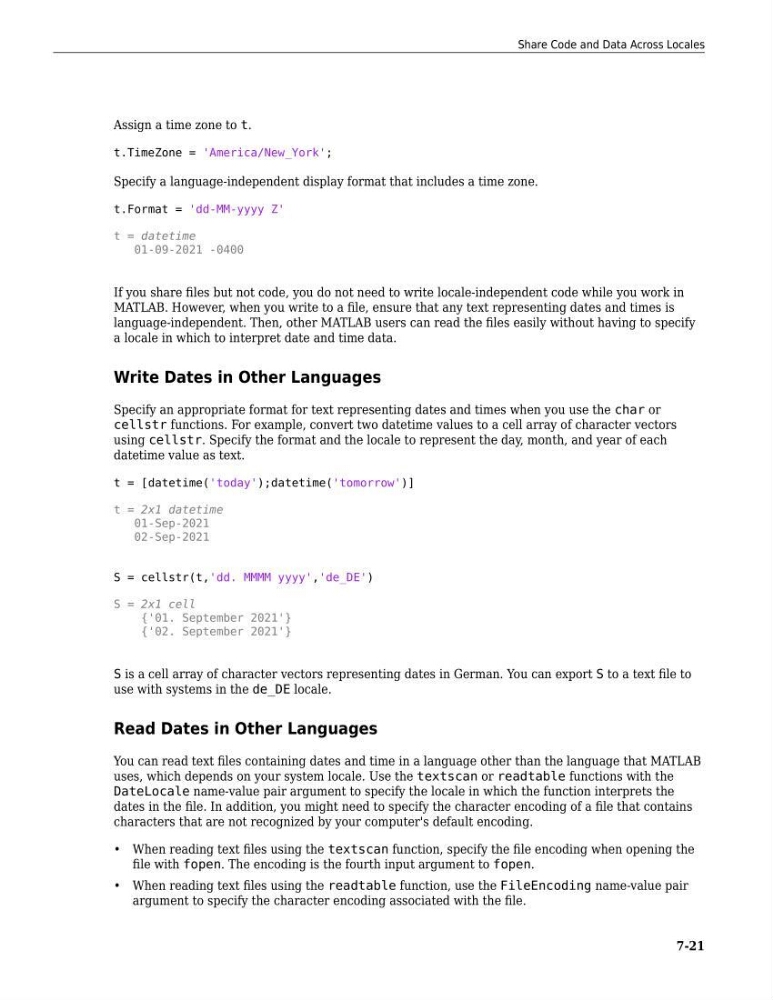
Assign a time zone to t.
t.TimeZone = 'America/New_York';
Specify a language-independent display format that includes a time zone.
t.Format = 'dd-MM-yyyy Z'
t = datetime
01-09-2021 -0400
If you share files but not code, you do not need to write locale-independent code while you work in
MATLAB. However, when you write to a file, ensure that any text representing dates and times is
language-independent. Then, other MATLAB users can read the files easily without having to specify
a locale in which to interpret date and time data.
Write Dates in Other Languages
Specify an appropriate format for text representing dates and times when you use the char or
cellstr functions. For example, convert two datetime values to a cell array of character vectors
using cellstr. Specify the format and the locale to represent the day, month, and year of each
datetime value as text.
t = [datetime('today');datetime('tomorrow')]
t = 2x1 datetime
01-Sep-2021
02-Sep-2021
S = cellstr(t,'dd. MMMM yyyy','de_DE')
S = 2x1 cell
{'01. September 2021'}
{'02. September 2021'}
S is a cell array of character vectors representing dates in German. You can export S to a text file to
use with systems in the de_DE locale.
Read Dates in Other Languages
You can read text files containing dates and time in a language other than the language that MATLAB
uses, which depends on your system locale. Use the textscan or readtable functions with the
DateLocale name-value pair argument to specify the locale in which the function interprets the
dates in the file. In addition, you might need to specify the character encoding of a file that contains
characters that are not recognized by your computer's default encoding.
• When reading text files using the textscan function, specify the file encoding when opening the
file with fopen. The encoding is the fourth input argument to fopen.
• When reading text files using the readtable function, use the FileEncoding name-value pair
argument to specify the character encoding associated with the file.
Share Code and Data Across Locales
7-21
t.TimeZone = 'America/New_York';
Specify a language-independent display format that includes a time zone.
t.Format = 'dd-MM-yyyy Z'
t = datetime
01-09-2021 -0400
If you share files but not code, you do not need to write locale-independent code while you work in
MATLAB. However, when you write to a file, ensure that any text representing dates and times is
language-independent. Then, other MATLAB users can read the files easily without having to specify
a locale in which to interpret date and time data.
Write Dates in Other Languages
Specify an appropriate format for text representing dates and times when you use the char or
cellstr functions. For example, convert two datetime values to a cell array of character vectors
using cellstr. Specify the format and the locale to represent the day, month, and year of each
datetime value as text.
t = [datetime('today');datetime('tomorrow')]
t = 2x1 datetime
01-Sep-2021
02-Sep-2021
S = cellstr(t,'dd. MMMM yyyy','de_DE')
S = 2x1 cell
{'01. September 2021'}
{'02. September 2021'}
S is a cell array of character vectors representing dates in German. You can export S to a text file to
use with systems in the de_DE locale.
Read Dates in Other Languages
You can read text files containing dates and time in a language other than the language that MATLAB
uses, which depends on your system locale. Use the textscan or readtable functions with the
DateLocale name-value pair argument to specify the locale in which the function interprets the
dates in the file. In addition, you might need to specify the character encoding of a file that contains
characters that are not recognized by your computer's default encoding.
• When reading text files using the textscan function, specify the file encoding when opening the
file with fopen. The encoding is the fourth input argument to fopen.
• When reading text files using the readtable function, use the FileEncoding name-value pair
argument to specify the character encoding associated with the file.
Share Code and Data Across Locales
7-21