

D = [77 65 84 76 65 66]
D = 1×6
77
65
84
76
65
66
C = char(D)
C =
'MATLAB'
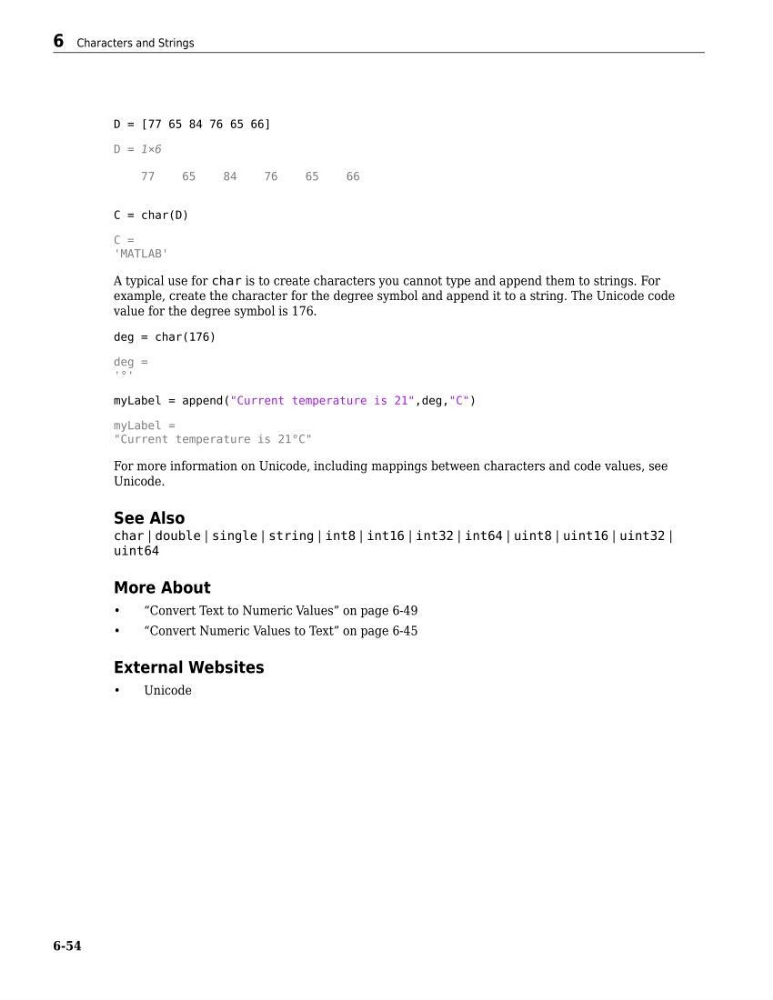
A typical use for char is to create characters you cannot type and append them to strings. For
example, create the character for the degree symbol and append it to a string. The Unicode code
value for the degree symbol is 176.
deg = char(176)
deg =
'°'
myLabel = append("Current temperature is 21",deg,"C")
myLabel =
"Current temperature is 21°C"
For more information on Unicode, including mappings between characters and code values, see
Unicode.
See Also
char | double | single | string | int8 | int16 | int32 | int64 | uint8 | uint16 | uint32 |
uint64
More About
•
“Convert Text to Numeric Values” on page 6-49
•
“Convert Numeric Values to Text” on page 6-45
External Websites
•
Unicode
6 Characters and Strings
6-54
D = 1×6
77
65
84
76
65
66
C = char(D)
C =
'MATLAB'
A typical use for char is to create characters you cannot type and append them to strings. For
example, create the character for the degree symbol and append it to a string. The Unicode code
value for the degree symbol is 176.
deg = char(176)
deg =
'°'
myLabel = append("Current temperature is 21",deg,"C")
myLabel =
"Current temperature is 21°C"
For more information on Unicode, including mappings between characters and code values, see
Unicode.
See Also
char | double | single | string | int8 | int16 | int32 | int64 | uint8 | uint16 | uint32 |
uint64
More About
•
“Convert Text to Numeric Values” on page 6-49
•
“Convert Numeric Values to Text” on page 6-45
External Websites
•
Unicode
6 Characters and Strings
6-54