

"John Smith"
"Elizabeth Smith"
"Paul Smith"
"Ann Smith"
Append different last names. You can append text to a string array from a string array or from a cell
array of character vectors. When you add nonscalar arrays, they must be the same size.
names = ["Mary";"John";"Elizabeth";"Paul";"Ann"];
lastnames = ["Jones";"Adams";"Young";"Burns";"Spencer"];
names = names + " " + lastnames
names = 5x1 string
"Mary Jones"
"John Adams"
"Elizabeth Young"
"Paul Burns"
"Ann Spencer"
Append a missing string. When you append a missing string with the plus operator, the output is a
missing string.
str1 = "Jones";
str2 = string(missing);
str1 + str2
ans =
Split, Join, and Sort String Array
MATLAB provides a rich set of functions to work with string arrays. For example, you can use the
split, join, and sort functions to rearrange the string array names so that the names are in
alphabetical order by last name.
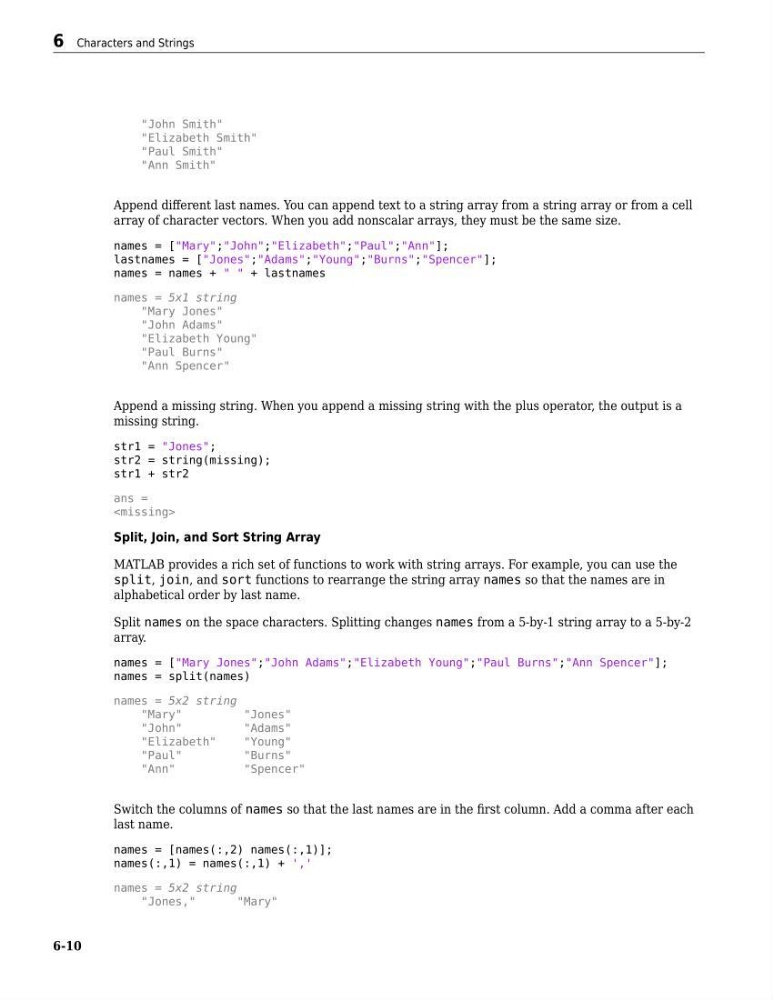
Split names on the space characters. Splitting changes names from a 5-by-1 string array to a 5-by-2
array.
names = ["Mary Jones";"John Adams";"Elizabeth Young";"Paul Burns";"Ann Spencer"];
names = split(names)
names = 5x2 string
"Mary"
"Jones"
"John"
"Adams"
"Elizabeth"
"Young"
"Paul"
"Burns"
"Ann"
"Spencer"
Switch the columns of names so that the last names are in the first column. Add a comma after each
last name.
names = [names(:,2) names(:,1)];
names(:,1) = names(:,1) + ','
names = 5x2 string
"Jones,"
"Mary"
6 Characters and Strings
6-10
"Elizabeth Smith"
"Paul Smith"
"Ann Smith"
Append different last names. You can append text to a string array from a string array or from a cell
array of character vectors. When you add nonscalar arrays, they must be the same size.
names = ["Mary";"John";"Elizabeth";"Paul";"Ann"];
lastnames = ["Jones";"Adams";"Young";"Burns";"Spencer"];
names = names + " " + lastnames
names = 5x1 string
"Mary Jones"
"John Adams"
"Elizabeth Young"
"Paul Burns"
"Ann Spencer"
Append a missing string. When you append a missing string with the plus operator, the output is a
missing string.
str1 = "Jones";
str2 = string(missing);
str1 + str2
ans =
Split, Join, and Sort String Array
MATLAB provides a rich set of functions to work with string arrays. For example, you can use the
split, join, and sort functions to rearrange the string array names so that the names are in
alphabetical order by last name.
Split names on the space characters. Splitting changes names from a 5-by-1 string array to a 5-by-2
array.
names = ["Mary Jones";"John Adams";"Elizabeth Young";"Paul Burns";"Ann Spencer"];
names = split(names)
names = 5x2 string
"Mary"
"Jones"
"John"
"Adams"
"Elizabeth"
"Young"
"Paul"
"Burns"
"Ann"
"Spencer"
Switch the columns of names so that the last names are in the first column. Add a comma after each
last name.
names = [names(:,2) names(:,1)];
names(:,1) = names(:,1) + ','
names = 5x2 string
"Jones,"
"Mary"
6 Characters and Strings
6-10