

str = ["Mercury","Gemini","Apollo";
"Skylab","Skylab B","ISS"];
str(1,:)
ans = 1x3 string
"Mercury"
"Gemini"
"Apollo"
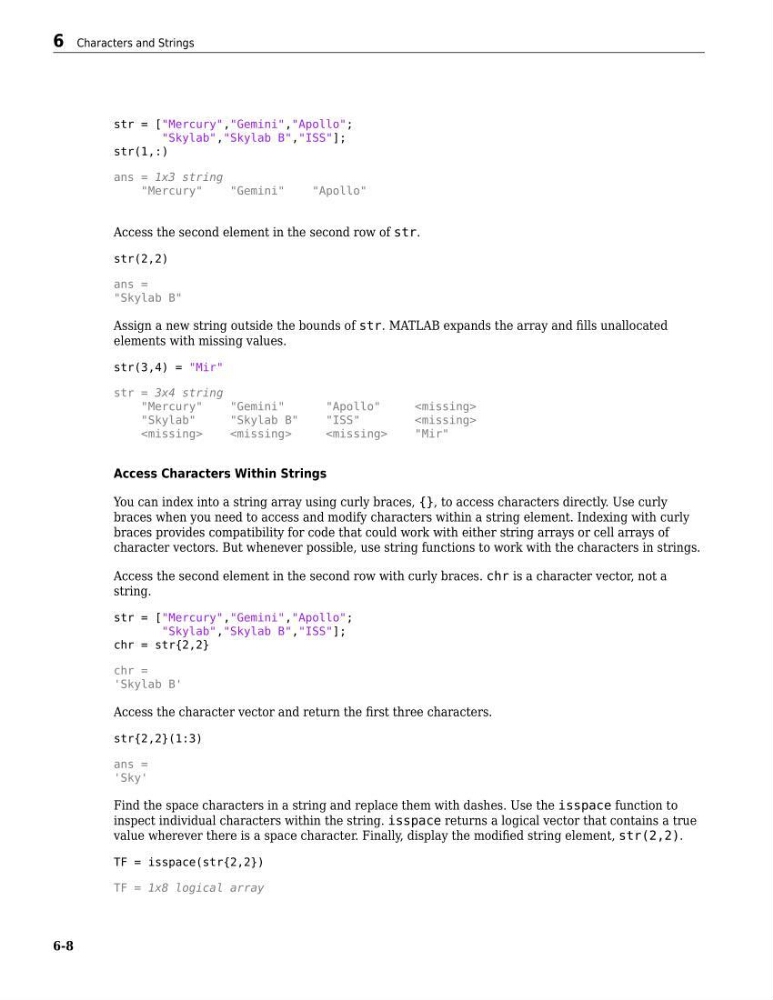
Access the second element in the second row of str.
str(2,2)
ans =
"Skylab B"
Assign a new string outside the bounds of str. MATLAB expands the array and fills unallocated
elements with missing values.
str(3,4) = "Mir"
str = 3x4 string
"Mercury"
"Gemini"
"Apollo"
"Skylab"
"Skylab B"
"ISS"
"Mir"
Access Characters Within Strings
You can index into a string array using curly braces, {}, to access characters directly. Use curly
braces when you need to access and modify characters within a string element. Indexing with curly
braces provides compatibility for code that could work with either string arrays or cell arrays of
character vectors. But whenever possible, use string functions to work with the characters in strings.
Access the second element in the second row with curly braces. chr is a character vector, not a
string.
str = ["Mercury","Gemini","Apollo";
"Skylab","Skylab B","ISS"];
chr = str{2,2}
chr =
'Skylab B'
Access the character vector and return the first three characters.
str{2,2}(1:3)
ans =
'Sky'
Find the space characters in a string and replace them with dashes. Use the isspace function to
inspect individual characters within the string. isspace returns a logical vector that contains a true
value wherever there is a space character. Finally, display the modified string element, str(2,2).
TF = isspace(str{2,2})
TF = 1x8 logical array
6 Characters and Strings
6-8
"Skylab","Skylab B","ISS"];
str(1,:)
ans = 1x3 string
"Mercury"
"Gemini"
"Apollo"
Access the second element in the second row of str.
str(2,2)
ans =
"Skylab B"
Assign a new string outside the bounds of str. MATLAB expands the array and fills unallocated
elements with missing values.
str(3,4) = "Mir"
str = 3x4 string
"Mercury"
"Gemini"
"Apollo"
"Skylab"
"Skylab B"
"ISS"
"Mir"
Access Characters Within Strings
You can index into a string array using curly braces, {}, to access characters directly. Use curly
braces when you need to access and modify characters within a string element. Indexing with curly
braces provides compatibility for code that could work with either string arrays or cell arrays of
character vectors. But whenever possible, use string functions to work with the characters in strings.
Access the second element in the second row with curly braces. chr is a character vector, not a
string.
str = ["Mercury","Gemini","Apollo";
"Skylab","Skylab B","ISS"];
chr = str{2,2}
chr =
'Skylab B'
Access the character vector and return the first three characters.
str{2,2}(1:3)
ans =
'Sky'
Find the space characters in a string and replace them with dashes. Use the isspace function to
inspect individual characters within the string. isspace returns a logical vector that contains a true
value wherever there is a space character. Finally, display the modified string element, str(2,2).
TF = isspace(str{2,2})
TF = 1x8 logical array
6 Characters and Strings
6-8