

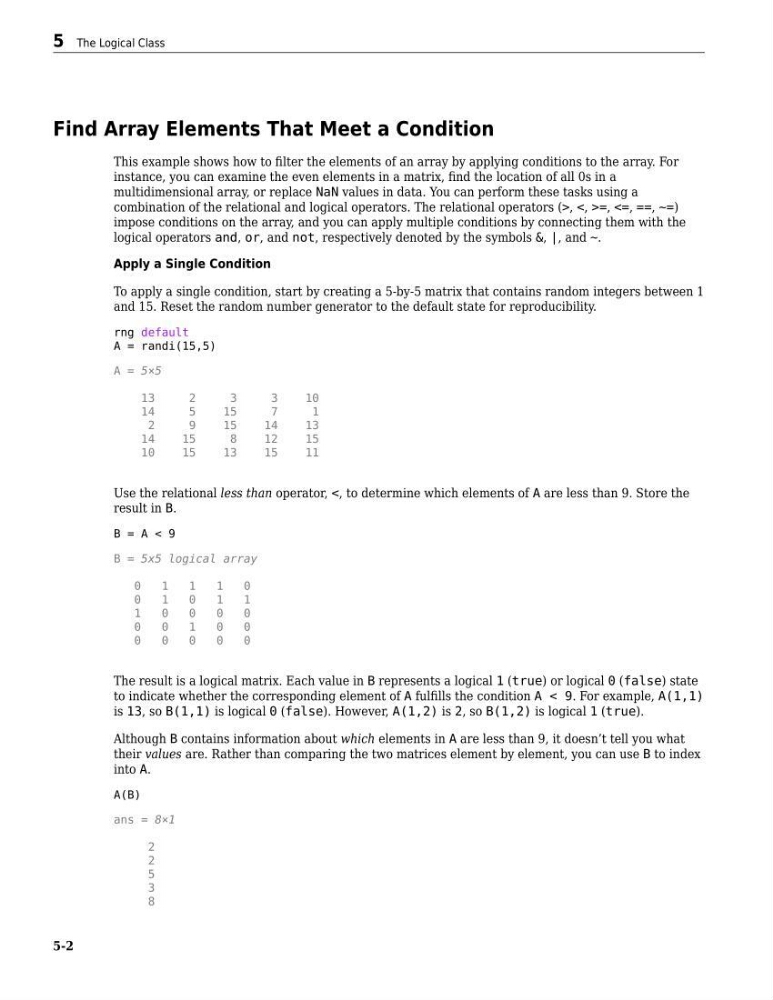
Find Array Elements That Meet a Condition
This example shows how to filter the elements of an array by applying conditions to the array. For
instance, you can examine the even elements in a matrix, find the location of all 0s in a
multidimensional array, or replace NaN values in data. You can perform these tasks using a
combination of the relational and logical operators. The relational operators (>, <, >=, <=, ==, ~=)
impose conditions on the array, and you can apply multiple conditions by connecting them with the
logical operators and, or, and not, respectively denoted by the symbols &, |, and ~.
Apply a Single Condition
To apply a single condition, start by creating a 5-by-5 matrix that contains random integers between 1
and 15. Reset the random number generator to the default state for reproducibility.
rng default
A = randi(15,5)
A = 5×5
13
2
3
3
10
14
5
15
7
1
2
9
15
14
13
14
15
8
12
15
10
15
13
15
11
Use the relational less than operator, <, to determine which elements of A are less than 9. Store the
result in B.
B = A < 9
B = 5x5 logical array
0
1
1
1
0
0
1
0
1
1
1
0
0
0
0
0
0
1
0
0
0
0
0
0
0
The result is a logical matrix. Each value in B represents a logical 1 (true) or logical 0 (false) state
to indicate whether the corresponding element of A fulfills the condition A < 9. For example, A(1,1)
is 13, so B(1,1) is logical 0 (false). However, A(1,2) is 2, so B(1,2) is logical 1 (true).
Although B contains information about which elements in A are less than 9, it doesn’t tell you what
their values are. Rather than comparing the two matrices element by element, you can use B to index
into A.
A(B)
ans = 8×1
2
2
5
3
8
5 The Logical Class
5-2
This example shows how to filter the elements of an array by applying conditions to the array. For
instance, you can examine the even elements in a matrix, find the location of all 0s in a
multidimensional array, or replace NaN values in data. You can perform these tasks using a
combination of the relational and logical operators. The relational operators (>, <, >=, <=, ==, ~=)
impose conditions on the array, and you can apply multiple conditions by connecting them with the
logical operators and, or, and not, respectively denoted by the symbols &, |, and ~.
Apply a Single Condition
To apply a single condition, start by creating a 5-by-5 matrix that contains random integers between 1
and 15. Reset the random number generator to the default state for reproducibility.
rng default
A = randi(15,5)
A = 5×5
13
2
3
3
10
14
5
15
7
1
2
9
15
14
13
14
15
8
12
15
10
15
13
15
11
Use the relational less than operator, <, to determine which elements of A are less than 9. Store the
result in B.
B = A < 9
B = 5x5 logical array
0
1
1
1
0
0
1
0
1
1
1
0
0
0
0
0
0
1
0
0
0
0
0
0
0
The result is a logical matrix. Each value in B represents a logical 1 (true) or logical 0 (false) state
to indicate whether the corresponding element of A fulfills the condition A < 9. For example, A(1,1)
is 13, so B(1,1) is logical 0 (false). However, A(1,2) is 2, so B(1,2) is logical 1 (true).
Although B contains information about which elements in A are less than 9, it doesn’t tell you what
their values are. Rather than comparing the two matrices element by element, you can use B to index
into A.
A(B)
ans = 8×1
2
2
5
3
8
5 The Logical Class
5-2